



Sign-in with an email code and account protection
Turn on an email code at sign-in, and a stolen password alone is no longer enough. Your profile also lists the devices that have signed in.
What’s new
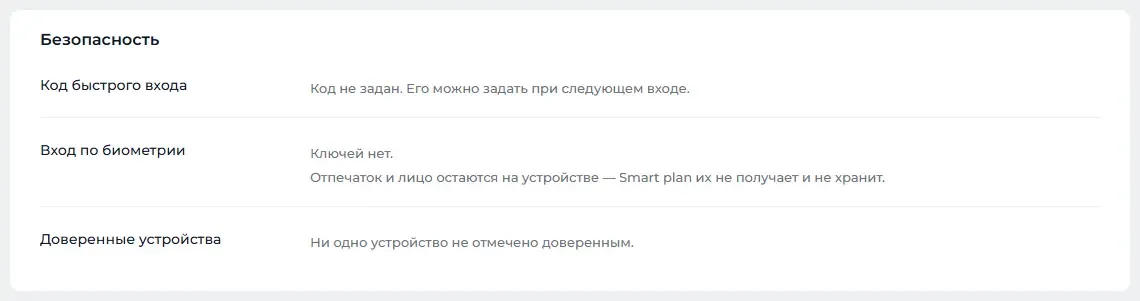
An email code can be requested at sign-in. The code can be resent. The profile now has a short code for quick sign-in, sign-in by fingerprint or face, and a list of devices that have signed in.
How it works
- Password
- Code from an email
- Signed into the dashboard
What it looks like
How to use it
- 1
Open your profile from the avatar menu.
- 2
In the "Security" block («Безопасность»), set up a quick sign-in code or biometric sign-in.
- 3
To require the code from everyone, turn on "Require a code at sign-in" («Запрашивать код при входе») in the account settings.
Setup help
We’ll help you set up and get the most out of the update
What we’ll do
- Set it up for your project
- Show your team how to use it
- Answer your questions
Setup help request