



Weconnectyourpropertyin one meeting
At the launch meeting we set up the property, load lots and prices, and put the showcase on your website.
A launch meeting, 30–60 minutes
- 01
You sign up for Smart plan
Create an account before the meeting — it takes a couple of minutes. At the meeting we work in your own account, and everything we set up stays with you.
Sign up - 02
We review your community
The implementation manager goes over phases, plots, prices and statuses, where buyers come from today and who runs sales. We set the launch goal.
- 03
We create the property and load the plots
Community name, city and address. Plots come by cadastral numbers (the master plan builds itself), from Excel, as a manual range or from a feed.
- 04
We set up payment options
We turn on mortgage, developer installments and full payment. The buyer sees the monthly payment in the plot card and in the offer.
- 05
We brand it like your company
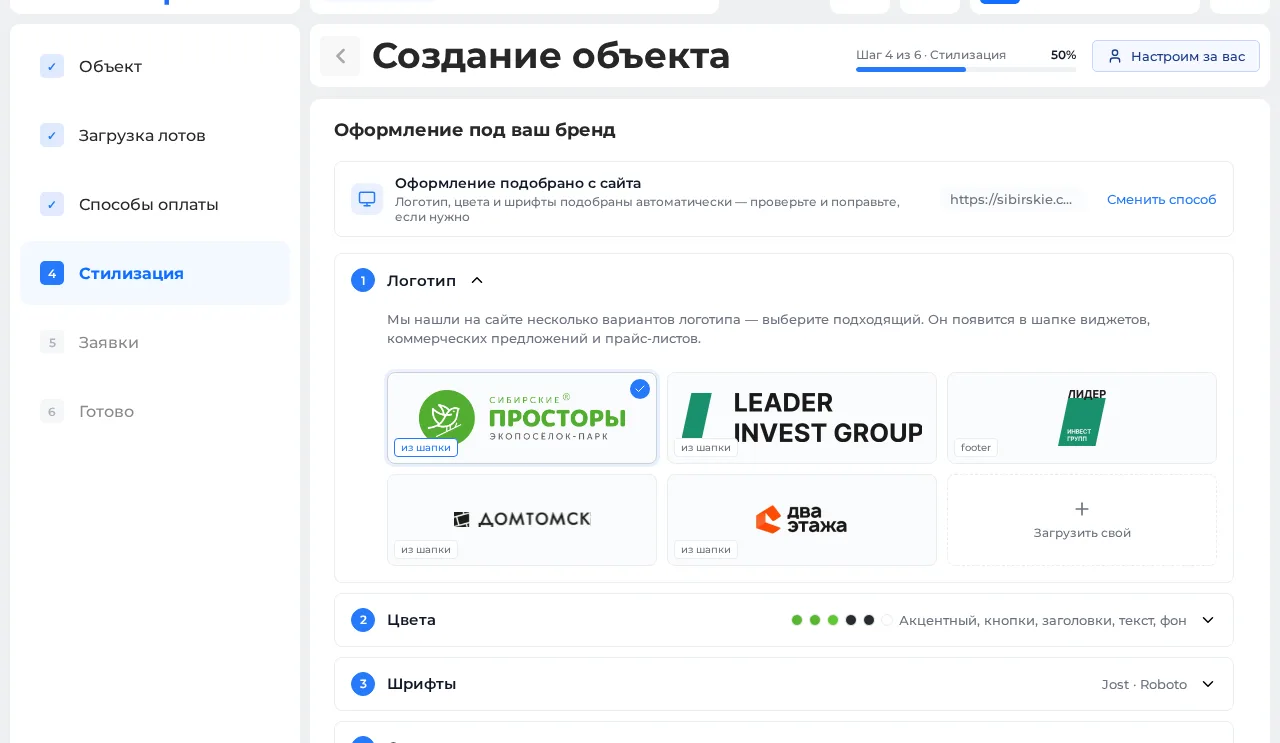
Your brand style is set up automatically: enter your website address and the system picks up the logo, colors and fonts. The master plan, offers and price lists look like your site.
- 06
We set up how requests arrive
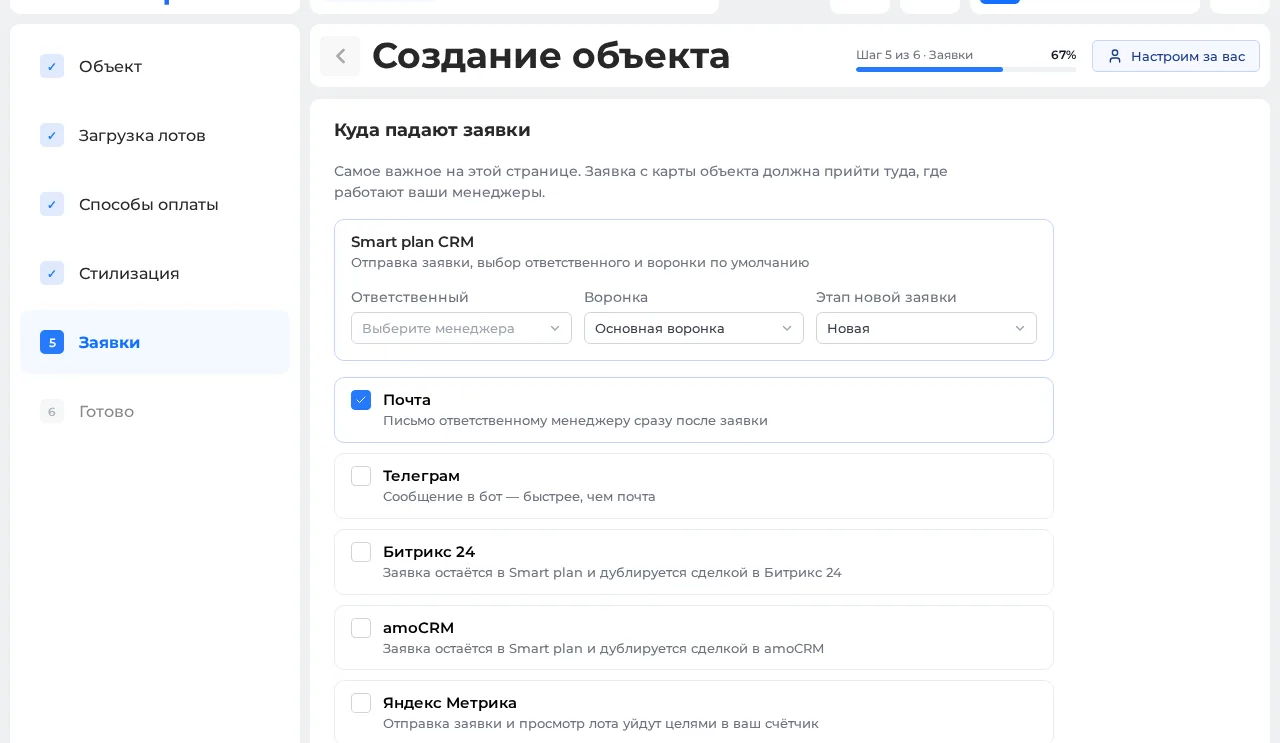
We decide where requests go: the manager in charge, email, Telegram, Bitrix24 or amoCRM.
- 07
We install the master plan on your site
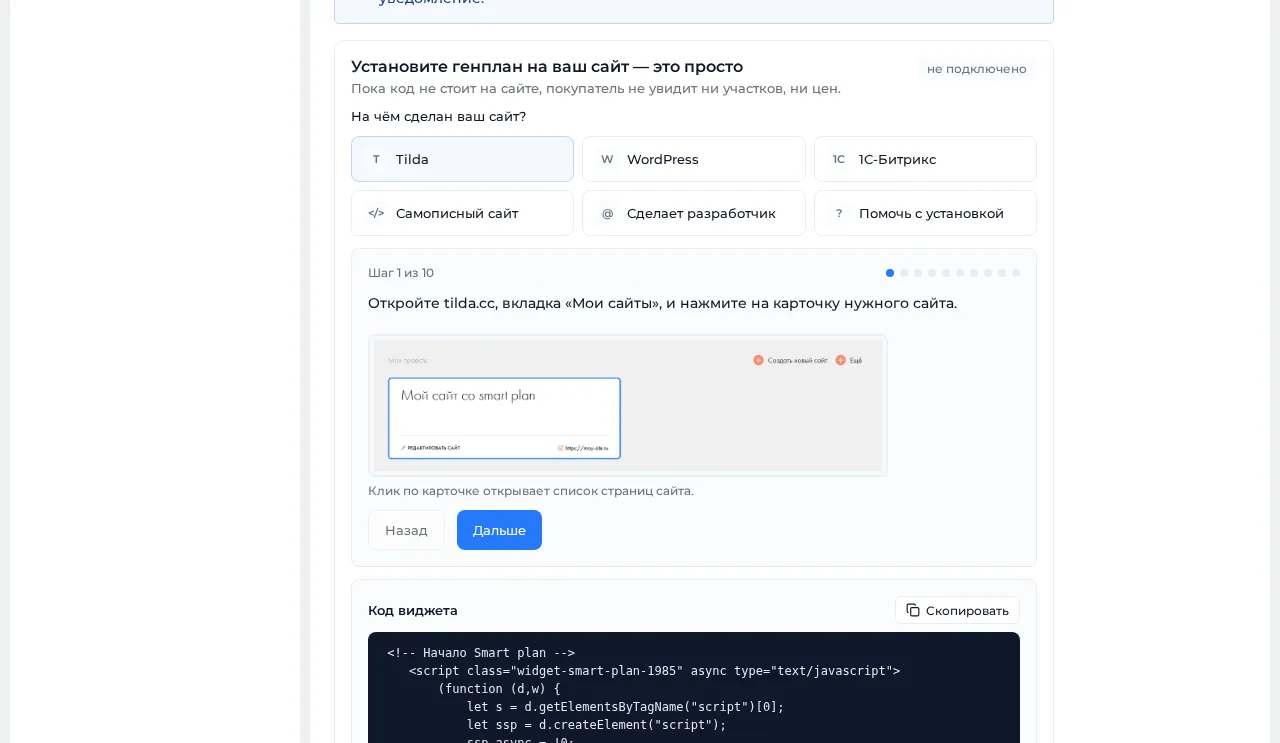
The system builds the property and we add one line of code — Tilda, WordPress, 1C-Bitrix and others. We check it together: plots, prices, request button.
- 08
We train the team
We show the person in charge how to change prices and statuses, build offers and price lists, and where to see requests. We agree on the next step.
Setting up your community — six simple steps
Like a questionnaire: answer simple questions one by one, and your community appears on your website. At the meeting we fill it in together.
-
![]()
![]()
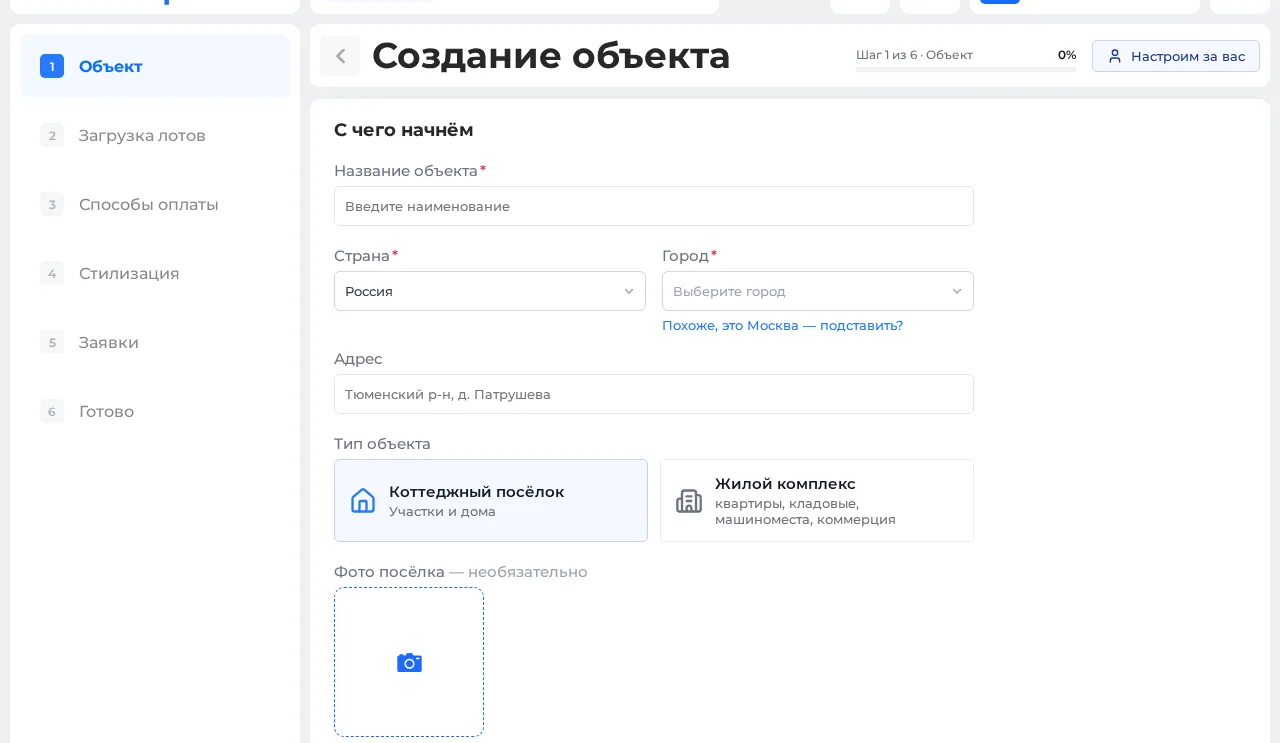
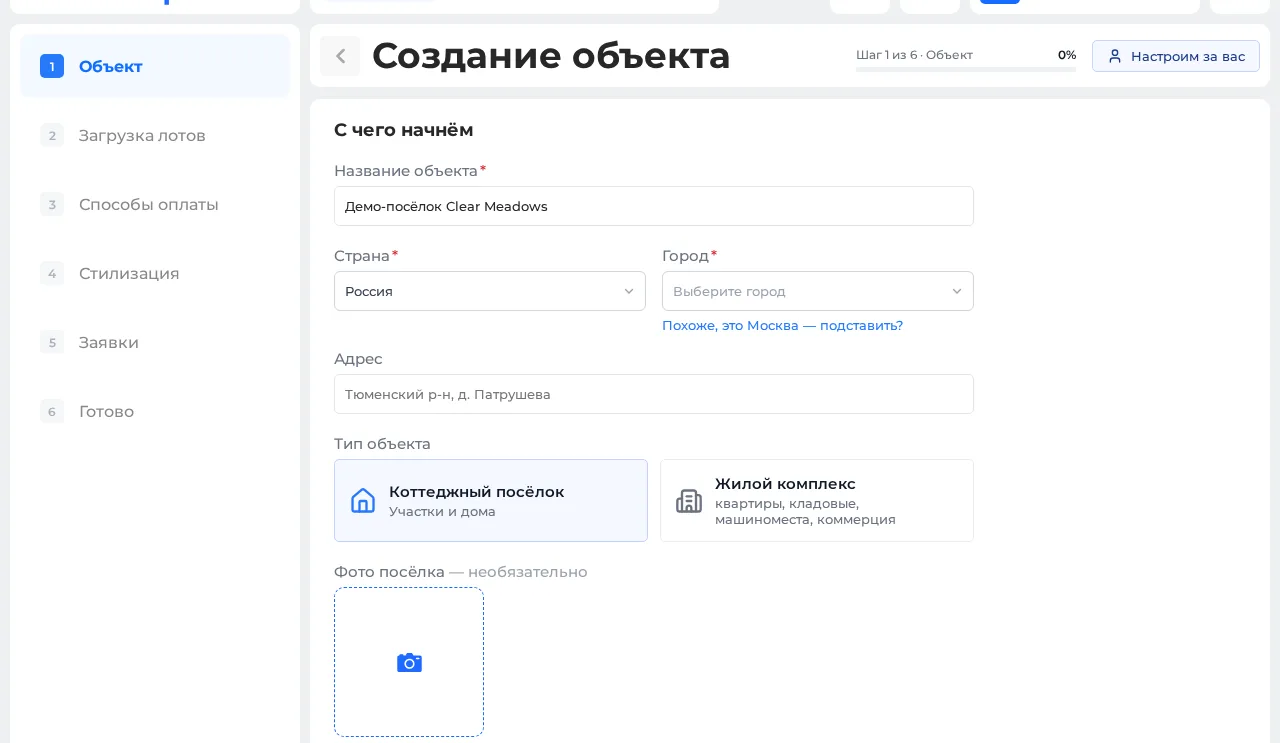
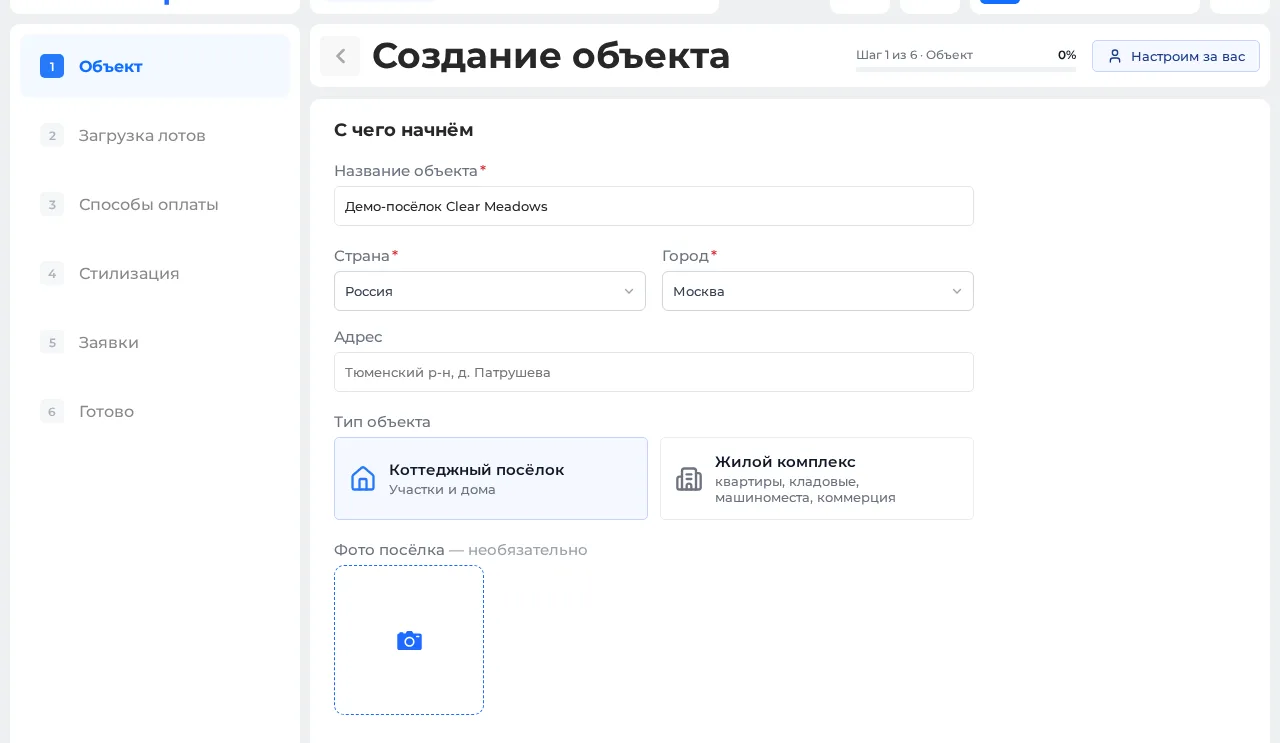
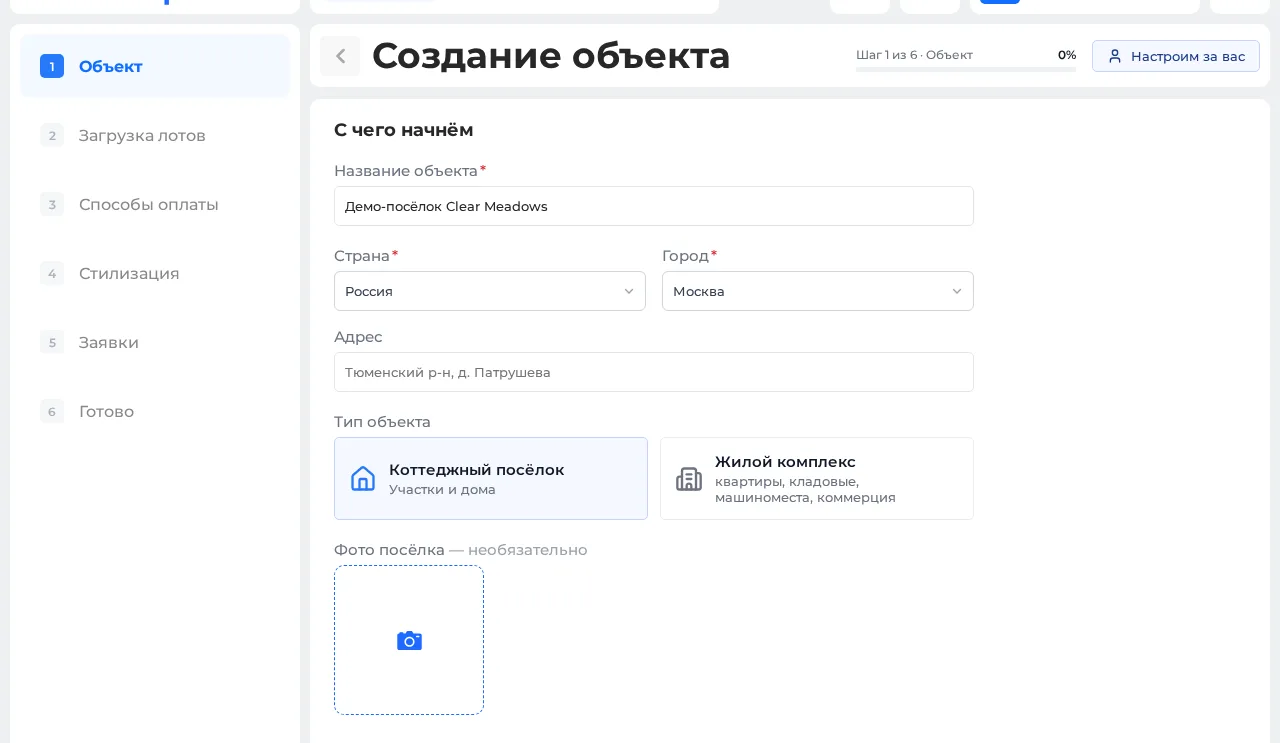
![Step 1 of the Smart plan property wizard — name, country, city and type of property]() 01
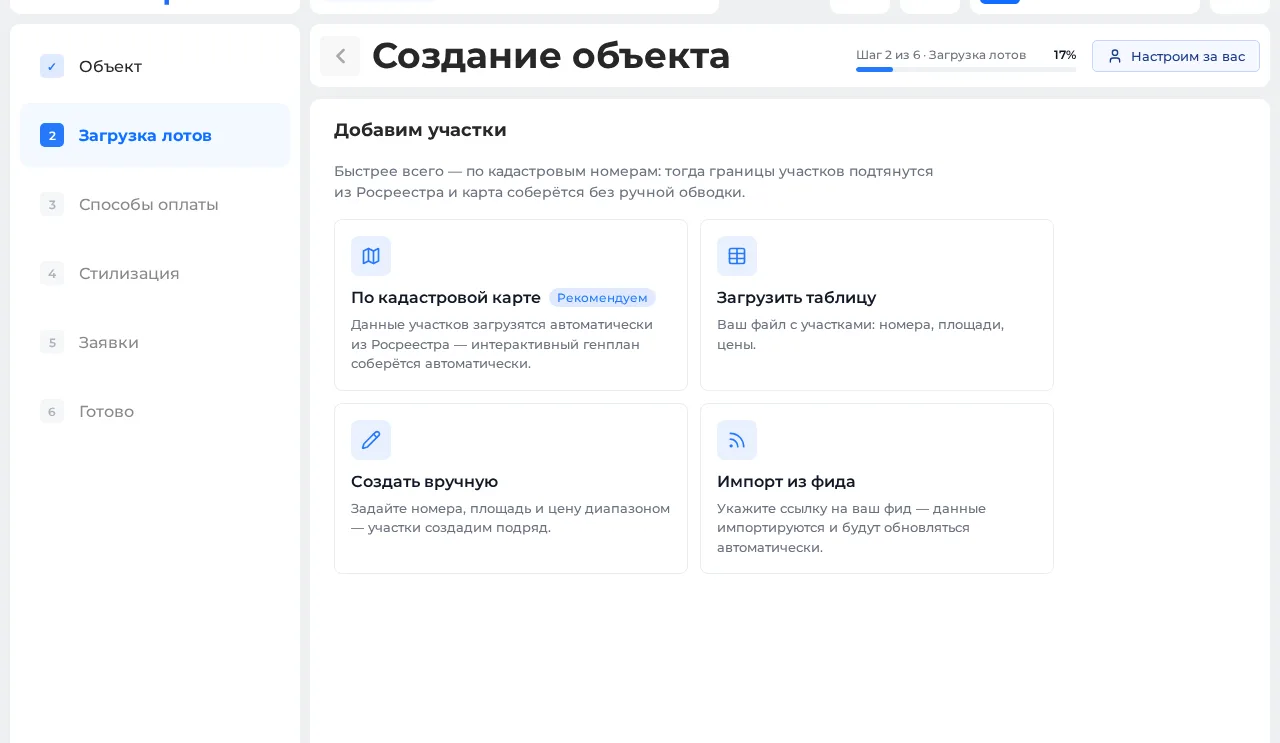
01Name, city and type
Enter the name, city and type of property — a community or an apartment complex. You can add photos for the card right away.
-
![]()
![]()
![]()
![Step 2 of the wizard — cadastral map: enter a plot number and its borders load from the land registry]() 02
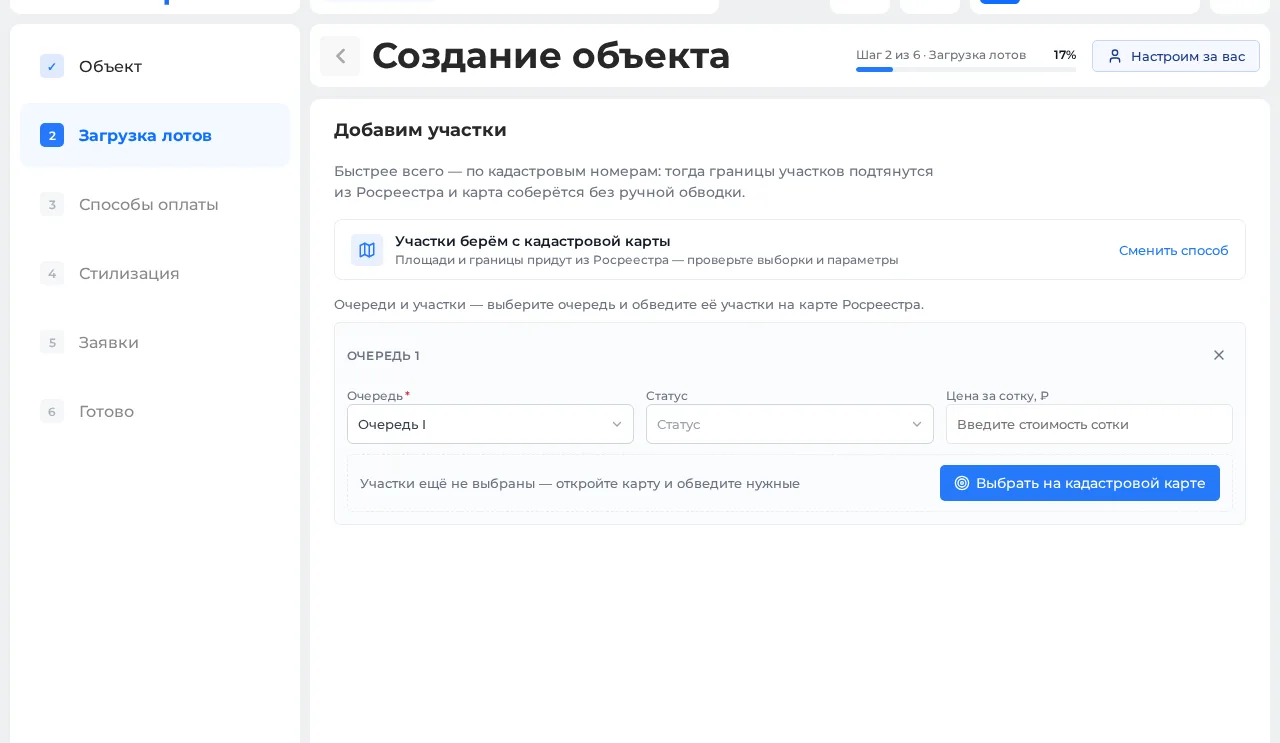
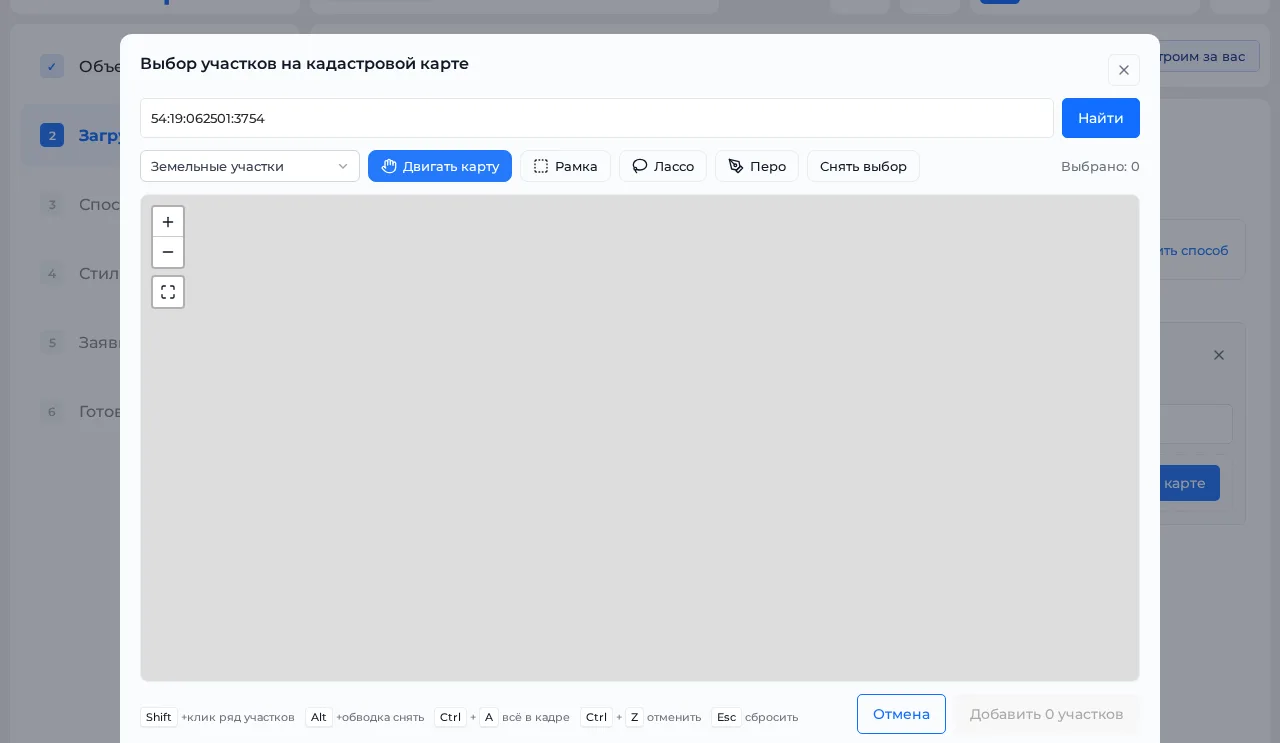
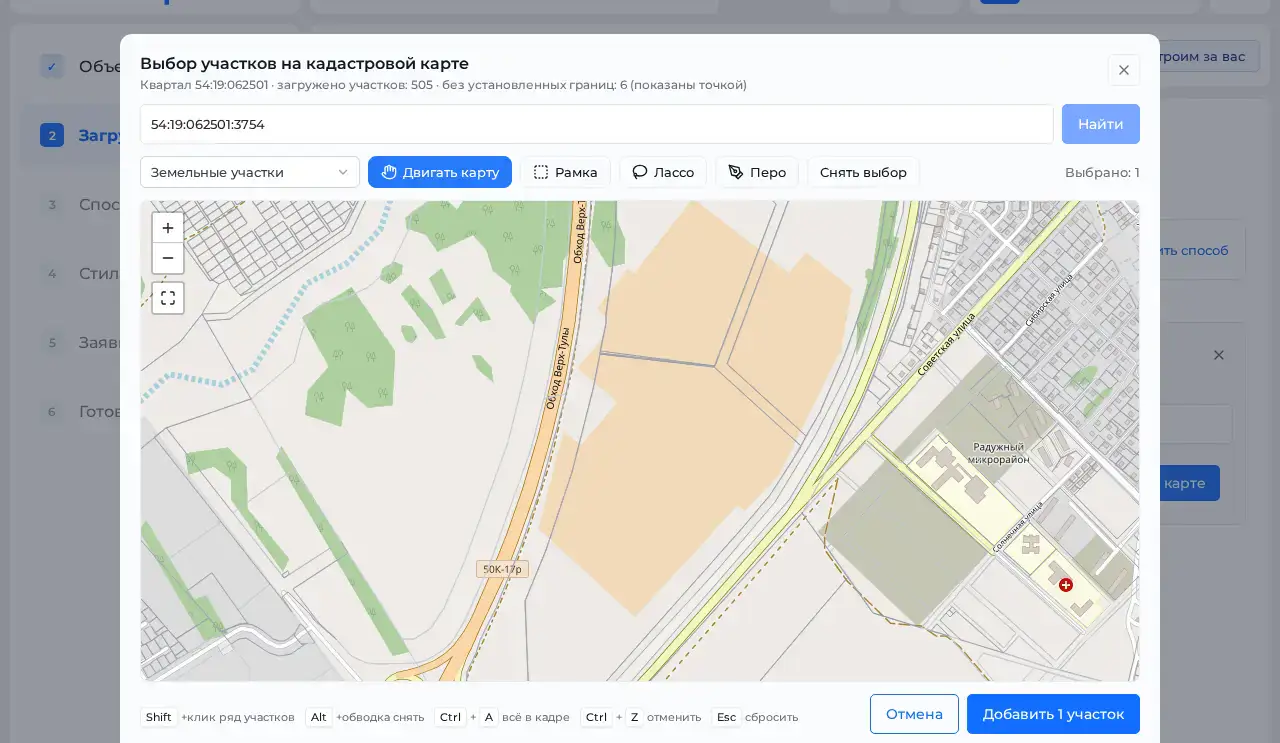
02Plots without manual tracing
Enter cadastral numbers — plot borders load from the Russian land registry automatically. Or: upload a spreadsheet, set a number range by hand, or connect a ready feed.
-
![]()
![]()
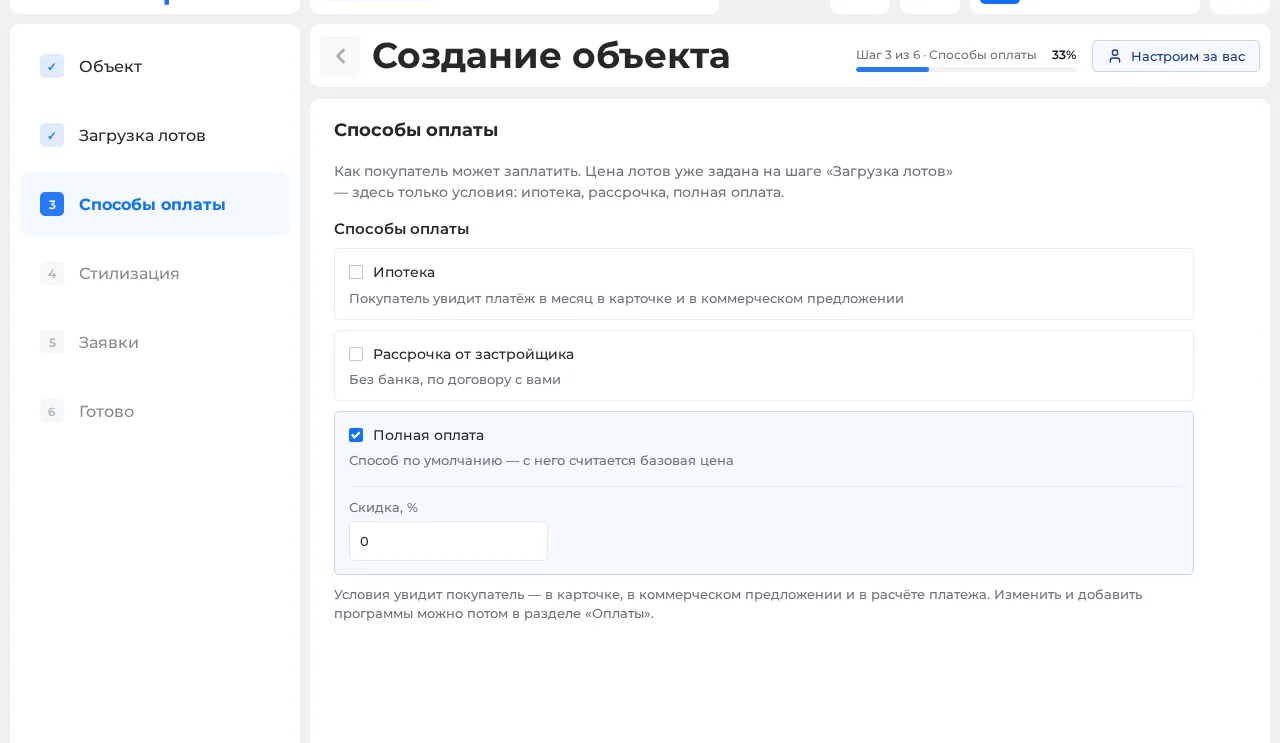
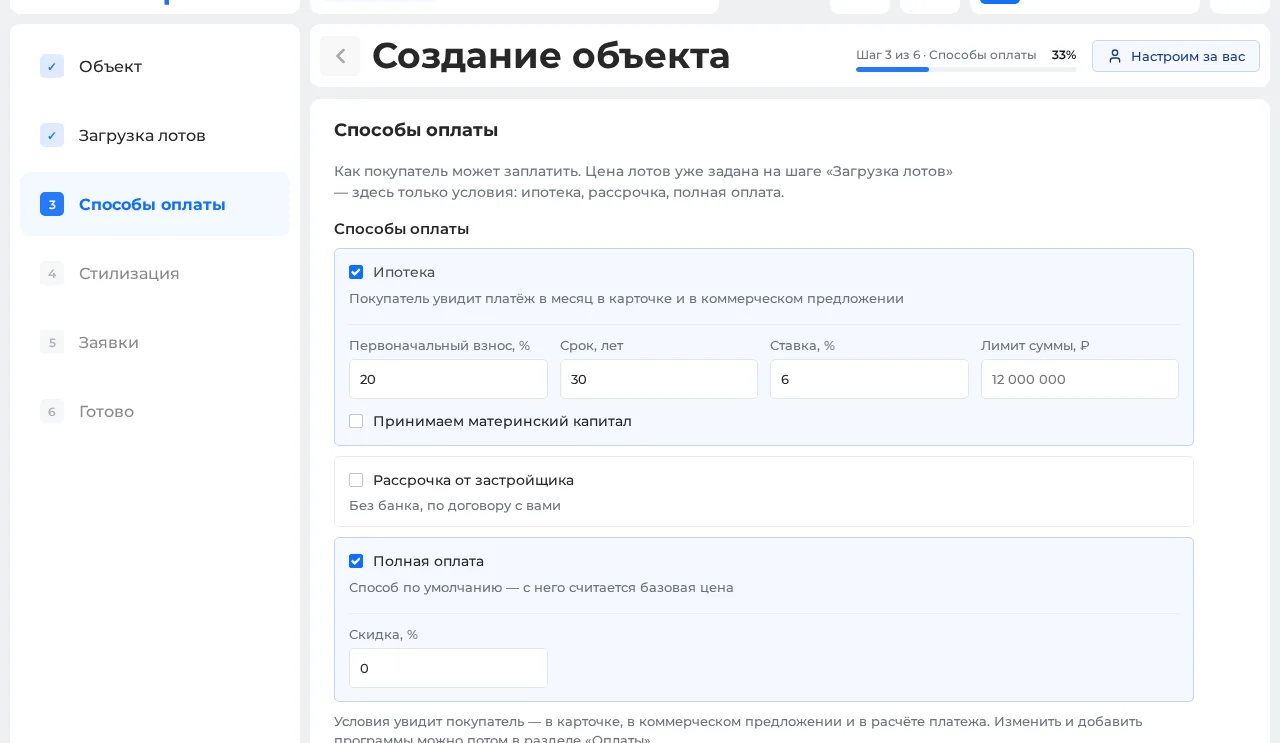
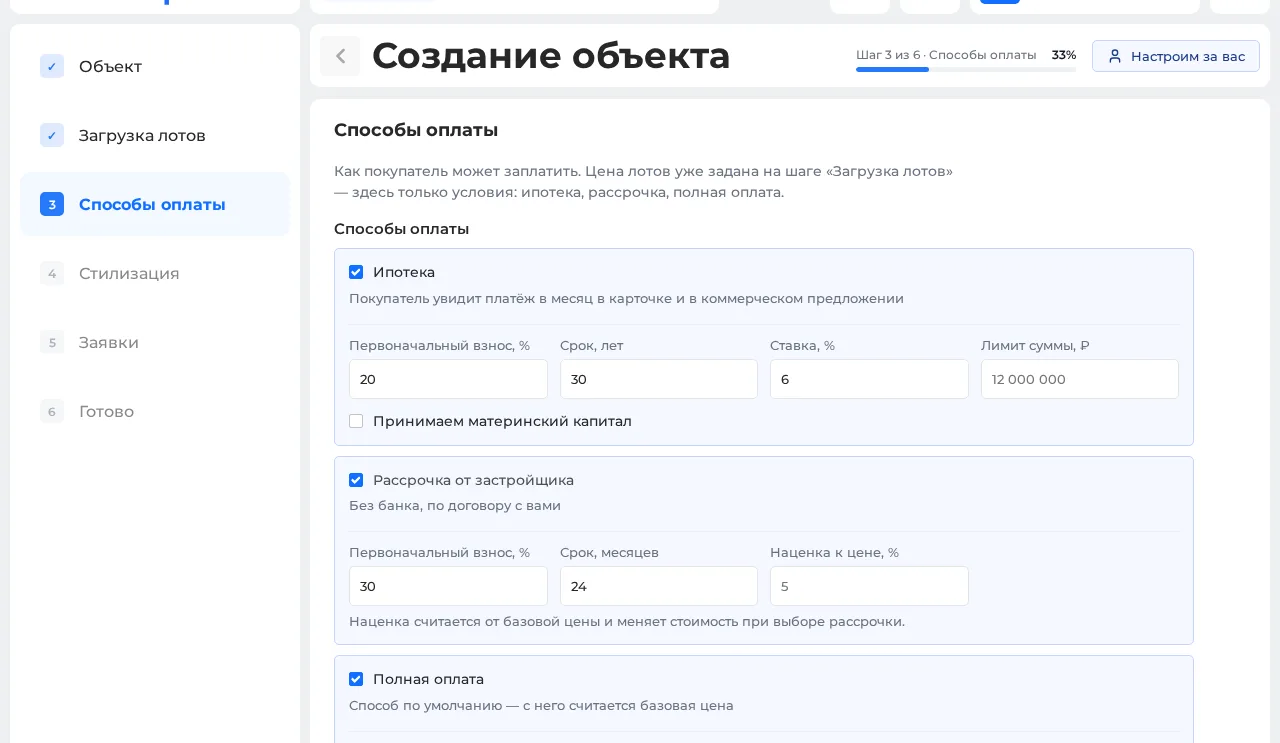
![Step 3 of the wizard — payment options: mortgage, developer instalments, full payment]() 03
03Mortgage, instalments, full payment
Mark the payment options for a buyer: rate, term and conditions for a mortgage or instalments from the developer. Lot prices are already set at the loading step.
-
![]()
![]()
![]()
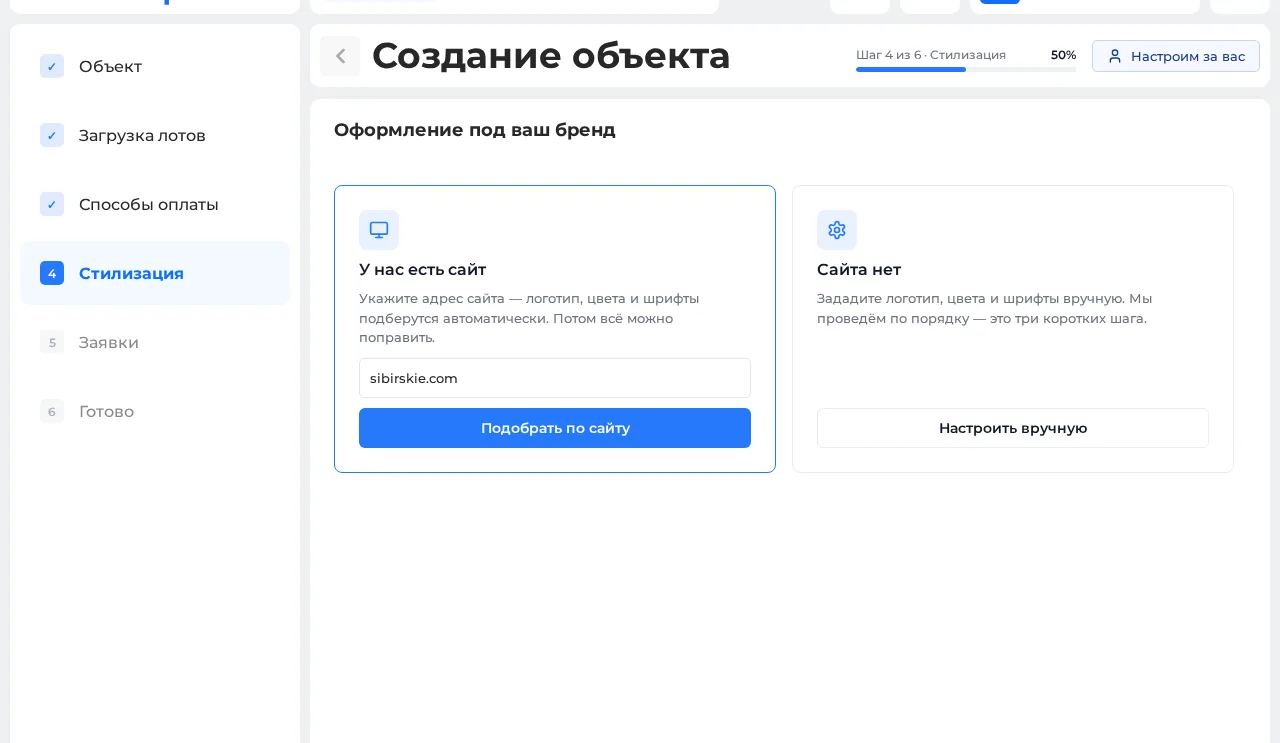
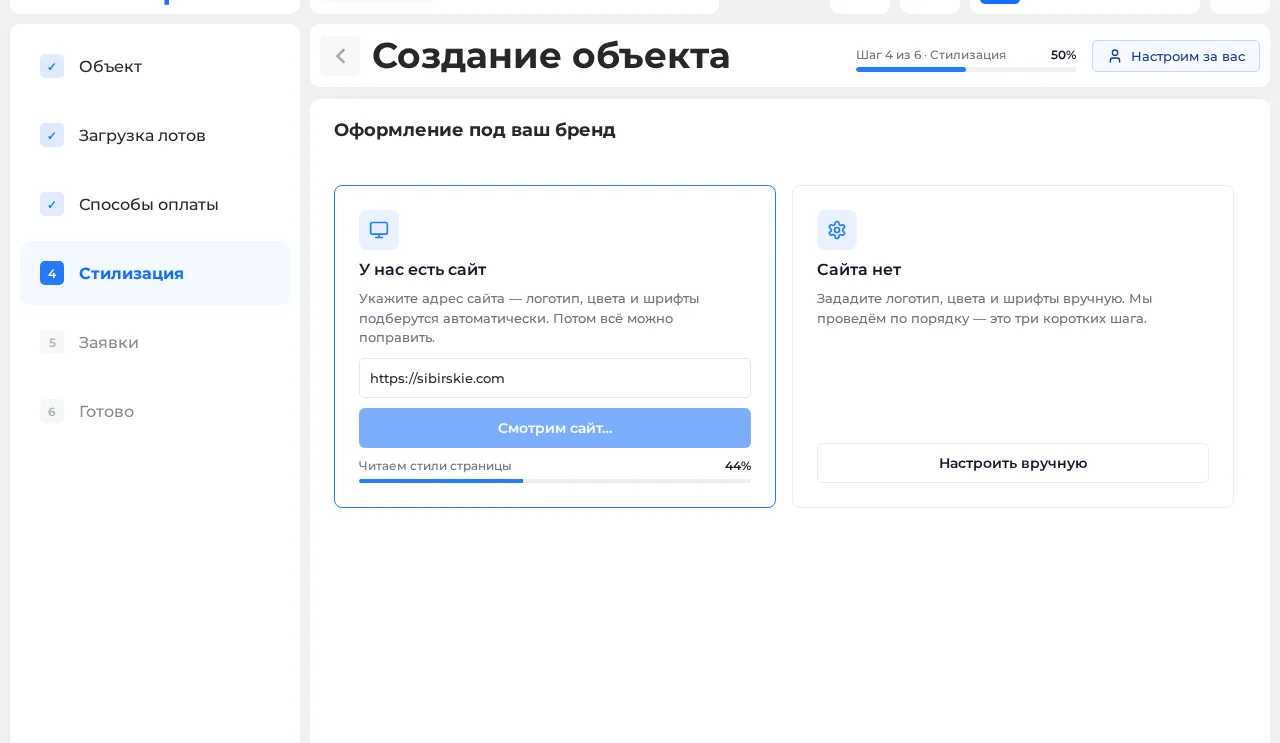
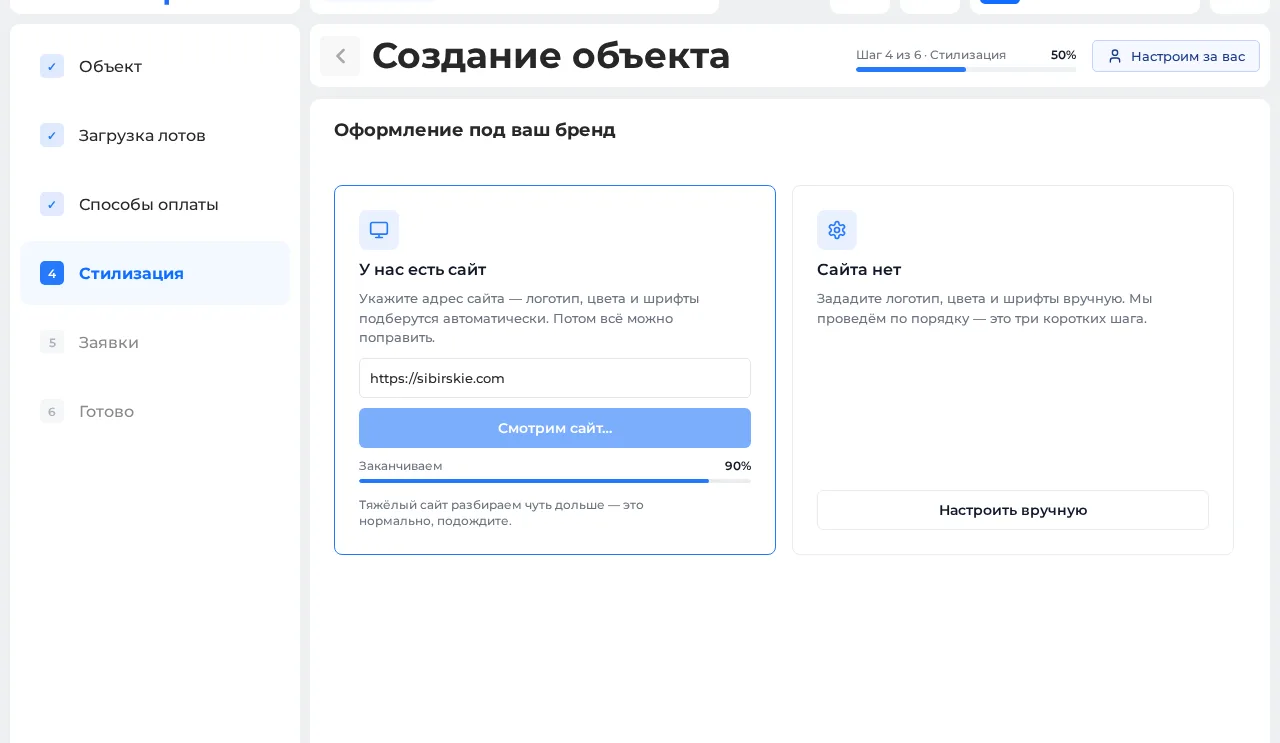
![Step 4 of the wizard — branding from the client’s site: logo, colours and fonts picked up automatically]() 04
04Branding your way
Give us your site’s address — logo, colours and fonts are picked up automatically. No site — set them by hand in a few short steps.
-
![]()
![]()
![Step 5 of the wizard — where requests land: Smart plan CRM, email, Telegram, Bitrix24, amoCRM]() 05
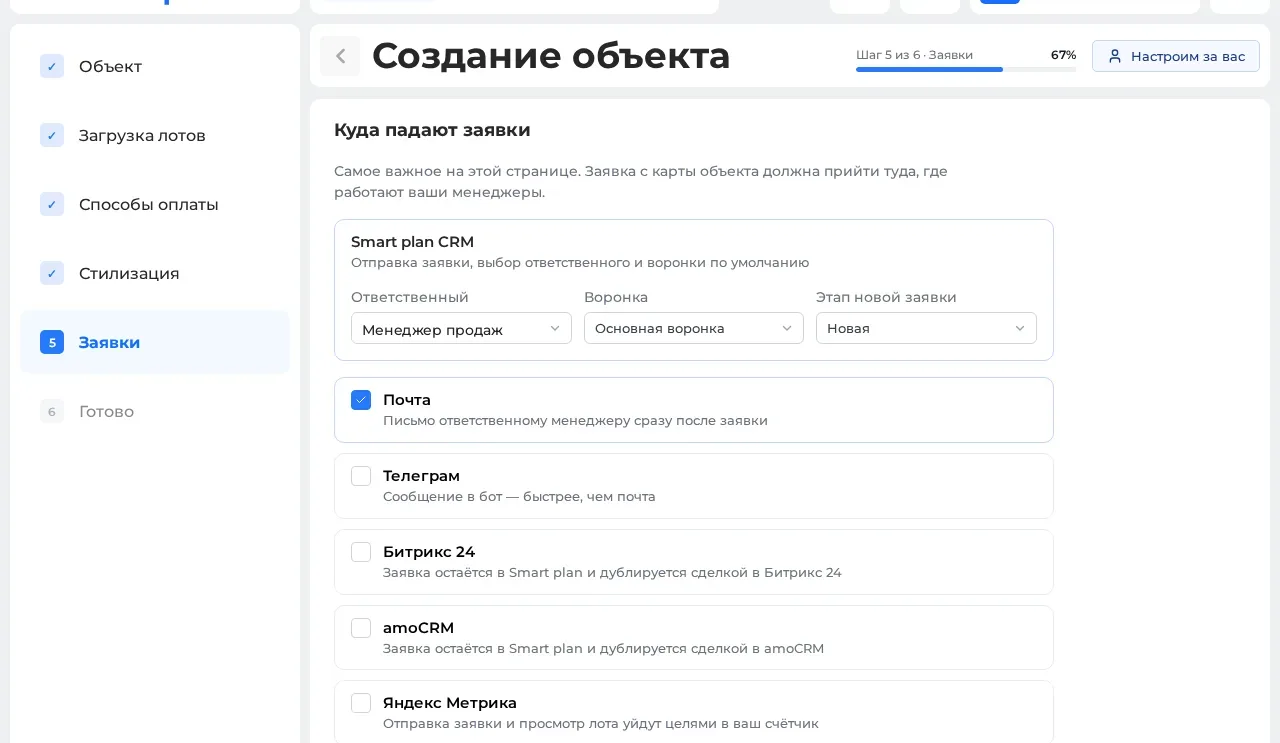
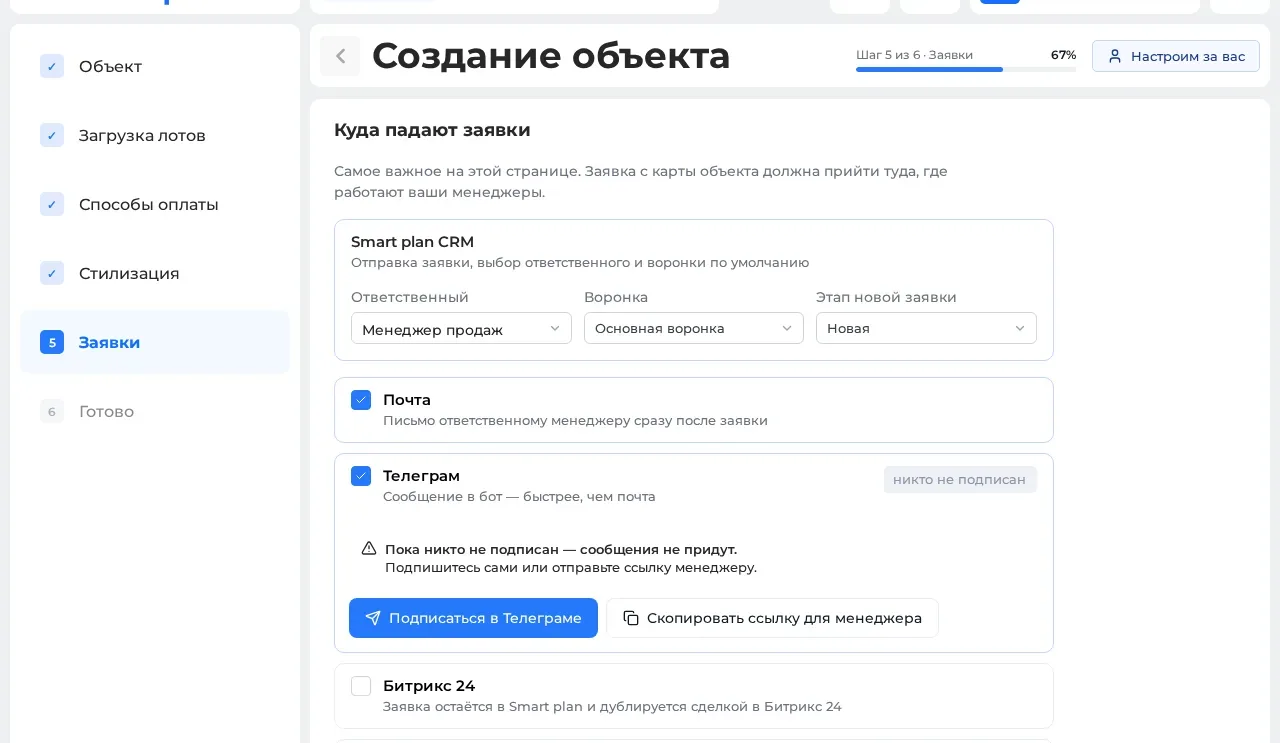
05Where requests land
Assign the responsible manager and a CRM funnel. A request can also go to email, Telegram, or duplicate into Bitrix24 and amoCRM.
-
![]()
![]()
![Step 6 of the wizard — build finished, left to do is install the master plan on your site]() 06
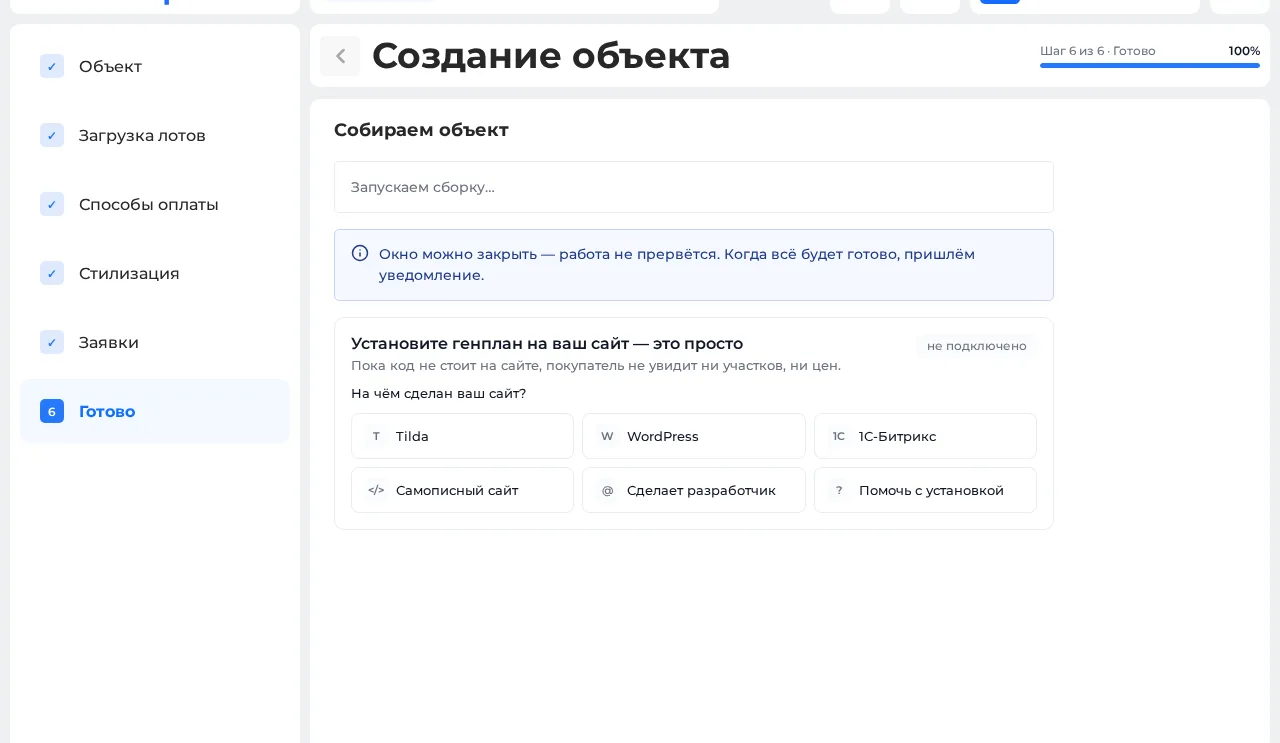
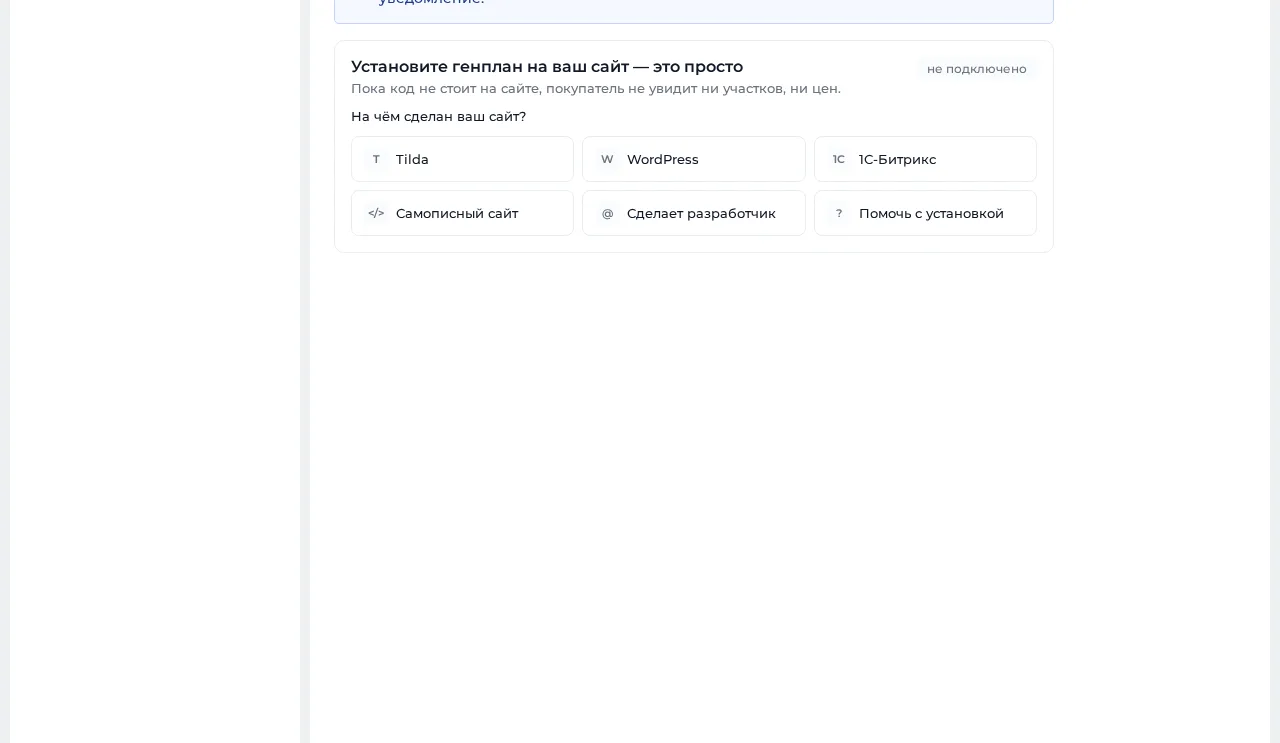
06The property builds itself
While the system creates plots and sets up widgets and documents, you can close the window — we’ll notify you. Next: put the master plan on your site.
Demo data
What to bring
-
A bird’s-eye render of the community
If you have one, we mark the plots right on it. No render? The plots are marked automatically on an interactive map.
-
A list of lots
Areas, prices and statuses: Excel or an export from your system.
-
A point of contact
The person who decides on prices and statuses.
How the launch meeting works
Didn't find an answer? Ask us — we reply within one business day.
How long does the launch meeting take?
Half an hour to an hour. In that time, the property appears in the system and the showcase goes on your website.
Can we connect on our own?
Yes, by registering at id.splan.ru — your account walks you through it step by step.
What if we already have a CRM?
Smart plan sits as a layer on top: there are ready integrations with AmoCRM and Bitrix24.
What should we bring to the meeting?
An aerial render of the community (if you have one), a list of plots with areas, prices and statuses, and a person who makes the decisions on prices and statuses.
Do you connect the CRM and listing feeds at the meeting?
No. At the meeting we set up the interactive master plan, quotes and price lists. The CRM, listing feeds and other modules come later, each at its own stage.