



Finance: budget, actuals and a payment calendar
A budget by property, planned vs actual, and your bank statement sorts itself into categories. Payment requests are collected into a payment calendar.
What’s new
A budget by category and by property — with planned and actual figures. A bank statement is uploaded and sorts itself into categories. Payment requests are collected into a payment calendar.
How it works
- Bank statement
- Expenses sorted into categories automatically
- Planned vs actual for each property
What it looks like
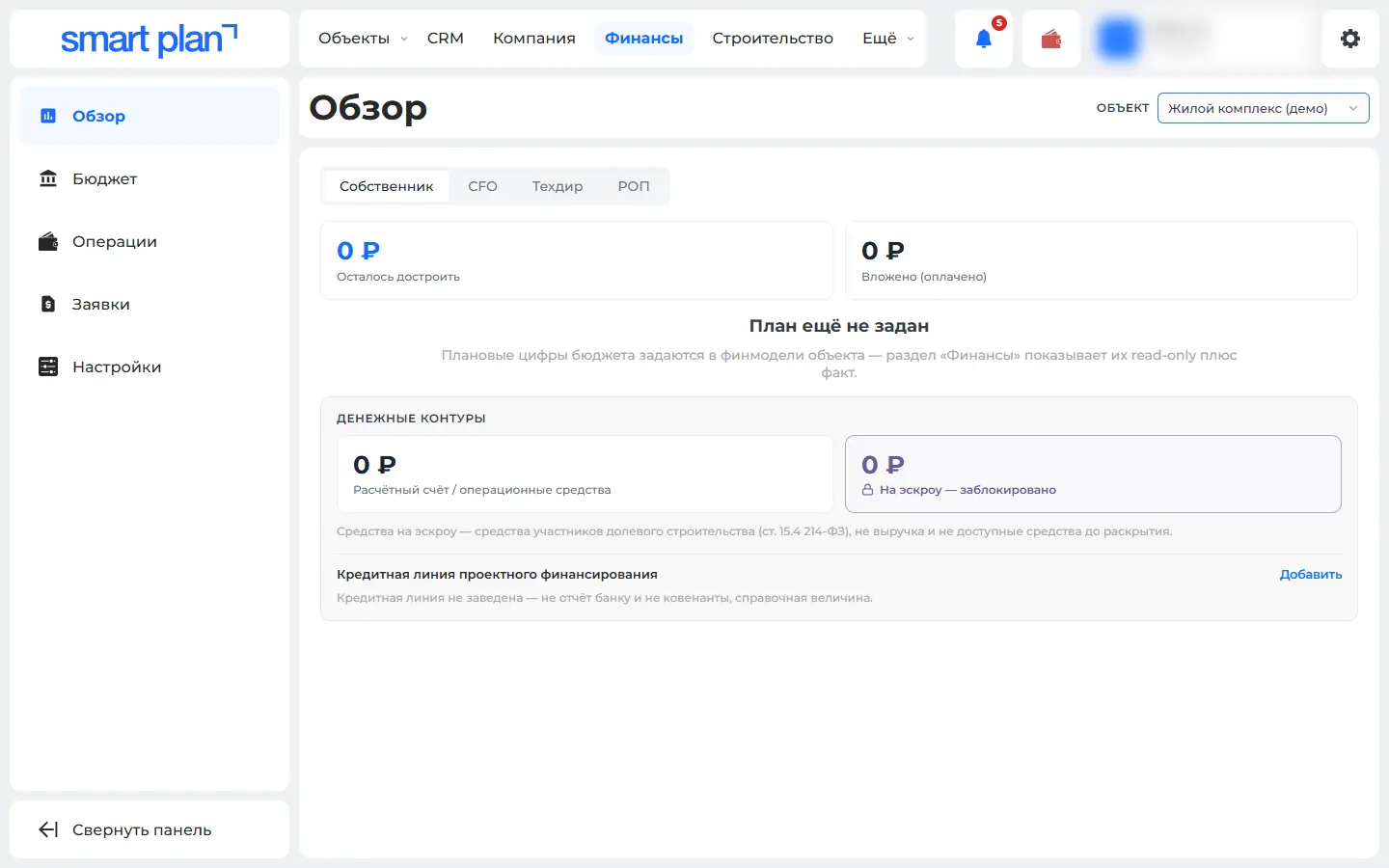
How to use it
- 1
Open the "Finance" section → "Budget" («Бюджет»).
- 2
In "Operations" («Операции»), click "Import statement" («Импорт выписки»).
- 3
Keep payment requests on the "Requests" tab («Заявки»).
Setup help
We’ll help you set up and get the most out of the update
What we’ll do
- Set it up for your project
- Show your team how to use it
- Answer your questions
Setup help request