



A commercial offer in PDF in a couple of clicks
The manager ticks lots and gets a ready PDF offer for the buyer with photos, floor plan, price and payment options, from a template in your brand style.
What’s new
The offer is built from a template: photos, floor plan, price, payment options. You set up the template once for your brand.
How it works
- Plots or apartments ticked
- Your template in your brand colors
- Ready offer in PDF
What it looks like
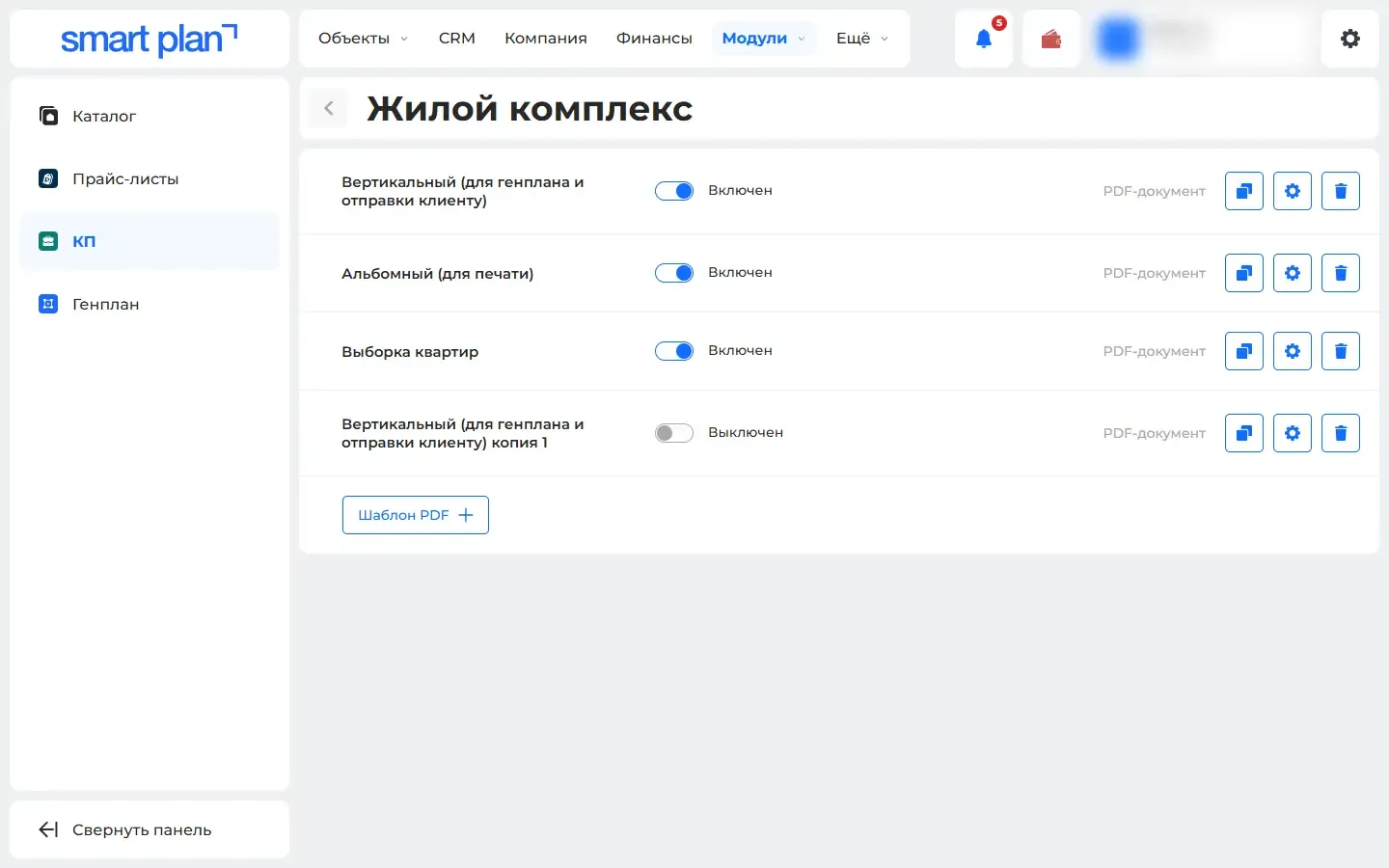
How to use it
- 1
Open "Modules" («Модули») → "Commercial offer generator" («Генератор коммерческих предложений») and create a template.
- 2
Open a property → "Plots" («Участки») or "Units" («Помещения») and tick the lots.
- 3
Choose the "Create offer" action («Сформировать КП») — the file will download.
Setup help
We’ll help you set up and get the most out of the update
What we’ll do
- Set it up for your project
- Show your team how to use it
- Answer your questions
Setup help request