



Website leads land in email and amoCRM right away
A request from the master plan or unit chart on your website goes straight to the sales team’s email and amoCRM. No one copies leads by hand.
What’s new
A request submitted on the master plan or unit chart on your website goes straight to the sales team’s email and into amoCRM.
How it works
- Buyer submits a request on the website
- Email to the sales team
- Deal created in amoCRM
What it looks like
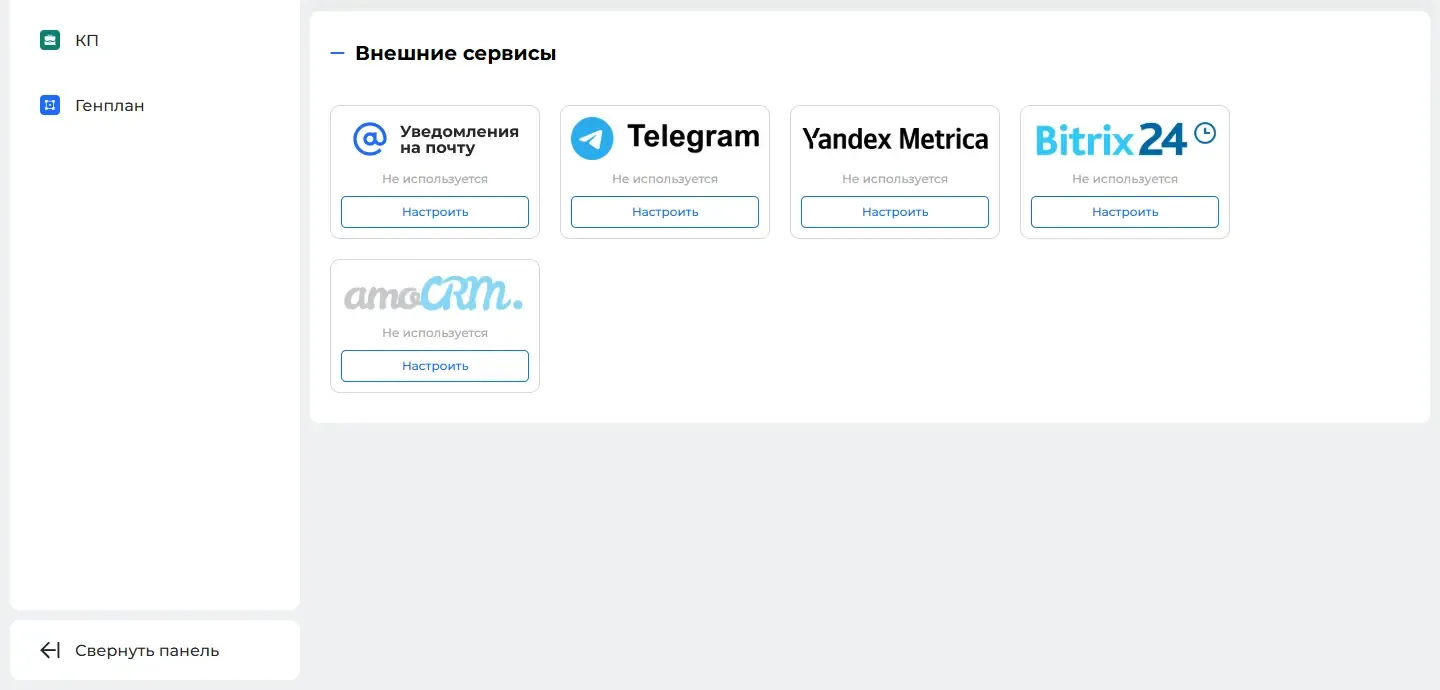
How to use it
- 1
Open "Modules" («Модули») → "Interactive master plan" («Интерактивный генплан») or "Interactive unit chart" («Интерактивная шахматка») and pick a property.
- 2
Go to the "Integrations" tab («Интеграции»).
- 3
Add the sales team’s email or amoCRM and save.
Setup help
We’ll help you set up and get the most out of the update
What we’ll do
- Set it up for your project
- Show your team how to use it
- Answer your questions
Setup help request