



A new module catalog
Every module has its own page: what it does, how to start and what it costs. It is easier to see what else to add, and modules renew without emails.
What’s new
The "Modules" section shows the modules you have turned on and all the rest. Every module has its own page: what it does, how to start, what it costs.
How it works
- Module description
- Cart
- Renewal in one click
What it looks like
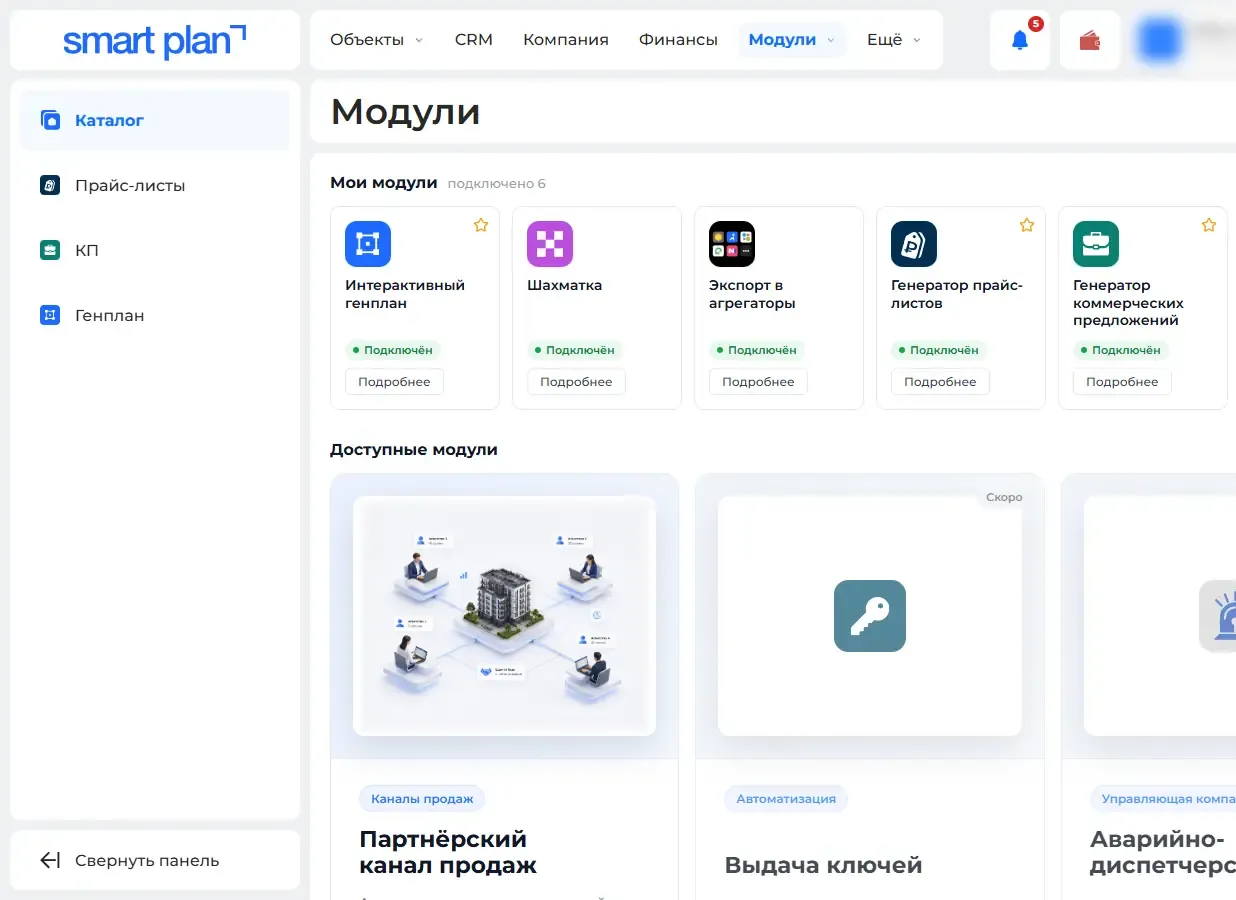
How to use it
- 1
Open "Modules" («Модули»).
- 2
Pick a module and read how it works.
- 3
Click "Renew" («Продлить») or add the module to the cart.
Setup help
We’ll help you set up and get the most out of the update
What we’ll do
- Set it up for your project
- Show your team how to use it
- Answer your questions
Setup help request