



Mortgage and installments with a monthly payment on the website
The buyer sees the monthly payment on a mortgage or installment plan on your website — with down payment, term and rate — and knows if it is affordable.
What’s new
The property now has payment options: full payment, installments and a mortgage — with a down payment, term, rate and maternity capital. The buyer sees the monthly payment on the website.
How it works
- Down payment, term and rate
- Mortgage, installments or full payment
- Monthly payment on the lot card
What it looks like
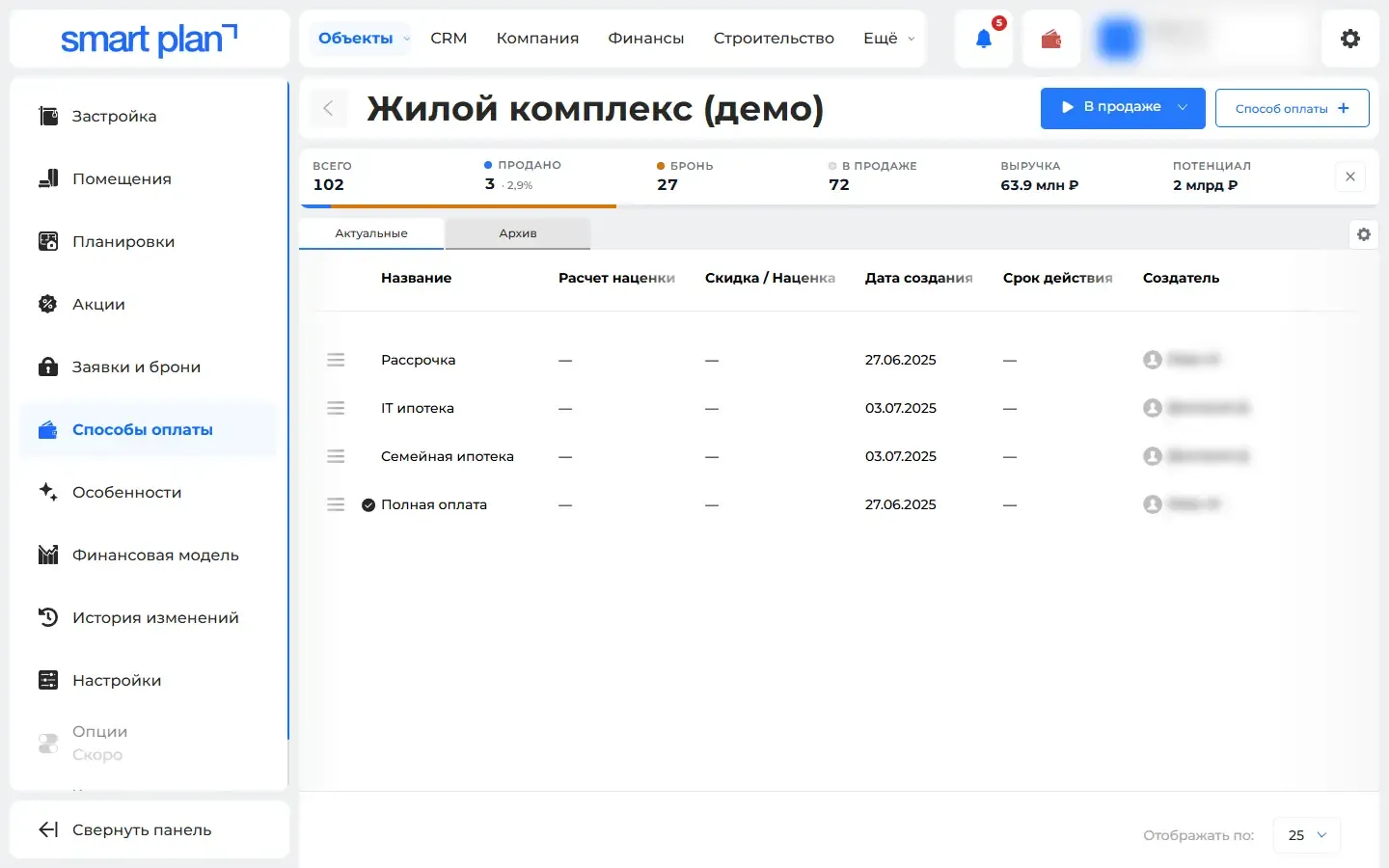
How to use it
- 1
Open a property → "Payment methods" tab («Способы оплаты»).
- 2
Add a method: type, down payment, term and rate.
- 3
Mark a method as default — it will show up on the lot card on the website.
Setup help
We’ll help you set up and get the most out of the update
What we’ll do
- Set it up for your project
- Show your team how to use it
- Answer your questions
Setup help request