



Favorites and comparison for lots on the website
Buyers heart lots on the master plan and unit chart, compare them, and send their favorites to the manager or share them by link.
What’s new
On the master plan and unit chart, the buyer marks lots with a heart, compares them side by side, and sends the favorites to the manager or shares them by link.
How it works
- The buyer marks lots they like
- Compares them side by side
- Sends them to the manager
What it looks like
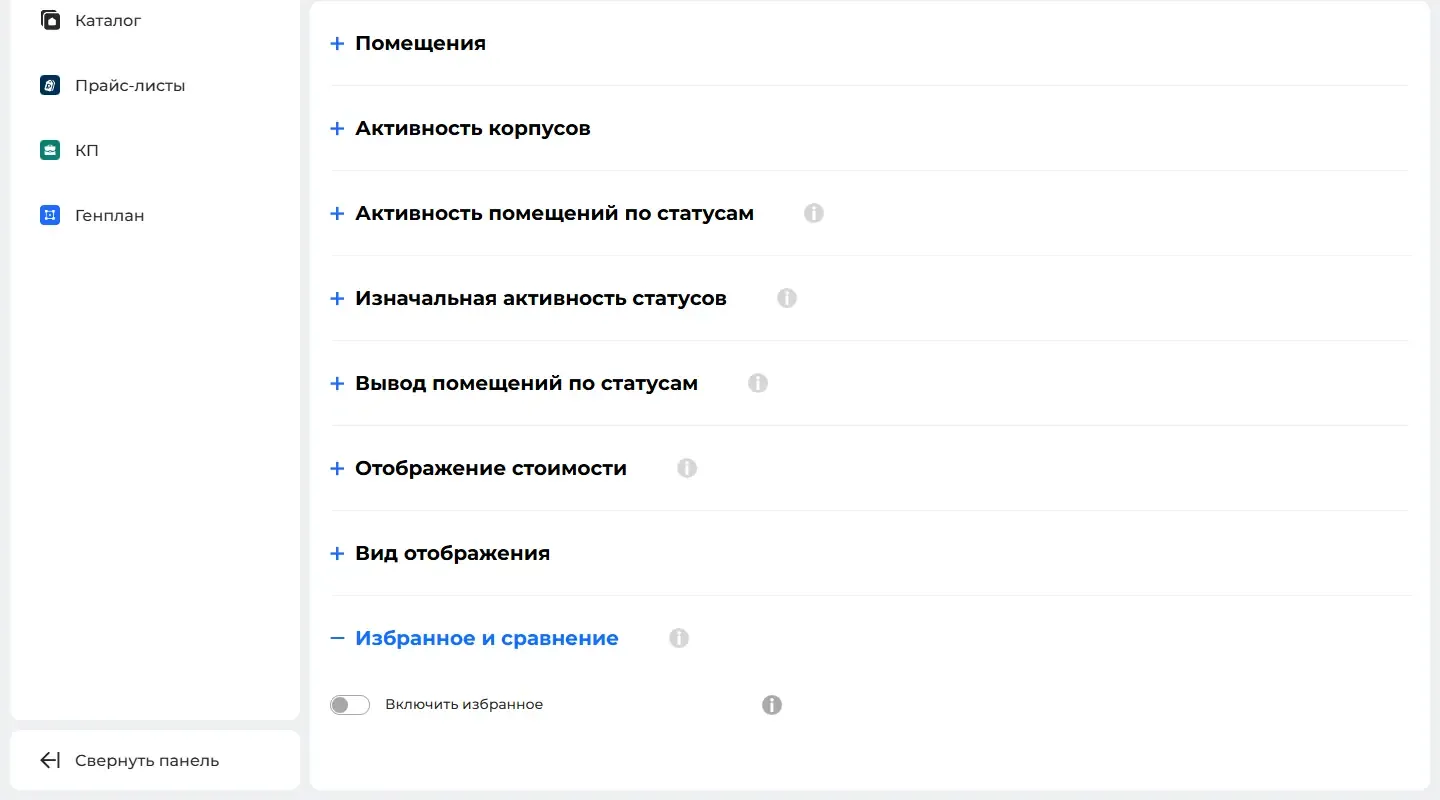
How to use it
- 1
Open "Modules" («Модули») → "Interactive master plan" («Интерактивный генплан») → a property → "Behavior" («Поведение»).
- 2
Turn on "Favorites and comparison" («Избранное и сравнение»).
- 3
Choose which lots can be marked and whether favorites can be sent.
Setup help
We’ll help you set up and get the most out of the update
What we’ll do
- Set it up for your project
- Show your team how to use it
- Answer your questions
Setup help request