



Comments can be dictated
Fields and chats now have a microphone: speak, and the text types itself. The browser recognizes speech, and the recording does not reach our server.
What’s new
Fields in cards and chats now have a microphone icon. Click it, speak, and the text gets added. The browser itself recognizes the speech — the recording never reaches the Smart plan server.
How it works
- Clicked the microphone
- Speak
- Text appears in the field
What it looks like
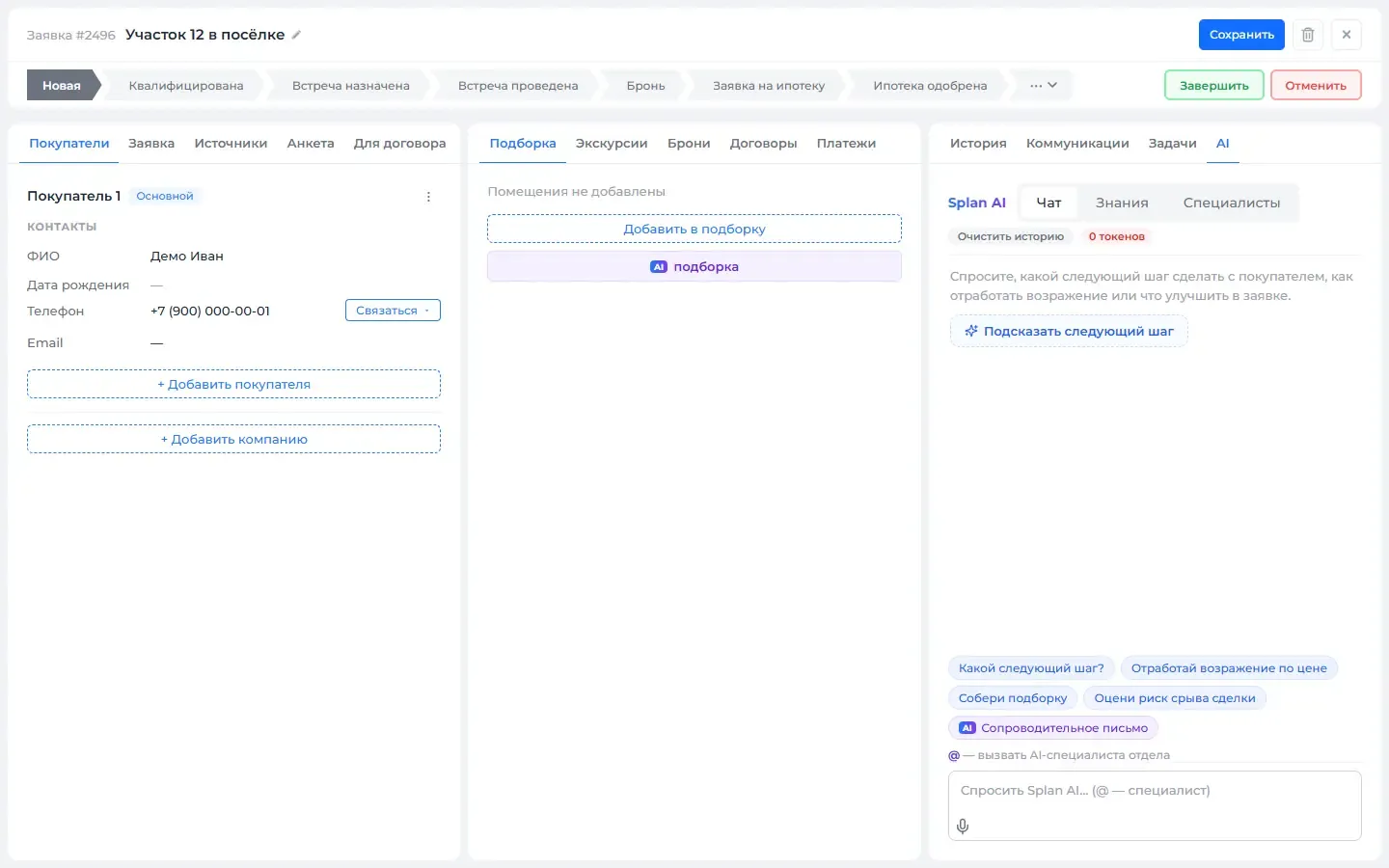
How to use it
- 1
Click the microphone icon next to a field.
- 2
Speak — the text will appear in the field.
- 3
Click it again to finish.
Setup help
We’ll help you set up and get the most out of the update
What we’ll do
- Set it up for your project
- Show your team how to use it
- Answer your questions
Setup help request