



Stock and sales: what is left and how fast it sells
See what is still for sale by plot size and room count, how fast it sells, the forecast, and how much went to discounts and who gave them.
What’s new
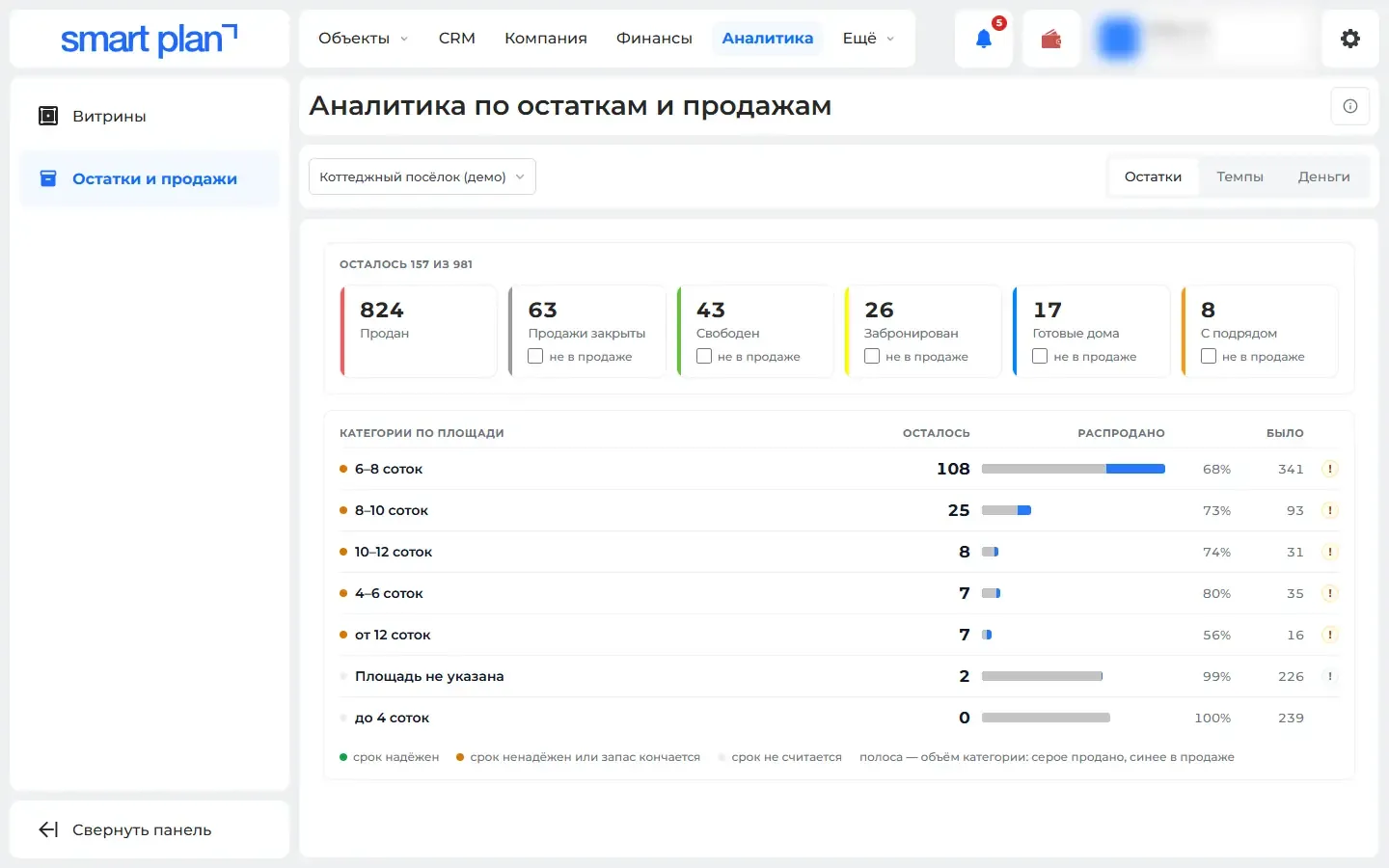
Stock is broken down into groups: plots by area, apartments by number of rooms. You see how fast things are selling, plus a forecast. Separately — discounts: how much was given, who gave it, and what sold above the price list.
How it works
- What is left
- How fast it is selling
- How much money and discounts
What it looks like
How to use it
- 1
Open "Analytics" («Аналитика») → "Stock and sales" («Остатки и продажи»).
- 2
Pick a property.
- 3
Switch between the "Stock" («Остатки»), "Pace" («Темпы») and "Money" («Деньги») tabs.
Setup help
We’ll help you set up and get the most out of the update
What we’ll do
- Set it up for your project
- Show your team how to use it
- Answer your questions
Setup help request