



Master plan settings carry over to a new property
A new property launches with the master plan, unit chart, offer and price list templates and lead settings of one you already have.
What’s new
The master plan and unit chart can be carried over from another property — along with the offer and price list templates and the lead-sending settings. One setup can be duplicated.
How it works
- A property already set up
- Master plan, offer and price list templates, lead sending
- New property
What it looks like
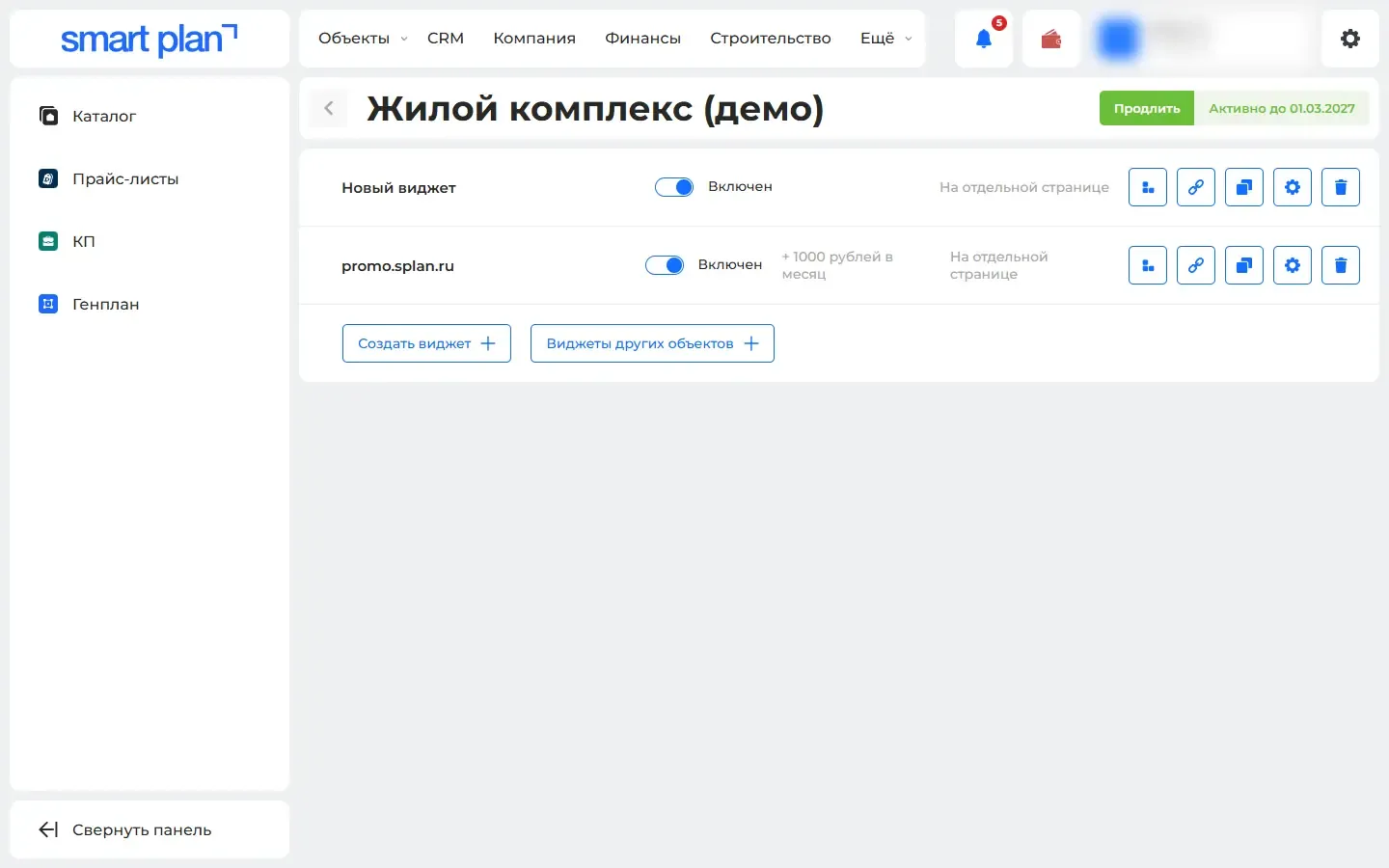
How to use it
- 1
Open "Modules" («Модули») → "Interactive master plan" («Интерактивный генплан») or "Interactive unit chart" («Интерактивная шахматка») → the new property.
- 2
On the "Widgets" tab («Виджеты»), click "Widgets from another property" («Виджеты другого объекта»).
- 3
Pick the sample property and what to carry over.
Setup help
We’ll help you set up and get the most out of the update
What we’ll do
- Set it up for your project
- Show your team how to use it
- Answer your questions
Setup help request