



The master plan on a phone no longer blocks scrolling
On a phone, you can turn off two-finger dragging of the master plan, so buyers scroll the community page freely and do not get stuck on the map.
What’s new
A new switch in the master plan settings turns off two-finger dragging of the plan on a phone.
How it works
Before
- A finger on the master plan — the page will not scroll
Now
- The page scrolls freely
- The plan is panned only when needed
What it looks like
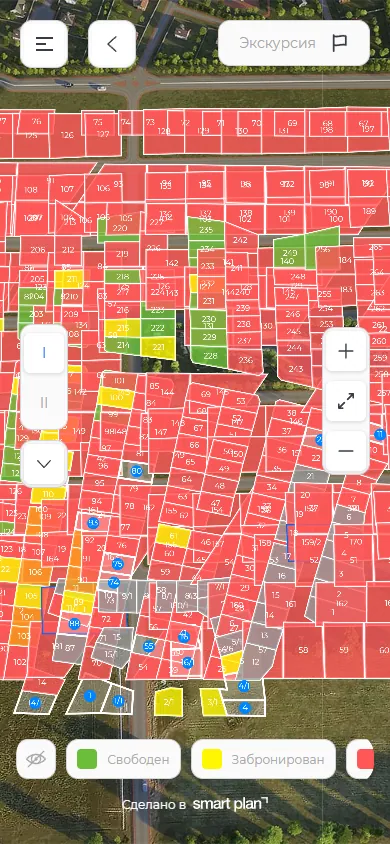
How to use it
- 1
Open "Modules" («Модули») → "Interactive master plan" («Интерактивный генплан») → a property.
- 2
Go to the "Behavior" tab («Поведение»).
- 3
Turn on "Disable two-finger panning on mobile" («Отключить перемещение двумя пальцами на мобильной версии»).
Setup help
We’ll help you set up and get the most out of the update
What we’ll do
- Set it up for your project
- Show your team how to use it
- Answer your questions
Setup help request