A single source of data: what an Excel unit chart really costs a developer
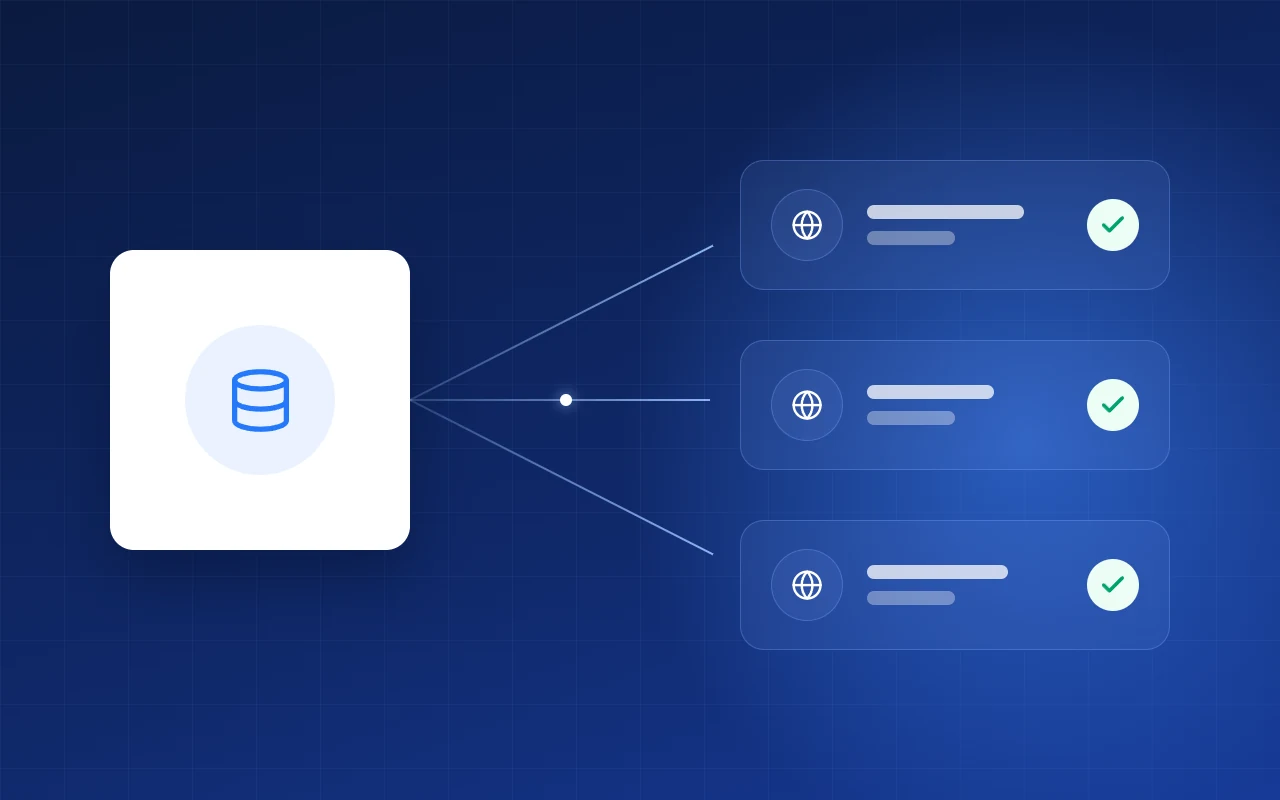
Change a plot’s status once and it updates in the master plan, price list, proposals and portals. And you can see who did it.
Where do you change a status?
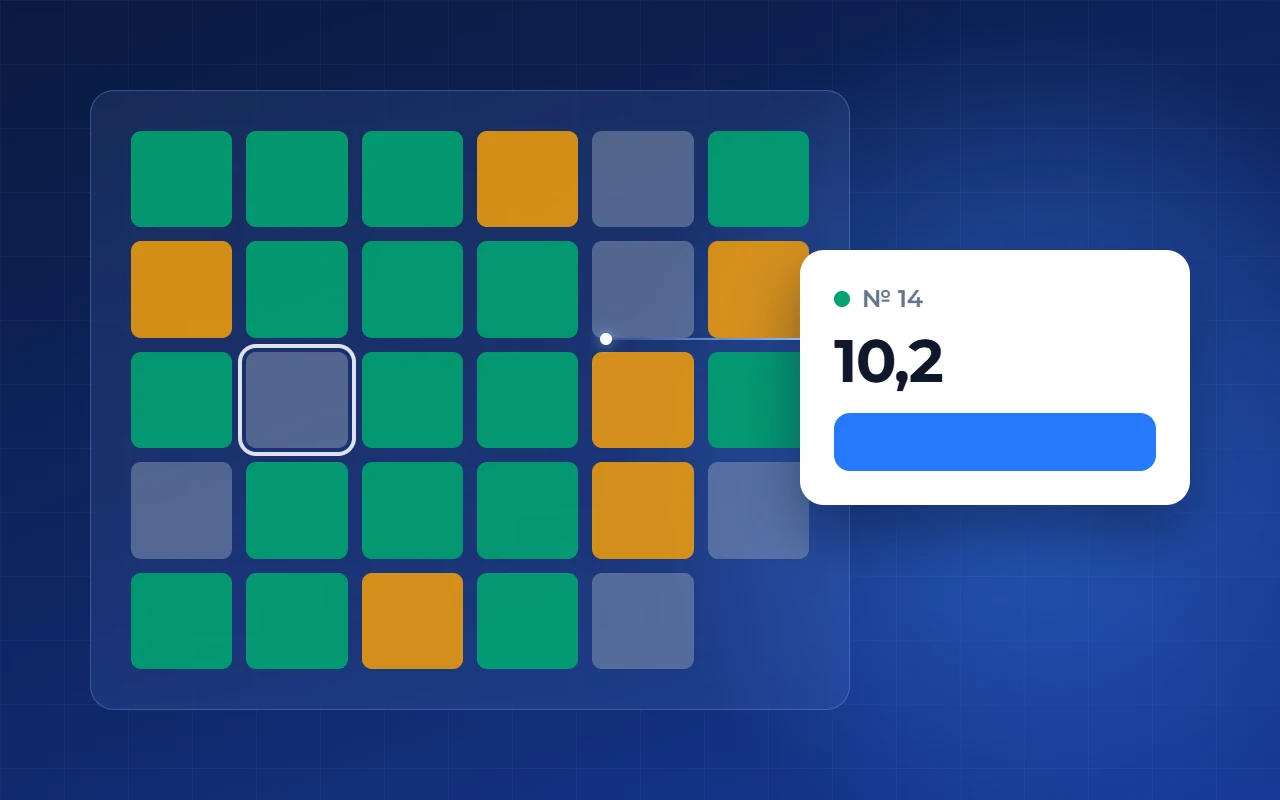
Once, in the property’s plots table. Nowhere else do you edit by hand.
- 1Change it here, once
- 2Promotion — same place
What does the buyer see?
The website master plan reads statuses from the same database. Booked or sold, the plot is instantly taken for everyone.
- 1Free plots by phase
- 2Status filter
- 3Price list with current prices
Who changed it, and when?
Every edit to a plot or house project is logged: time, employee, what was affected.
- 1When
- 2Who changed it
- 3Which plot
What does analytics count?
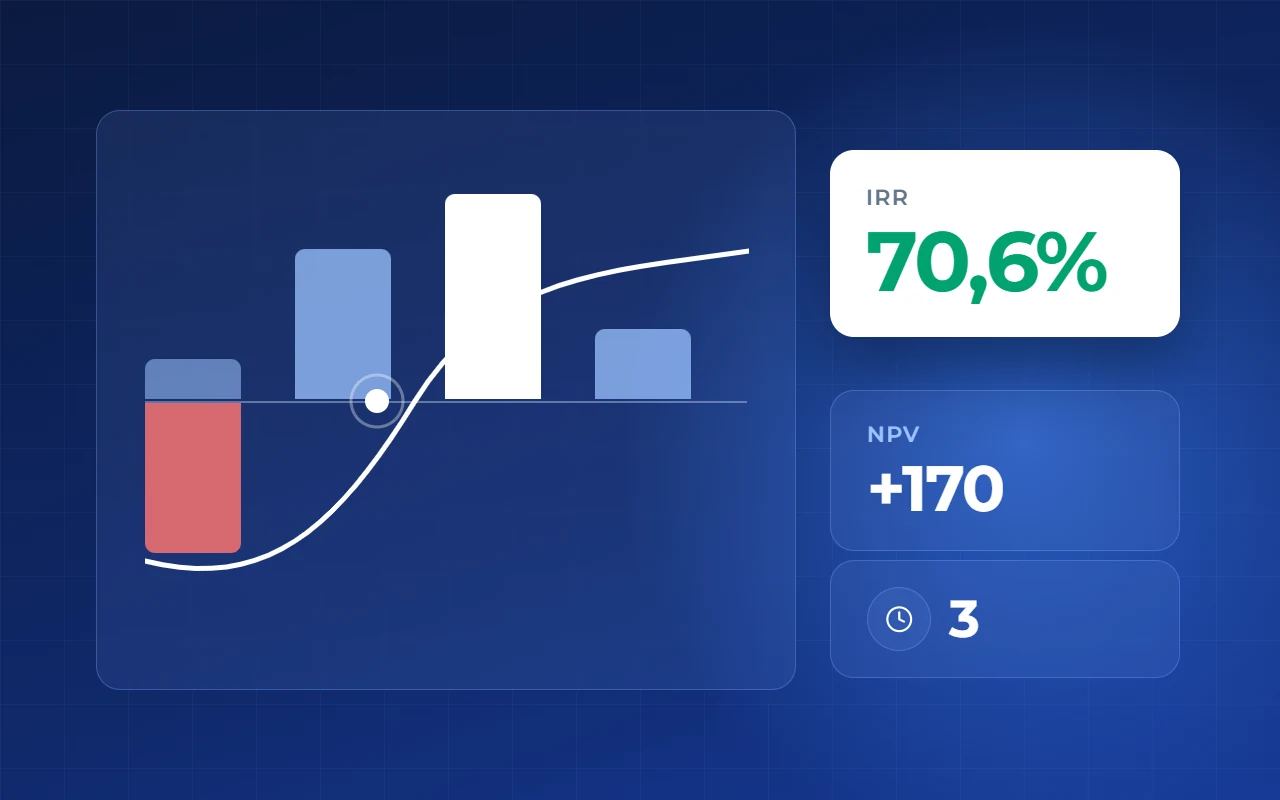
Stock and sold plots come from the same database: how many plots are left and which sizes sell slower.
- 1Stock from the shared database
- 2Which plot sizes sell slower
How to do it in Smart plan
- Step 1
Download a price list
Modules → “Price lists”, pick a property. Click “Download price list” — prices are current.
- Step 2
Build a proposal
Modules → “Proposals”, choose a PDF template. Current prices and statuses fill in automatically.
- Step 3
Connect the feed
Modules → “Export to portals”, pick a property and a portal. Sold lots drop off by themselves.