A feed for Avito and Cian: how a developer can publish listings automatically
How to make Avito and Cian listings publish by themselves and sold units come down with no manual work: where the data comes from, where to see the status, what to check.
Where does the feed get units?
From the plots table: number, area, price, status. An empty required field keeps a listing from going out, so fill everything before connecting.
- 1Unit number in the listing
- 2Status goes to the feed
How do sold units come down?
Set the status to "Sold" in the database. On the next export the listing disappears from Avito, Cian and other portals. Nothing to remove by hand.
- 1Change it here
- 2These units come down from portals
Where does the export break?
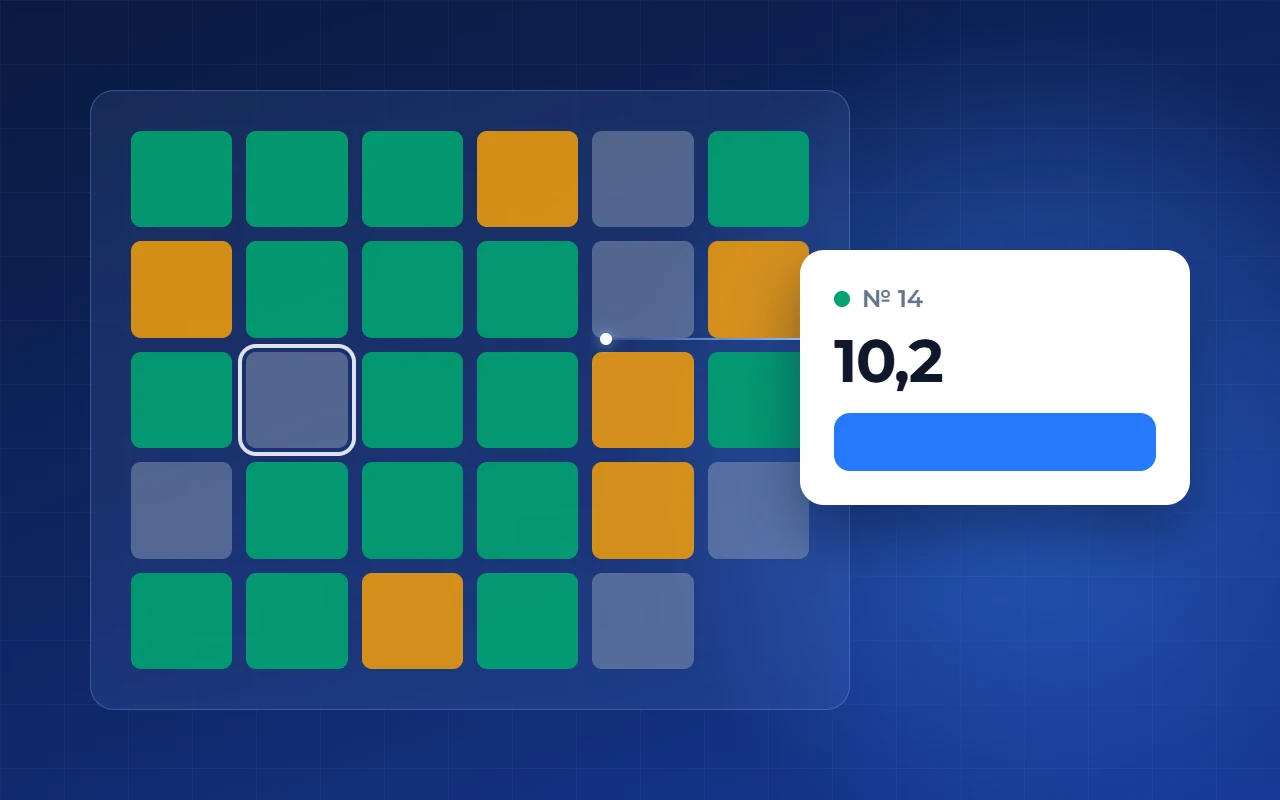
A listing does not match the database? Open the change history to see who edited the plot and when.
- Empty required fields
- Duplicates: one source per unit
- Edits in the portal account: the feed overwrites them
- Unreachable feed link
- 1Who changed it
- 2What exactly changed
How to connect a feed in Smart plan
- Step 1
Connect the export
Modules → “Export to portals” → “Feed” → tick the portals → paste the link into the portal account.
- Step 2
Track the leads
Analytics → “Funnel” tab: the buyer path and lead sources.