



Splan AI: a manager’s assistant and ad images
A Splan AI assistant in lead, booking and buyer cards, plus ad banners, high-quality house images and presentations in minutes — built on your data.
What’s new
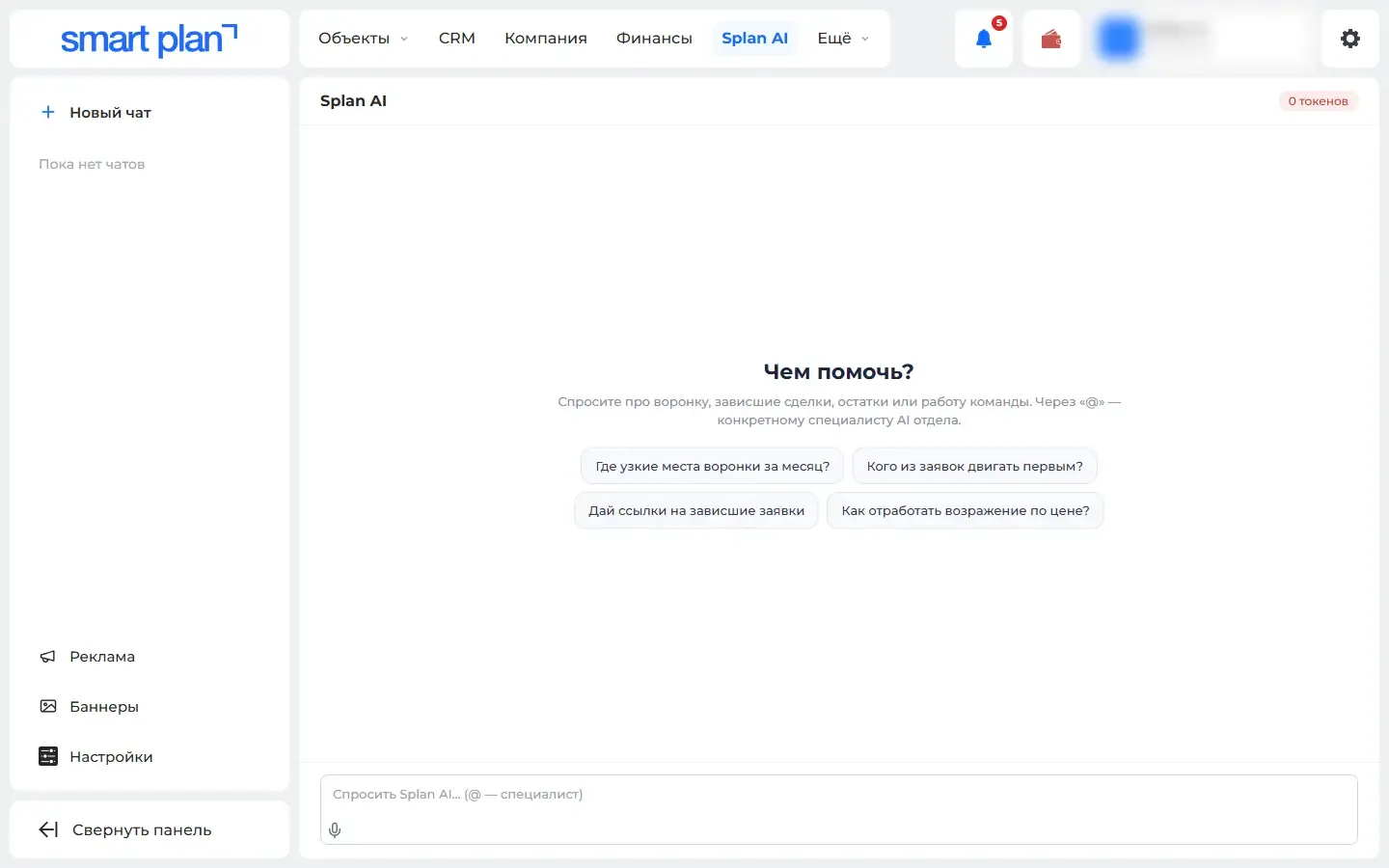
An Splan AI assistant has appeared in lead, booking and buyer cards. The Splan AI section has a chat, ad banners, high-quality house images and presentations.
How it works
- Your data: properties, lots, statistics, buyers
- Splan AI
- Analytics, recommendations, pricing
What it looks like
How to use it
- 1
Open the "Splan AI" section → "Assistant" («Ассистент»).
- 2
Start a chat or pick "Ad creatives" («Рекламные креативы») or "Ad banners" («Рекламные баннеры»).
- 3
In a lead card, the assistant is on its own tab.
- 4
The work is paid for with Splan AI tokens — the balance is shown in the section.
Setup help
We’ll help you set up and get the most out of the update
What we’ll do
- Set it up for your project
- Show your team how to use it
- Answer your questions
Setup help request