Plot listing page: what to show buyers and what to keep for your sales team
A good plot listing answers four questions at once: what the plot is, where it is, what it costs and what can be built on it. The rest goes lower or stays internal.
The short answer: a listing answers questions, it doesn’t list fields
The plot listing is where a dot on the master plan or a row in the price list becomes something a buyer can choose. A sales manager opens it during a call, an agent forwards it to a client, and the buyer comes back to it in the evening with the family. If the listing is weak, all three fall back on PDFs, folders and chat threads.
A common mistake is to show buyers everything known about the plot, mixed with internal notes. Below: which fields are required, which are nice to have, what to keep for the team, how to build the listing for phones and the mistakes that come up most often.
- The four questions a listing answers right away
- Four layers: recognise, be convinced, try it on, act
- Required, nice-to-have and internal fields
- View, light, neighbours, access and utilities
- A phone listing is not a shrunken desktop page
For owners, marketers and sales heads of cottage communities.
What four questions does a buyer bring to a plot listing?
Buyers open a listing with four questions: what is this plot, where is it, how much does it cost and what can I build here. If the answers aren’t visible at once, without scrolling or tabs, they close the listing or call — and the manager reads out the same details over the phone.
Hence the top block: number, area, price and status on one line. Next to it, the main action: reserve, send an enquiry or share a link. Below it, a mini map: the plot on the community plan, neighbouring plots, the road and the cardinal directions.
The fourth question — what can be built here — is the one listings skip most often. Yet it is what turns a plot into a clear product: not “1,200 m²”, but a house on this plot and the total price together with the land. Without it, buyers compare land prices and don’t see what they are paying for.
This leads to three typical mistakes:
- A listing that is a spreadsheet: twenty rows in one font, nothing stands out. Fix: a top block with four answers and one action
- No context: a plot without a map, neighbours or orientation. Fix: a mini map with boundaries and landmarks
- No link to a house: buyers see square metres, not a home. Fix: suitable house designs and a total “plot + house” price
- What it is: number, area, status
- Where it is: place on the plan, neighbours, orientation
- What it costs: price and monthly payment
- What to build: suitable houses and total with the plot
How to arrange a listing in layers
Test every field with one question: does it help the buyer at one of four steps? If it helps at none of them, it doesn’t belong in the public listing.
- Recognise: number, area, price, status, main photo — what this plot is
- Be convinced: view, sun, neighbours, access, utilities — why it is a good choice
- Try it on: building footprint, suitable houses, room for parking and a terrace — how the family will live here
- Act: reservation, enquiry, link, payment options — what to do next
- Recognise
- Be convinced
- Try it on
- Act
What to show the buyer and what to keep for the sales manager
Layers are an order of display, not necessarily tabs. The first screen holds “recognise” and one action. “Be convinced” and “try it on” come lower down or on a tap. Documents go last: they are opened by someone who has already chosen. Setback diagrams, legal restrictions and long texts don’t belong on the first screen, and marketing slogans don’t belong among documents.
Each plot should have one listing and one source of data. Price and status change in one place and show up at once on the website, for the manager and for the agent. Otherwise the plot’s details drift apart across a spreadsheet, a price list and chats, and the manager pieces an answer together from several files.
The public listing is what buyers and agents see: what the plot is, why it is good, how it is laid out and what it costs. The internal one adds what the buyer doesn’t need: who handles the client, when the plot was reserved, how many days it has been on sale, how the price changed.
The risk is mixing the layers. Then “holding for a client until Friday” appears in the public listing, while the internal one lacks history, and the sales head can’t tell why the plot isn’t selling.
Qualitative traits — “open view”, “evening sun on the terrace”, “cul-de-sac” — are better stored as tags from a shared list rather than free text. Then they can be searched, and two managers won’t write two different descriptions of the same plot.
The fields themselves fall into four levels, from what a listing can’t be published without to what only the team sees:
- Required: number, status, price, area, shape and dimensions, photos, basic utilities, phase or zone — no publishing without them
- Nice to have: orientation, view, neighbours, terrain, building footprint, suitable houses, price per m², registry (cadastral) number, documents
- Advanced: comparison with neighbouring plots, lifestyle scenarios (“fits a single-storey house with a terrace”), panoramas, tags such as “quiet street”
- Internal: deal stage, responsible manager, who the plot was sent to and when, price history, agent commission, notes — team only
What to tell buyers about a plot: view, light, neighbours and access
In interviews, sales heads of cottage communities often said that buyers struggle to picture a plot from words and a paper plan: its size, the distance to neighbours, where the sun will be. Required fields are the same for every plot; it is these traits that explain the difference in price.
- View: forest, water, fields or neighbouring houses — and on which side
- Light: orientation, where the sun is in the morning and evening, in summer and winter
- Wind and noise: an exposed side, a road or a common area nearby
- Neighbours: empty plots or houses already built; a corner plot has more space but roads on two sides
- Utilities: electricity, water, sewage, gas, internet — what is connected and what is planned, and when
- Terrain and shape: flat or sloped, wide frontage or narrow — this drives the cost of building
- Access: where the entrance is, where to park, how far to the community gate
- Legal: registry (cadastral) number, title documents, building restrictions and easements
How not to lose the essentials: footprint, drawbacks and phones
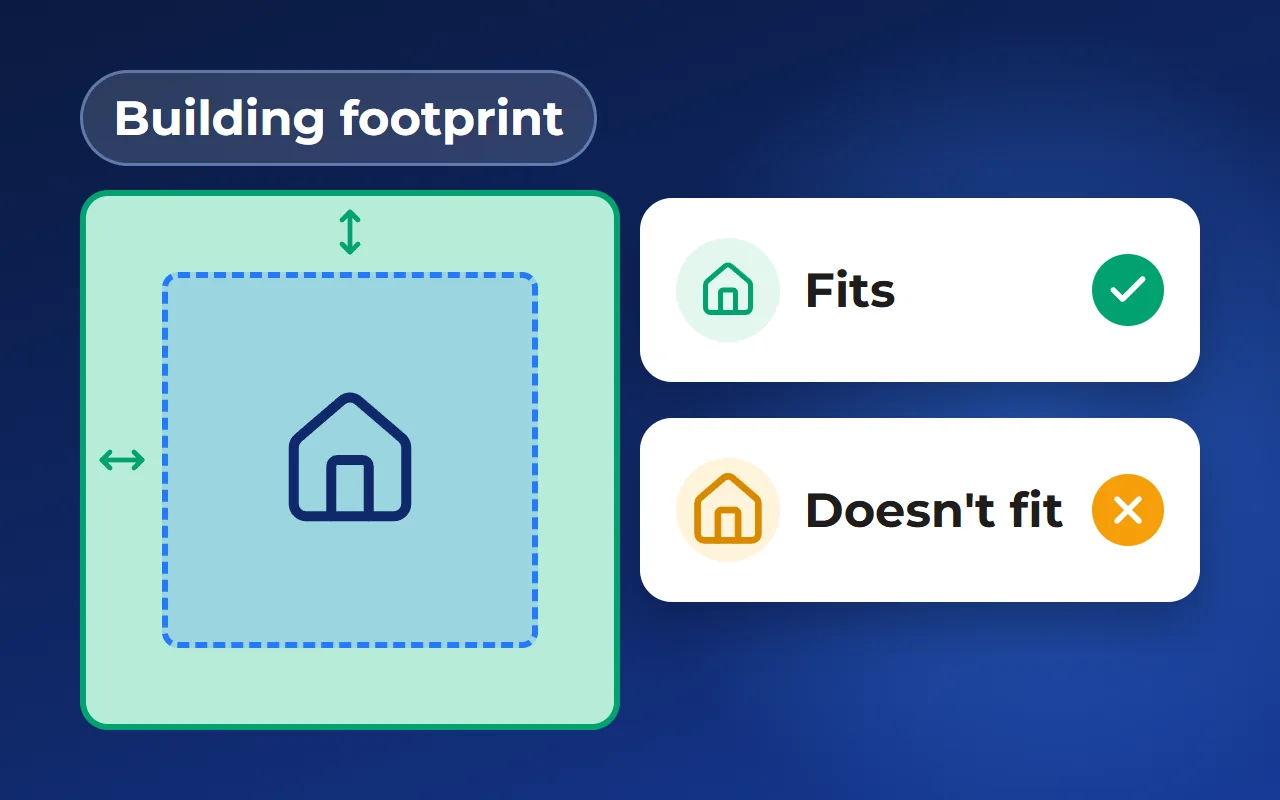
The building footprint is the area where a house can stand once setbacks are respected. Show it at least as a diagram: buyers see at once whether a house with a terrace will fit and where the garden will be. The footprint is covered in more detail in a separate article in this series.
Show the drawbacks too: a slope, a power line, a road behind the fence. Buyers will see them on a site visit anyway, and it is better if they learn from the listing than from a neighbour.
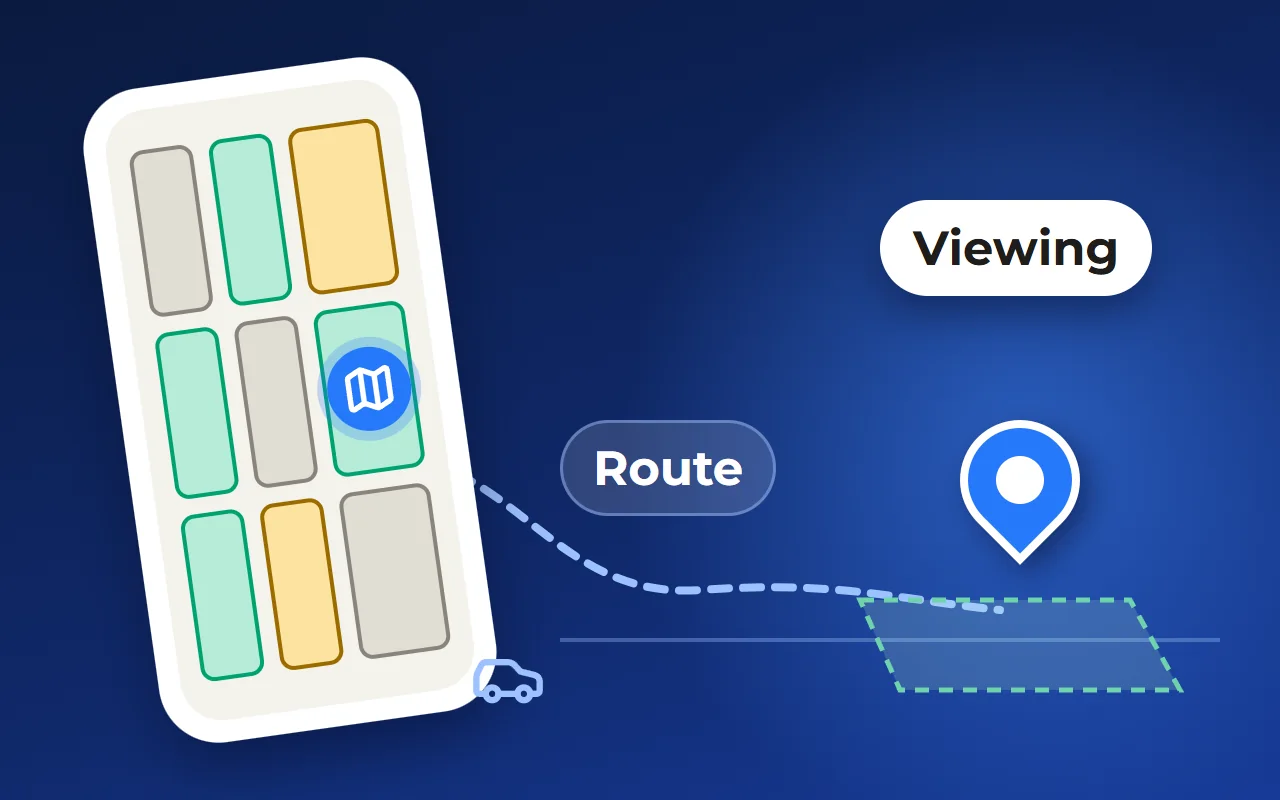
On phones, the listing is often a shrunken copy of the desktop one: the same tabs, tiny buttons, long text. Buyers tire and stop browsing options. The logic should be different: see it — get interested — open a little — swipe on or act.
The first phone screen holds a photo, price, area, status, three key advantages and one button. Details open from the bottom, over the plan, without a new page, so buyers don’t lose the neighbouring plots. On a computer, a full, information-dense listing fits. The data stays the same: price, view and footprint shouldn’t be stored and edited in two places.
Which tool to build listings with: spreadsheet, website or master plan
Spreadsheet and PDF. Fine for a small community at launch: free and quick. The downside is that there is no listing as such: the manager assembles answers from several files, and a sold plot stays “available” in the PDF already sent out.
A plot page on the website. It can be built with a site builder: photos, description, specifications, a map. Works when there are few plots. The downside is that prices and statuses are updated by hand, and the link to the community plan and houses has to be maintained separately.
A master plan with plot listings. The listing opens from the community plan and takes price and status from the same database the sales team uses. Various services build such master plans, Smart plan among them. The downside is setup: you need the master plan file, the list of plots and team time to fill in the nice-to-have fields.
How the plot listing works in Smart plan
The listing opens from the interactive master plan on the community’s website. It has the tabs “On the map”, “House design” and “Gallery”. The map shows the boundaries of this very plot and the sun’s arc: the buyer switches between summer and winter, morning and evening, and sees which side the light comes from. Nothing needs to be turned on.
The listing shows the status, area, plot price and price per unit of area, the registry number and the plot’s features as tags, such as “River nearby”. Alongside are contractors’ house designs that fit the plot’s building footprint and the buyer’s budget: the buyer picks a house and sees its cost and the total with the plot. You can add 360° panoramas and show the monthly payment for a mortgage or instalments.
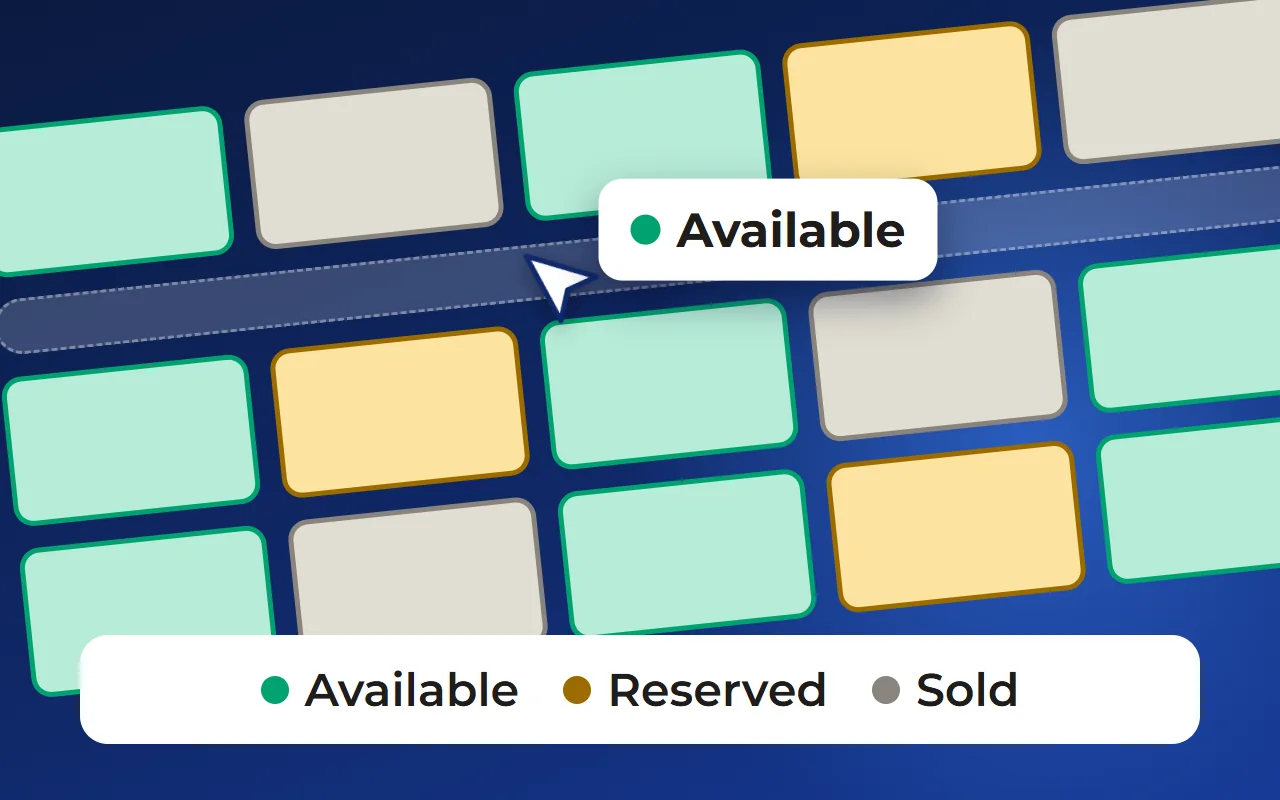
Prices and statuses are changed in your account, and the master plan picks them up on its own. An enquiry from the listing arrives together with the chosen plot — in the CRM, by email or in Telegram. Having a reserved plot change colour for everyone who already has the site open, without reloading, is available on request. On phones, two-finger dragging of the plan can be switched off so buyers scroll the page freely. The master plan needs setting up: a master plan file and a list of plots, while photos, features and house designs are filled in by your team.
To see what a plot listing looks like on a demo community, open the “Interactive master plan” page — linked below under “Related solutions”.
Questions and answers
What should a plot description for sale include?
Start with the number, area, price and status. Then what sets the plot apart from its neighbours: view, orientation, neighbours, terrain, access and utilities. Finish with what can be built and the total price with a house, if you offer one.
Should a listing show the plot’s drawbacks?
Yes. A slope, a power line or a nearby road will be seen on a visit anyway. If buyers learn about them from the listing, the site visit doesn’t end with an unpleasant surprise, and the plot’s price has an explanation.
How is a public plot listing different from an internal one?
The public one answers buyers and agents: what the plot is, where, what it costs, what to build and how to buy. The internal one adds team data: deal stage, responsible manager, price and viewing history, agent commission and notes. The data is shared; only the depth of display differs.
How do I make a plot listing work well on phones?
Don’t shrink the desktop page. The first screen holds a photo, price, area, status, three advantages and one button. Details open from the bottom over the plan, and neighbouring plots can be browsed without leaving the list.
Do I need an interactive master plan to build a good listing?
No: a small community can manage with a neat plot page on its website, with a map and photos. A master plan helps when there are many plots and prices and statuses change often: the listing opens from the plan and uses the same database as the sales team. That is how the plot listing in Smart plan works, for example.