Reserving a plot in a community: statuses, holding periods and preventing double sales
To stop one plot being sold twice, reservations must live in one place, have an end date and an owner, and the status must change everywhere at once. Statuses, reservation rules and disputes explained.
The short answer: double sales are a record-keeping failure, not a people problem
A double sale looks like a sales manager’s mistake: they promised a plot a colleague or an agent had already reserved. But the cause is almost always how records are kept. Plots sit in a spreadsheet, reservations are made by phone or in a messenger, and the agent is looking at a price list sent a week ago.
Protection rests on three things: a short, clear set of statuses, reservations with an end date and an owner, and a log showing who changed what and when. Below — how to set this up yourself and when it is time to move to a system.
- Where double sales come from
- Which statuses a plot needs
- Reservation rules: end date, owner, one reservation per plot
- Extending, releasing and the waiting list
- How to settle disputes
For owners, directors and heads of sales of a community.
Where double sales of plots come from
In interviews with heads of sales of residential communities, one picture kept coming up: the data is scattered. Plots in a spreadsheet, the presentation in a PDF, prices in the CRM, reservations in a call or a chat. Each source is updated by a different person at a different time.
Hence the typical chain. A manager agrees with a buyer and posts it in the team chat, but doesn’t get to update the spreadsheet. An agent opens the price list, sees “available” and shows the plot to their client. A day later the plot has two buyers, and one of them has to be turned down.
The second common cause is forgotten reservations. A plot was held “while the client thinks”, and nobody wrote down an end date. For weeks the plot shows as taken although the buyer changed their mind long ago, while the next client hears “already reserved” and goes to the community next door.
- Reservation sent as a chat message
- Spreadsheet not updated
- Agent sees “available”
- The plot has two buyers
Which statuses a plot needs
Start with a minimal set: available, reserved, sold, off the market. It is enough for most communities, and the manager, the agent and the buyer on the website all read it the same way.
An extra status is worth adding only when it has its own rule: “pending approval” if the head of sales confirms reservations, “agency hold” for partners, “not published” for plots not yet released for sale. A status without its own rule is clutter: the more similar names, the more often they get mixed up.
For each status, write down its name, colour, whether it can be reserved from it and who sees it. Some statuses are for the team only — buyers on the website need just “available”, “reserved” and “sold”. Colour and name must match everywhere: on the site plan, in the table and in the plot card.
Most important are the transitions. From “available” to “reserved”, from “reserved” to “sold” or back to “available”. Only someone with the right to do so can return a sold plot to sale, and the reason is recorded.
- Available
- Reserved, with an end date
- Sold
- Expired or declined — available again
Reservation rules: end date, owner, one reservation per plot
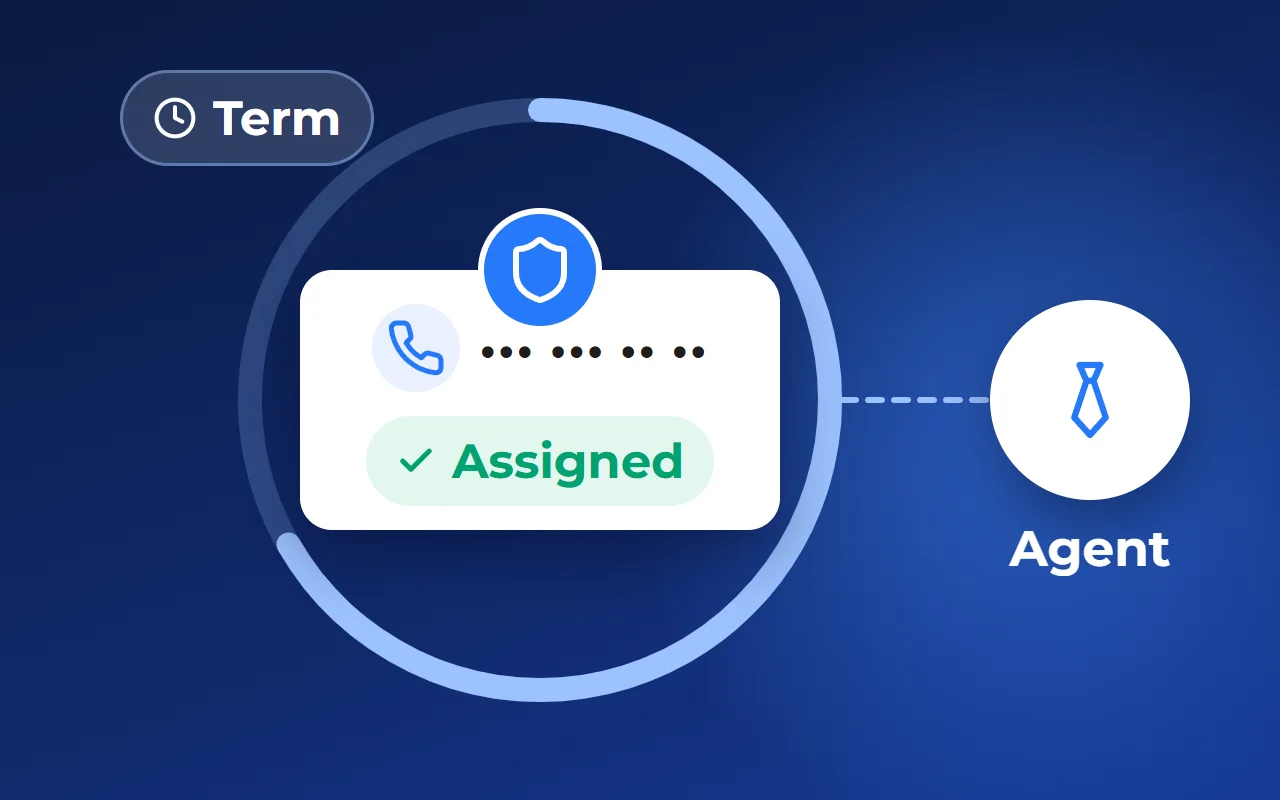
A reservation without an end date becomes a permanent status. So the first rule: a reservation cannot be made without an end date. The developer chooses the period and sets it in the sales rules or the reservation agreement — usually in days, for example a week. What matters is that it is the same for everyone, apart from agreed exceptions.
The second rule: a plot can have only one active reservation at a time. A second interested buyer is not a second reservation but a queue.
The third: every reservation has an owner — the person who will extend it, release it or take it to a deal. When there is no owner, nobody releases the reservation.
Keep agency reservations in the same list, but mark the source: they may have their own period and their own confirmation. Otherwise, in a dispute, you cannot tell whose reservation came first.
What to record when reserving:
- the plot and the buyer — name and phone
- who made the reservation and where the buyer came from: your manager, an agency, the website
- start date and end date
- whether a reservation fee has been paid
- a comment: what was agreed with the buyer
Extending, releasing and the waiting list
Extending is a common and legitimate scenario: the buyer is waiting for the bank or bringing the family for a second viewing. Let the head of sales or someone they appoint extend reservations, and record every extension with the new date and the reason. Then a reservation doesn’t quietly stretch on.
Releasing happens in two cases. The buyer declined — the manager releases the reservation and writes down why. The period ran out — the reservation is released the same day and the plot goes back on sale. Warn the buyer in advance that the period is ending so they have time to decide.
A waiting list is a simple manual practice for plots in demand. If a second buyer wants a reserved plot, put them on a separate list: plot, name, phone, date of request. When the reservation is released, the manager calls the first person in line and offers a reservation for the usual period. The buyer doesn’t go elsewhere, and demand that has already arrived isn’t lost.
Keep the waiting list next to the reservations, not in a manager’s notebook — otherwise nobody remembers the queue while that manager is on holiday.
How to settle disputes: the change history
Even with good rules there will be disputes. An agent is sure they registered the client for the plot first. A manager says the reservation was released without them. The head of sales sees the price differs from yesterday. Arguing about who is right gets nowhere without records.
You need a log showing, for each plot, what changed, the old and new value, who changed it, when and how — by hand, by a bulk edit or through an integration. The log should collect itself and never be edited after the fact, or people stop trusting it.
In a spreadsheet, the file’s version history and the rule “every status change is a row on the log sheet” stand in for it. That works while there are few plots and everyone sticks to the rule.
Which tool to use for statuses and reservations
A spreadsheet and a chat. Fine at the start and for a small community: free and clear to everyone. The downside: statuses are updated by hand, nobody reminds you about reservation end dates, and agents have a copy of the price list that goes stale the moment it is sent.
A general-purpose CRM. Reservations live in deals, managers get tasks and reminders. But such a CRM often has no plot as an object, so the status on the website and with agents has to be checked separately.
A system where reservations are tied to plots on the site plan. The status changes in one place and shows at once in the plot card, on the community plan and for agents. Several services for developers work this way, Smart plan among them. The downside: the system needs setting up — load the plots, set the reservation period and the owners.
How it works in Smart plan
A plot is reserved for a fixed period. In the property’s “Reservations and sales” section you set the reservation period, the owner and reminders, and you can mark the reservation fee as paid. Before a reservation ends, the manager gets an email and the buyer an SMS. An expired reservation is released automatically and the plot goes back on sale.
In the CRM for developers — a separate paid module — a reservation is linked to a deal: it changes the lot’s status everywhere, and the same lot can’t be sold twice. Search of reservations by buyer name and phone, plot number and house design, and a filter by reservation end date, are available on request.
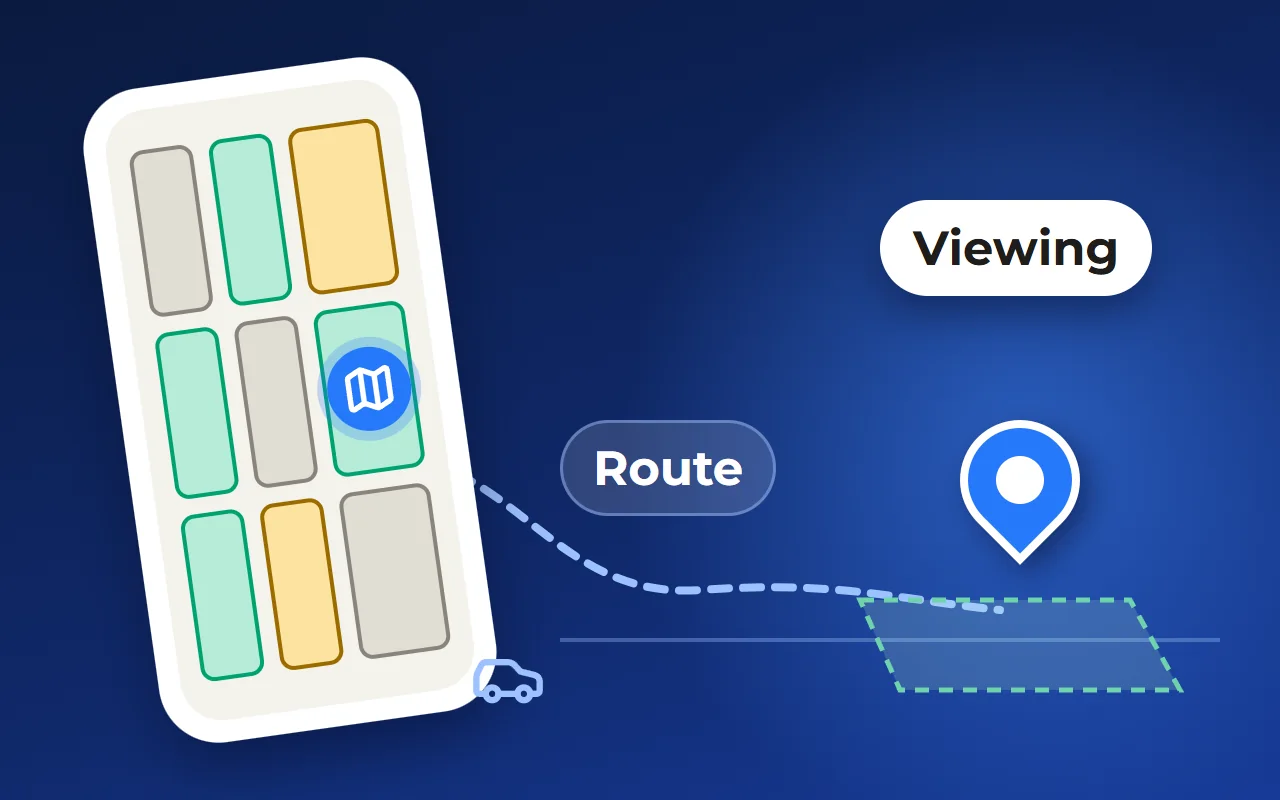
When a plot is reserved or sold, it changes colour on the site plan on your website at once for everyone who has the page open, without reloading. This option is also available on request.
Each property has a change history: who changed what and when. A mistaken edit can be undone after previewing what will be restored, and administrators are alerted straight away about any edit of more than 20 records at once. There is no separate waiting-list feature — the queue for a plot is kept by hand, as described above.
You can see how it looks on a demo community on the product pages — links below, under “Related solutions”.
- 1Reservations or sales
- 2End date and days left
- 3Active reservations
- 4Expiring soon
- 5Who changed it
- 6What changed
Questions and answers
How do you avoid selling the same plot twice?
Keep statuses and reservations in one place that everyone sees: managers, the head of sales and agents. Make reservations only with an end date and an owner, allow one active reservation per plot and record every status change.
How long should a plot reservation last?
The developer sets the period in the sales rules or the reservation agreement, usually in days. It should give the buyer enough time to decide and be the same for everyone. Extensions are decided by the head of sales, with the reason recorded.
What if another buyer wants a reserved plot?
Put them on a waiting list: plot, name, phone, date of request. If the reservation is released, the manager calls the first person in line and offers a reservation.
Which plot statuses does a community need?
Four are enough: available, reserved, sold, off the market. Add another status only if it has its own rule — for example, approval of reservations by the head of sales or a hold for an agency.
Can an expired reservation be released automatically?
Yes, if reservations are kept in a system with end dates. In Smart plan, for example, an expired reservation is released automatically, and before it ends the manager gets an email and the buyer an SMS. With a spreadsheet, the same rule depends on someone checking the dates every day.