Sales team KPIs for a cottage community: what to track every week
A community sales team’s KPIs are more than “sold this month”. Every week, track inventory and reservations, time to offer, conversion to reservation, sales pace by zone, the agency channel and data quality.
The short answer: track what you can change within a week
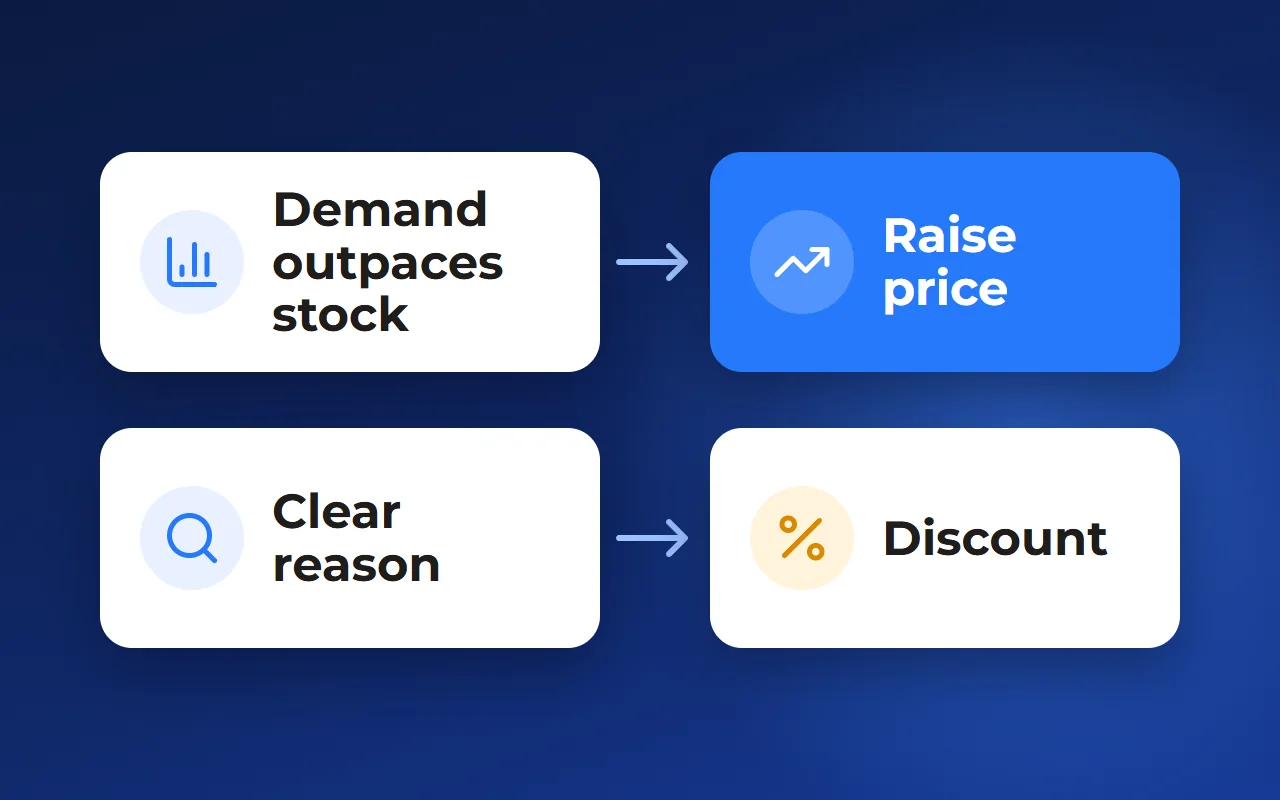
A monthly total shows how much was sold but not why. By the time the number is ready, a reservation has expired, a buyer has gone to the community next door and a far phase has stood another month without a single viewing.
In interviews, heads of sales at communities said they piece the sales picture together from a spreadsheet, the CRM, managers’ reports and phone calls. Below are six groups of metrics that answer “where are we losing buyers and what do we do this week”, how to count them in an ordinary spreadsheet and who should see what.
- Inventory and reservations: how to start the week
- Time to offer and conversion to reservation
- Absorption rate and days on market
- The agency channel and data quality
- How to count by hand and who sees what
For the head of sales, the owner and the community director. There are no benchmarks here: compare the community with itself a week ago.
Inventory and reservations: how to start the week
The first block is the state of the plots. How many are on sale, how many are available, reserved, sold or withdrawn — for the community and for each phase. Separately, list plots that can be sold but are not published on the website or listing portals: nobody sees them.
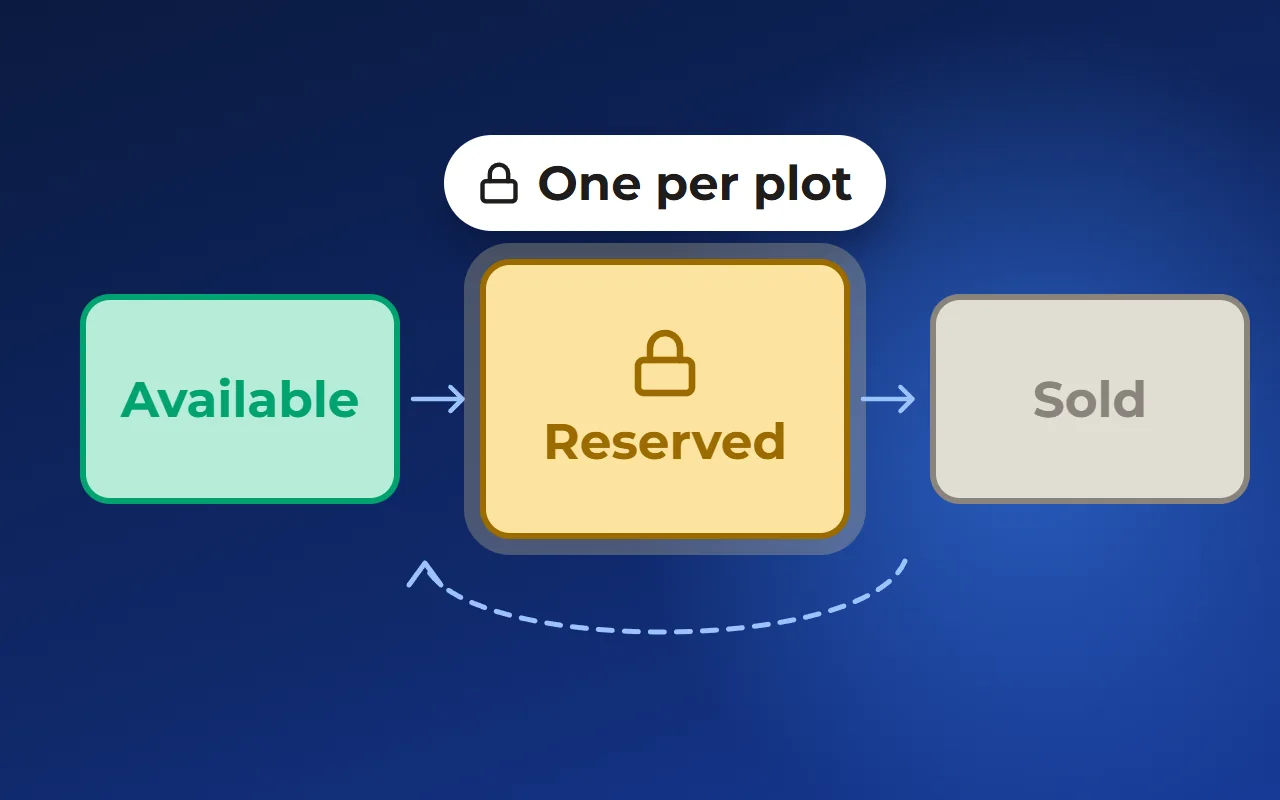
The second is reservations. What matters is not just the number of active reservations but how they move: which expire today or tomorrow, which are already overdue and still hold a plot, which were extended, which were cancelled. A forgotten overdue reservation is a plot that dropped out of sale for no reason.
Look at reservations by manager and by agent, and count what share of them reaches a deal. If reservations are often cancelled, the question is who places them and how.
- Available / reserved / sold / withdrawn — by community and phase
- Ready for sale but not published
- Reservations: expiring soon, overdue, extended, cancelled
- Reservations by manager and agent
- Share of reservations that reached a deal
Monthly total
- One number: sold this month
- Overdue reservations found by chance
- Reasons for a slump found by phone
Weekly picture
- Inventory by phase and zone
- A list of expiring reservations
- The step where buyers drop off
How fast a buyer gets an offer, and how many offers become reservations
A long deal in a community rarely falls apart at the last step. More often the buyer cools off at the start: they sent an enquiry and then waited too long for a concrete offer — specific plots with a price, size and payment option.
So the next metric is the time from the first enquiry to the offer being sent: a shortlist of plots, a commercial offer or a link to options. Count it per manager and per channel the buyer came from: website, listing portals, agencies.
Then comes offer-to-reservation conversion: how many reservations you get per shortlist and offer sent. If offers go out quickly but no reservations follow, the offer is wrong: the wrong plots, the wrong price or the wrong payment option.
The whole funnel is enquiry, offer, viewing, reservation, deal. Conversion between each pair of steps shows exactly where demand is lost.
- Enquiry
- Offer with plots and prices
- Viewing
- Reservation
- Deal
Absorption rate and days on market: which plots are stuck
The community’s overall sales pace says little. You need the absorption rate — how many plots sell in a period — by phase, zone and size group. That shows one part of the community selling while another stands still.
Next to it is days on market: how long a plot has been on sale without a reservation. Count from the day the plot went on sale to the reservation, or to today if it is still available. The plots with the longest time are the first list to review.
Both metrics lead to decisions. A zone sells faster than the rest — you can revisit the price or prepare the next phase. A zone stands still — check what is wrong: price, view, road access, no suitable house, weak photos. Compare the pace before and after a price change to see whether it worked.
The agency channel and data quality: what distorts the picture
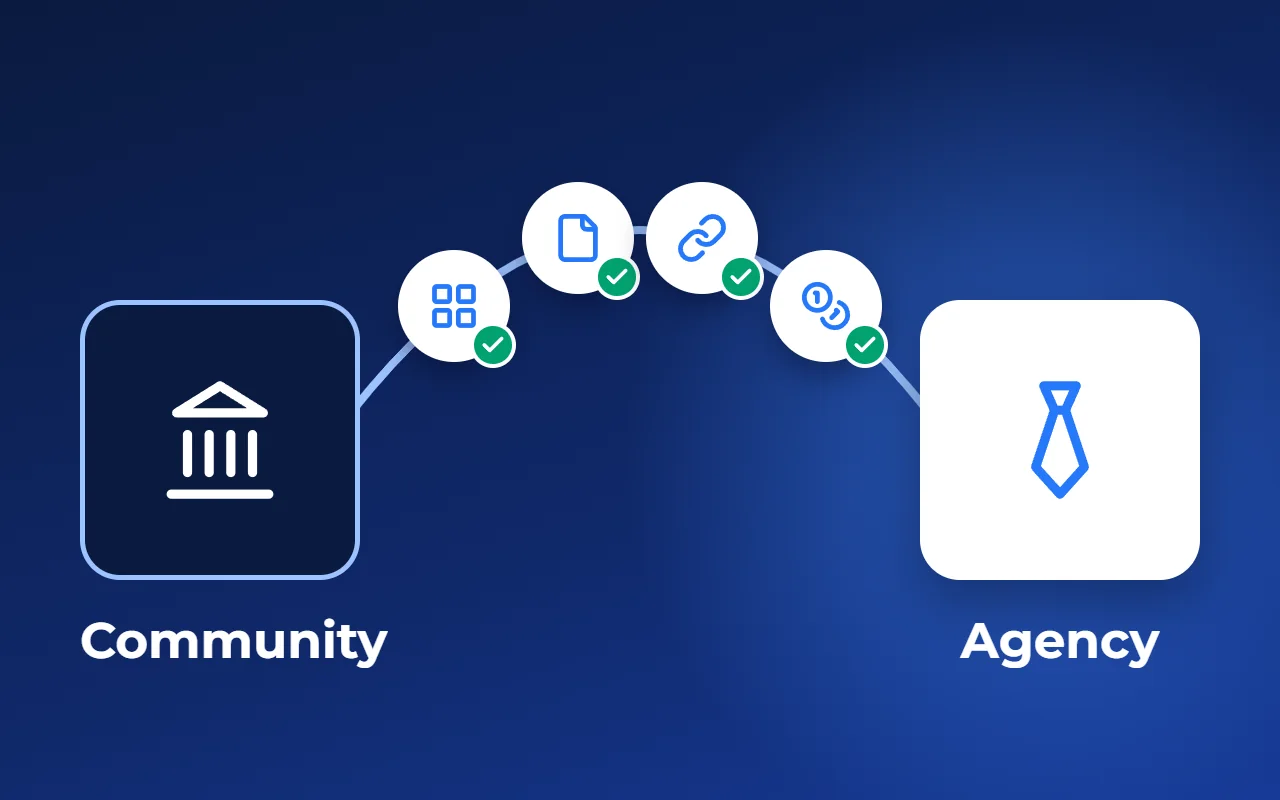
If agencies also sell the community, count the channel separately. How many buyers agents have registered, how many registrations are unique and how many are disputed — when two agents claim the same buyer or you already have them. How many agencies actually bring buyers rather than just receiving a presentation.
The key figure is conversion per agency: registration → reservation → deal. For agents themselves it matters that they can see the registration status and their commission. When they cannot, “whose client is it” disputes become routine.
The last group is data quality. Every metric above is wrong if some plots have no price or photos and the status differs between the website, the CRM and the agent. Keep a short list of problems with an owner for each. The goal is not a perfect database but a task list for the week.
- No price, size or photos
- Status differs: website, CRM, portals, agents
- Plot published without required details
- Reservation overdue, plot still blocked
How to count by hand once a week and who sees what
A spreadsheet is enough to start. One row per plot; columns for phase, zone, size, price, status, date it went on sale, reservation date and deadline, manager, channel and agency, deal date. A separate sheet for enquiries: enquiry date, date the offer was sent, manager, channel, outcome.
Once a week, on the same day, take a snapshot: copy the totals to a separate dated sheet. The comparison with last week gives the answer — without “market benchmarks” that never match from one community to another anyway.
There are many metrics, but different people look at them.
- Head of sales: expiring and overdue reservations, time to offer and conversion to reservation by manager, the data problem list
- Owner: inventory and absorption by phase and zone, days on market, sales by channel, the effect of price changes
- Agency channel lead: registrations and disputes, active agencies, conversion and deals per agency
- Everyone: one spreadsheet, one review day and an owner for every problem
Which tool to use: a spreadsheet, a CRM or analytics on the community’s data
A spreadsheet. Free, flexible and fine for a small community. The downside: data is entered by hand, and the snapshot is only as accurate as the person keeping it. If statuses are updated in different places, the spreadsheet and the website drift apart.
A generic CRM. Good at counting enquiries, deals and conversion by manager. But it usually has no plots, phases or zones, so inventory and days on market still have to be assembled separately.
Analytics on the same plot database as the website master plan and reservations. Inventory, reservations and buyer interest are counted from one set of data, with no manual merging. Several services work this way, Smart plan among them. The downside: the community has to be set up in the system, and the team has to keep reservations and enquiries there, or the numbers drift again.
How it works in Smart plan
In “Analytics” → “Stock and sales”, inventory is split into groups — for a community, plots by size. You see how fast it sells and the forecast, and on the “Money” tab how much went on discounts, who gave them and what sold above the price list.
In “Analytics” → “Showcases”, the master plan is coloured by buyer interest: views, favourites, enquiries, viewings. The funnel shows the path from a view to a deal, and widget statistics show how many people opened the enquiry form and how many sent it.
Reservations are placed with a deadline and a responsible manager: before it ends, the manager gets an email and the buyer an SMS, and an overdue reservation is released automatically. Filtering reservations by end date, manager and payment method is available on request. The CRM “Dashboard” shows team figures: active enquiries, sales and rejections this month, active reservations. The CRM is a paid module available on request, as is the partner channel, which shows which agency brought a buyer and what it is owed.
Prices and statuses come from one database for the master plan, the CRM and listings, and the change history shows who changed them and when. You can see these screens on the “CRM for developers” page — the link is below, under “Related solutions”.
- 1Community inventory
- 2Inventory by size
- 3Viewing plots
- 4Sent an enquiry
Questions and answers
What KPIs does a developer’s sales team need?
Six groups: inventory and reservations, time from enquiry to offer, offer-to-reservation conversion, absorption rate and days on market, sales by channel and agency, and data quality. “Sold this month” is needed too, but it does not explain the reasons.
How do you calculate days on market for a plot?
Count the days from when the plot went on sale to its reservation, or to today if it is still available. If the plot was withdrawn for a while, count only the days it was available. The plots with the longest time are a reason to check the price, photos and description.
How often should a community’s sales metrics be counted?
Reservations, time to offer and data problems — once a week, on the same day. Absorption by zone and the effect of price changes are easier to read monthly: a small community may not have enough sales in a week to draw conclusions.
Are there benchmark KPIs for a cottage community?
There are no general benchmarks you can rely on: communities differ in price, location, phasing and the share of agency sales. Compare the community with itself a week or a month ago, and compare phases and zones with each other.
Can these metrics be tracked without a manual spreadsheet?
Yes, if inventory, reservations and enquiries live in one system. In Smart plan, inventory, sales pace and discounts are in “Analytics” → “Stock and sales”, buyer interest in plots is in “Showcases”, and team figures are on the CRM dashboard (the module is available on request).