Selling plots by monthly payment: how to build an offer with a mortgage
A plot sales offer with a mortgage starts with the payment: ask for the down payment and a comfortable monthly amount, turn them into a price ceiling and show a few options with stated terms.
The short answer: count from the payment, not from the price
A buyer of a country home rarely starts with the full price. The typical first question sounds different: “I can put down this much — what will I pay each month?” People know what they can pay upfront and what they can afford monthly. A total in hundreds of thousands tells them less.
So the search should run backwards too: from the payment and down payment to a price, from the price to plots and houses. And the offer should show not just the total but the terms behind the payment, and say plainly that the final decision is the bank’s.
- Why buyers think in monthly payments
- How to turn a payment into a price ceiling — with an example
- What the offer must include
- Why a shortlist is better sent as a link
- How to reply fast, and with which tool
For sales directors, sales managers and owners of cottage communities.
Why buyers ask “how much a month”
In interviews, sales directors and agents described the same scene: the client frames the request through the down payment and the monthly payment. The full price comes second. What matters more is the load on the family budget.
That makes sense. A plot with a house is usually bought on credit or in parts, and the decision rests on the monthly amount: can we carry it or not. An answer like “the plot is this much, the house starts at that much” leaves the buyer to work out the mortgage alone. That is often where the conversation ends.
A manager who answers with a payment speaks the buyer’s language. Options the family can’t afford drop out at once, and no viewing is wasted on a plot the buyer would never buy.
Answering with a price
- Plot and house priced separately
- The buyer works out the mortgage alone
- Unclear if the family can afford it
Answering with a payment
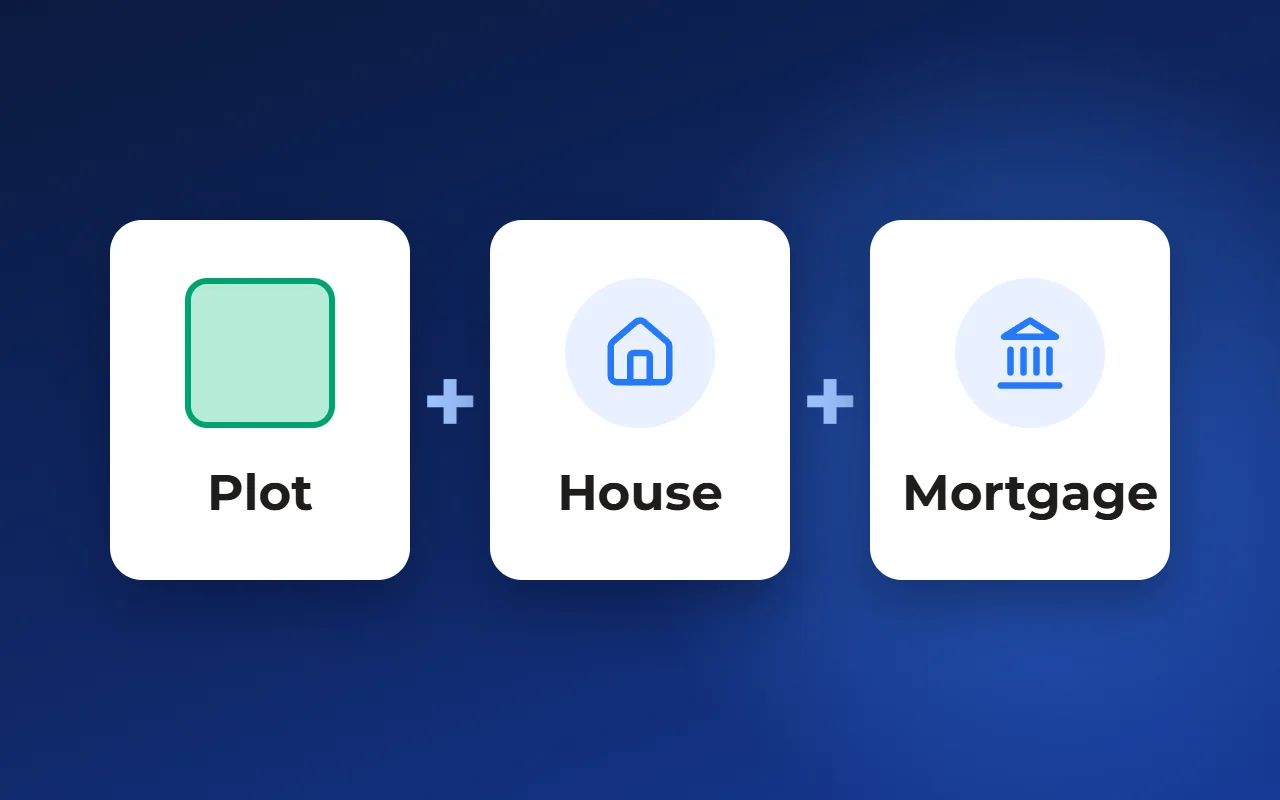
- Plot with house as one total
- Monthly payment under stated terms
- Clear which options are affordable
How to match plots to a payment: work back from the budget
Matching to a payment takes three questions and one formula. Ask the buyer how much they can put down now, what monthly payment feels comfortable and over what term they would borrow. Take the rate from your partner bank as of today.
Then turn the payment into the maximum loan. For an annuity, where the same amount is paid every month: loan = payment × (1 − (1 + i)⁻ⁿ) / i, where i is the annual rate divided by 12 and n is the term in months. Add the down payment and you get the price ceiling.
An example with made-up numbers, in any currency. Down payment 30,000, monthly payment 1,000, rate 6% a year, term 25 years. The monthly rate is 0.5%, the number of months is 300. The loan comes to about 155,200, the price ceiling to about 185,200. This is not a market rate or a recommendation — just arithmetic you can repeat in any spreadsheet.
The ceiling depends heavily on the terms. At the same rate over 20 years the loan drops to about 139,600; at 8% over 25 years, to about 129,600. That is why the terms are stated out loud and written into the offer, not kept in the manager’s head.
Once the ceiling is known, pick plots and plot-plus-house pairs that fit under it and keep three to five options: a couple below the ceiling, one at it and one slightly above — so the buyer sees what the extra money buys.
- Down payment, payment, term and rate
- Price ceiling
- Plots and houses under the ceiling
- Three to five options in the offer
What a mortgage offer must include
The buyer will take the offer home and show it to the family. It should hold everything needed to decide without calling the manager, and nothing that will later prove untrue.
Two things are missing most often: the terms of the estimate and the date. Without a rate and term, a payment means nothing; without a date, a month later the buyer will quote a figure that no longer exists.
- Plot: number, area, status and price as of the offer date
- House: design, floor area, price and what it includes
- Total: plot with house as one amount
- Payment options side by side — full payment, developer installment plan, mortgage — so the buyer compares
- Payment estimate with terms: rate, term, down payment, loan amount
- A note: the estimate is preliminary; the terms and the loan decision are the bank’s
- Next step: reserve, visit the site or apply for a mortgage
A shortlist link instead of screenshots and PDFs — and a family decision
The usual practice is an offer stitched together from master plan screenshots, a spreadsheet and messenger text. It takes long, looks different for every manager and goes stale the moment it’s sent: the plot sold, the price changed, the picture stayed.
A shortlist link works differently. The buyer opens the same three to five options with current statuses and prices, comes back to them in the evening, forwards them to a spouse or parents. A plot with a house is rarely chosen alone, and it’s easier to discuss one shared shortlist than forwarded fragments.
A PDF still has its place: when the offer is printed, attached to an email or taken to the bank. A workable setup is a link for choosing and discussing, and a PDF or image to lock in a specific option.
What matters in the link: it opens on a phone without logging in, shows only published data — no internal fields or commissions — and gives the buyer a clear action: get in touch or reserve.
How to reply fast: to buyers and to agents
In interviews, sales directors admitted that a shortlist built by hand for a client’s budget — with a mortgage estimate, images and layout — takes a lot of time. An agent who asked for it on behalf of a client won’t wait and will show whatever arrives first.
Speed comes not from heroic managers but from preparing in advance:
- One table of partner banks’ terms — rate, minimum down payment, terms — with an update date
- One “payment → price ceiling” calculator for every manager
- Ready plot-plus-house pairs with a total price
- An offer template that data is filled into, not one rebuilt each time
- A rule for agents: at least two or three options the same day
- The ability to build an offer from a phone — managers are often on site or on the road
Which tool to build offers with
A spreadsheet and a document template. Fine for a small community: a calculator in the spreadsheet, the offer in a word processor. Free, but prices and statuses are copied by hand, and each offer comes out a little different.
A document or presentation builder. Offers look neat and consistent, but lot data is still copied by hand, and a sent file doesn’t know the plot has already sold.
A sales system tied to the community’s data. The offer is built from the same prices, statuses and payment options the buyer sees on the website — this is how it works in Smart plan, for example. The downside: the system has to be set up — lots, payment options and an offer template.
How it works in Smart plan
Payment options are set for the project: full payment, installment plan and mortgage — with down payment, term and rate. The default option appears in the lot card on the website along with the monthly payment.
The manager ticks lots in the project or in a lead’s shortlist and generates a commercial offer from a branded template: photos, floor plan, price and a comparison table of payment options. There can be several templates, including one for a selection of plots. For messengers, the same offer can be built as a vertical image with the price and a payment schedule.
On the master plan, buyers filter plots by price, area and street themselves and share the shortlist by link; the price ceiling from the calculation above is exactly the value for that filter. Favorites and lot comparison are enabled on request.
The mortgage service helps prepare the buyer for approval, but it doesn’t issue loans or decide for the bank. It currently runs as a pilot and is enabled on request.
To see what an offer with a monthly payment looks like on a demo community, open the “Mortgage service” page — the link is below, under “Related solutions”.
Questions and answers
How do I calculate the mortgage payment on a plot with a house?
Subtract the down payment from the total price of the plot with the house — that is the loan. The annuity payment = loan × i / (1 − (1 + i)⁻ⁿ), where i is the annual rate divided by 12 and n is the term in months. To go from a payment back to a price, reverse the formula.
What rate should the offer show?
Your partner bank’s rate as of the offer date — and the date itself. Next to it, state the term, the down payment and the loan amount. One estimate with clear terms is easier to read than a range of payments without them.
Can I promise the buyer the payment from the offer?
No. The estimate is preliminary: the rate, the amount and the loan decision are set by the bank after it checks the borrower and the property. Say so in the offer — then a change in terms won’t come as an unpleasant surprise.
Which is better to send: a shortlist link or a PDF?
For choosing and discussing with the family, a link: it carries current prices and statuses and is easy to forward. A PDF or image once an option is chosen and needs to be locked in, printed or attached to a bank application.
How can buyers see the monthly payment before calling a manager?
Put the estimate on the community’s website, in the plot card, with the terms stated. In Smart plan this is done through the project’s payment options: the default option appears in the lot card along with the monthly payment.