Why plots without a house sell worse: how to sell a plot with a house and financing
Plots without a house sell worse because buyers are looking for a home, not land. Here is where they drop out and how a developer can offer a plot with a house and financing.
Short answer: the buyer comes for a house
Someone looking at a plot in a residential community is really looking for a house to live in. If the community’s website shows only a plot number and a price, the main question stays open: what can be built here, and what will it all cost together?
So the buyer assembles the purchase in parts: the plot from the developer, the house from a contractor or several crews, the financing from a bank or a payment plan. At every joint they can stop. Below: where exactly that happens, an honest comparison of self-build and turnkey, and a step-by-step plan for putting together a house-and-land package.
- Where the buyer gets stuck on the way from plot to house
- Self-build or turnkey: what is fairer to the buyer
- How to put together a “plot + house + financing” package yourself
- Which tool to choose: a spreadsheet, a website or a master plan
For the owner, director and head of sales of a residential community.
Where the buyer gets stuck on the way from plot to house
In many communities the developer sells land, and the house is left to the buyer. After the purchase, the buyer either hires a contractor or builds on their own, hiring separate crews for the foundation, walls, roof and finishing.
Look at the order of steps. The buyer pays for the plot first and only then finds out what the house will cost. Financing for the house is hard to arrange until there is a contractor, a design and a fixed price. And the risk of delays and poor quality stays with the buyer.
Every step in this chain is a point where the purchase can stall. The buyer doesn’t want a plot as such — they want a house. The longer the road from one to the other, the more people drop out along the way.
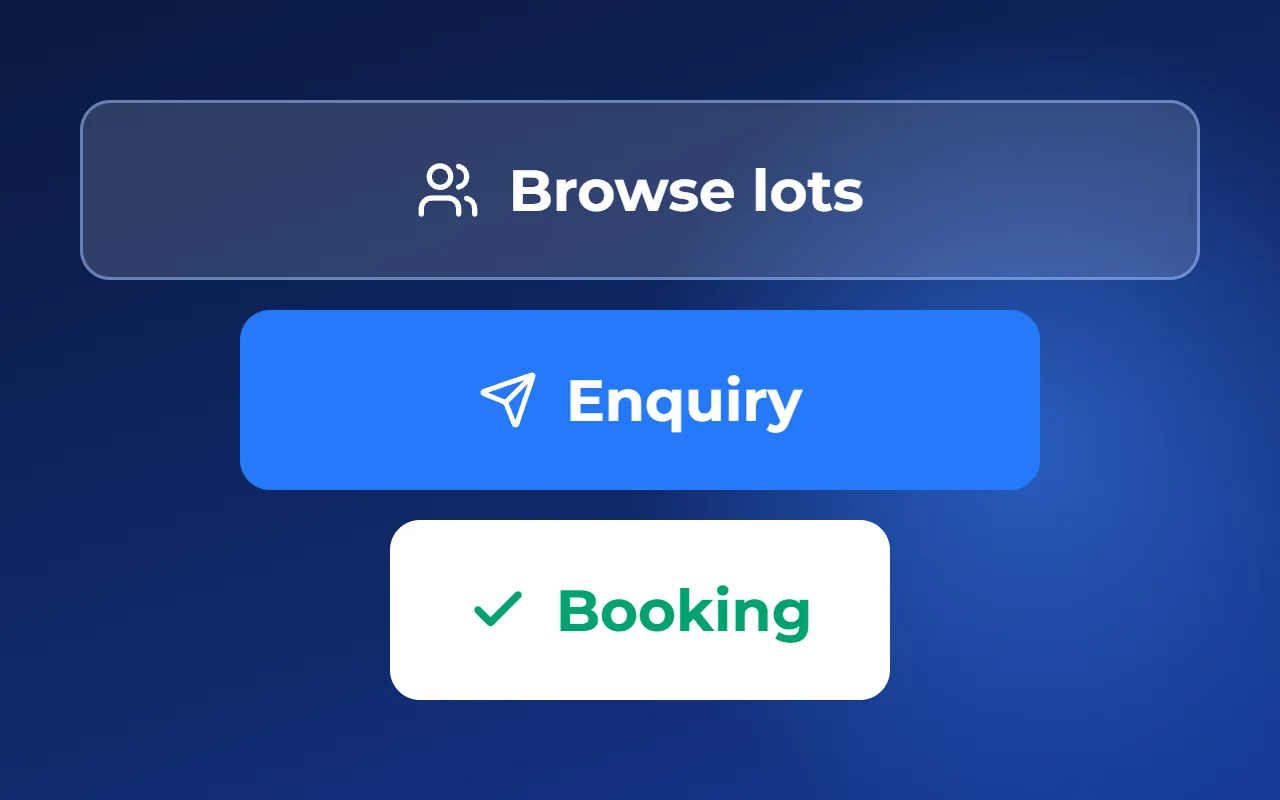
- Picks a plot by its price
- Looks for a builder on their own
- Works out the cost of the house
- Arranges financing
- Builds — or gives up
Why selling “in parts” loses deals
Look at the purchase through the buyer’s eyes. Plots are shown in a spreadsheet and over the phone. The contractor has to be found separately, after the land is bought. An agent checks prices and availability by hand. And financing for the house waits until there is a contractor.
At every joint the buyer may stop. They would buy the plot, but don’t know what the house will cost. They would find a contractor, but don’t know whom to trust. They got financing approved, but didn’t agree on construction in time.
To the developer this looks like “low demand” or “a long sales cycle”. But the demand is there: people want a house outside the city and are ready to finance it. What is hard for them is putting the purchase together from scattered pieces.
Buying in parts
- Plot price without the house price
- Finds a contractor alone, after buying
- Financing waits for a contractor
A plot with a house in one offer
- Total price of the plot with a house
- House designs visible right away
- Contractor in place when financing is approved
Self-build or turnkey: an honest comparison
Self-build brings real savings: the buyer doesn’t pay a contractor for managing the works and can spread costs over stages. Many choose it deliberately, and there is no point arguing with that.
The price of those savings is time. The buyer finds crews, buys materials, signs off each stage and decides who is to blame when the roof doesn’t fit the walls. Those months could go into their own work, an earlier move-in and a house built by professionals rather than by random crews without a contract or warranty.
Hence the risks. Deadlines depend on whether the next crew is free. Each stage is the responsibility of whoever did it, and the joints between stages are no one’s. And lenders are often reluctant to finance a house without a contractor, a design and an estimate.
A turnkey house has its downsides: it usually costs more on paper, the choice is limited to the contractor’s designs, and the contractor itself needs checking. In return: one contract, one deadline, one warranty and a clear picture for the lender.
- Money: self-build — no markup for management; turnkey — a higher estimate, but fixed by contract
- Time: self-build — the buyer runs the construction; turnkey — the contractor does
- Control: self-build — signs off every stage; turnkey — accepts the finished house
- Deadlines and quality: self-build — depend on each crew; turnkey — one party is responsible
- Warranties: self-build — usually none; turnkey — a warranty under the contract, payments can be tied to completed stages
- Financing: self-build — the lender will still want to see the plan and costs; turnkey — the contractor and price are already there
What this means for the developer
A developer can’t and shouldn’t forbid buyers to build on their own. But they can offer a second option right at the point of sale: a ready-made house from a vetted contractor with a total price. Those who want to save will buy the land. Those who value time and guarantees get a clear product straight away.
For the developer this brings three benefits. The offer is clearer: not “land at so much per square metre”, but a house on a specific plot. Fewer deals fall apart while the buyer searches for a builder. And partners appear: a contractor needs buyers with land, an agent needs a project with houses and prices.
How to put together a “plot + house + financing” package yourself
A package is not your own construction business or a new department. It is one offer that brings together your plots, contractors’ houses and payment options. You can start with a spreadsheet and a couple of agreements.
Go through the steps below. For a small community this may be enough for a long time.
- Choose two or three contractors: ask for a contract, a warranty, completed houses and readiness to tie payments to stages
- Pick designs that fit the size and shape of your plots and note which house fits which plot
- Work out the total price of each “plot + house” pair and agree who updates the prices
- Set out the financing options: a mortgage with partner banks, a developer installment plan or a payment plan
- Show the pairs on the website and in the price list: design, floor area, house price and the total with the plot
- Give agents the same price list and make sure plot availability matches everywhere
Which tool to choose: a spreadsheet, a website or a master plan
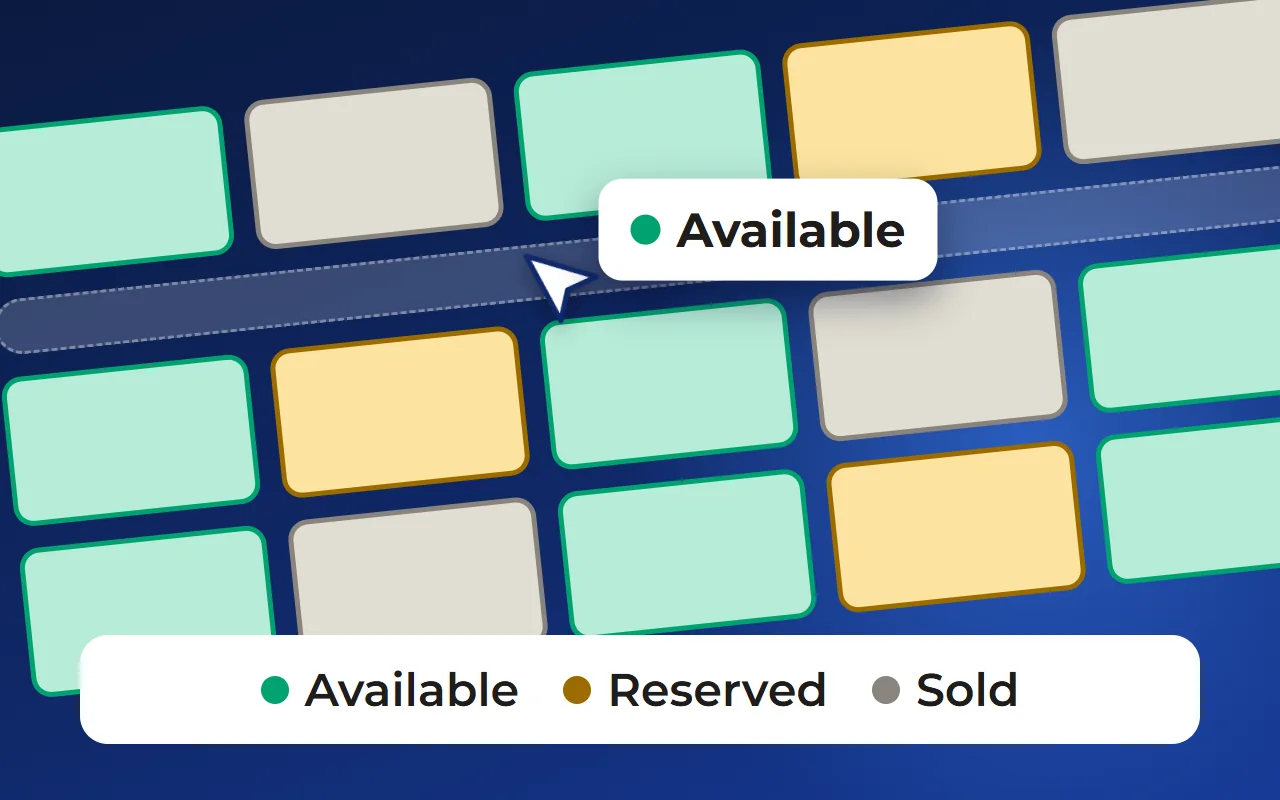
A spreadsheet and a PDF. Fine for a start and a small community: free and quick. The downside is that everything is updated by hand: a sold plot stays “available” in a mailing, and an agent calls to check the price.
Design pages on the community’s website. The buyer sees houses with photos, but the link “this house goes on this plot” and the total price have to be maintained manually. Works when there are few designs.
An interactive master plan with house designs. The buyer picks a plot on the community plan and sees suitable houses and the total price in its card. Various services build such master plans, including Smart plan. The downside: it needs setting up — a master plan file and a list of plots, and contractors’ data has to be connected.
How it works in Smart plan
The master plan is built step by step in a setup wizard from the master plan file and the list of plots. Each plot shows its status, size and price, and a request from the plot card arrives together with the chosen plot — in your CRM, the Smart plan CRM or by email. One widget code works on any website.
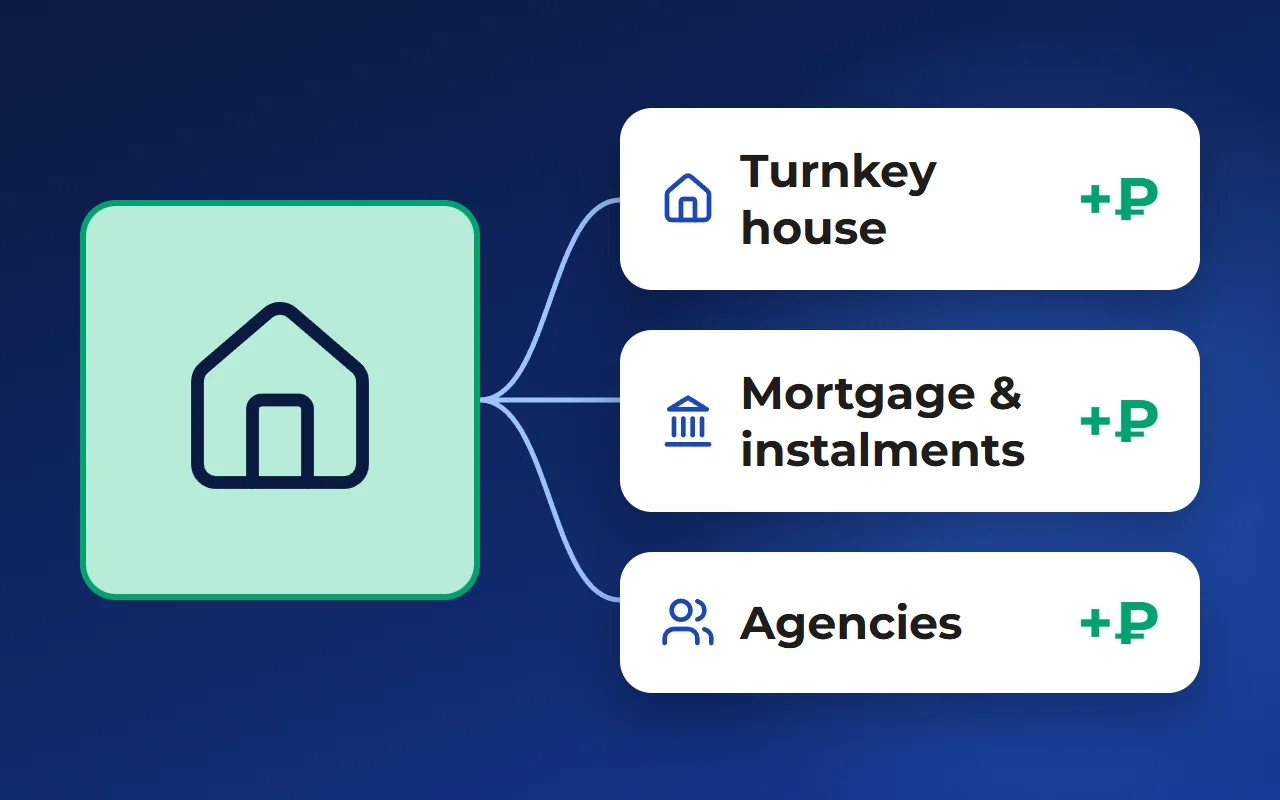
Contractors work in their own account: they upload a catalogue of designs and choose communities, and their houses appear in the plot cards. The account is free and enabled on request. The price list can be built as the “Houses on plots” view — one line per pair with the total price.
The lot card shows payment options: full payment, installments, and a mortgage with down payment, term and rate. The mortgage service helps prepare the buyer for approval; it currently runs as a pilot and is enabled on request. Agencies work through the partner channel: terms and client registration in their account.
You can see how it looks on a demo community on the “Interactive master plan” page — the link is below, in the “Related solutions” block.
Questions and answers
Why do plots without a house sell worse?
Buyers look for a home, not land. If a community’s website shows only the plot and its price, the buyer has to find a contractor, work out the total cost and arrange financing alone. The deal can stall at any of these steps.
Is self-build cheaper than a turnkey house?
On the estimate, often yes: the buyer doesn’t pay for managing the works. But they run the crews themselves, are responsible for the joints between stages and usually end up without a contract or warranty. A turnkey house costs more on paper but gives one contract, one deadline and a clear picture for the lender.
How can a developer sell plots with houses without building themselves?
You don’t need your own construction arm. Agree with two or three vetted contractors, match their designs to your plots and show the buyer the total price of each “plot + house” pair — in the price list, on the website or on the community master plan.
What financing should be offered with a plot and a house?
Whatever your buyers actually use: a mortgage with partner banks, a developer installment plan or a payment plan tied to construction stages. What matters is that the buyer sees the total price and the payment option in the plot card, not after a call.