



Smart plan product updates — page 2
Cases, news and updates
How developers sell with the master plan and unit chart, what’s happening at the company and what’s new in the platform.
Updates: 54 updates, 2024–2026; 2024: 5, 2025: 12, 2026: 37. Latest: October 2026. Product areas: 10 areas; Platform: 13, Interactive master plan: 12, Properties and data: 11, CRM: 4.
-
Its own price and promotions for each listing site
Each listing site can have its own price — a markup, a discount or a promotion — and you decide whether the property’s promotions show there.
What it gives you: The price on each listing site is exactly what you decided. Listings look neat.
-

Sign-in with an email code and account protection
Turn on an email code at sign-in, and a stolen password alone is no longer enough. Your profile also lists the devices that have signed in.
What it gives you: With the code turned on, a stolen password does not open the dashboard. A lost phone is cut off in one click.
-
Plot and apartment lists open faster
Large lists of plots and apartments open several times faster and no longer freeze, and a failed bulk edit shows a clear message.
What it gives you: In properties with a thousand lots, the table no longer freezes.
-
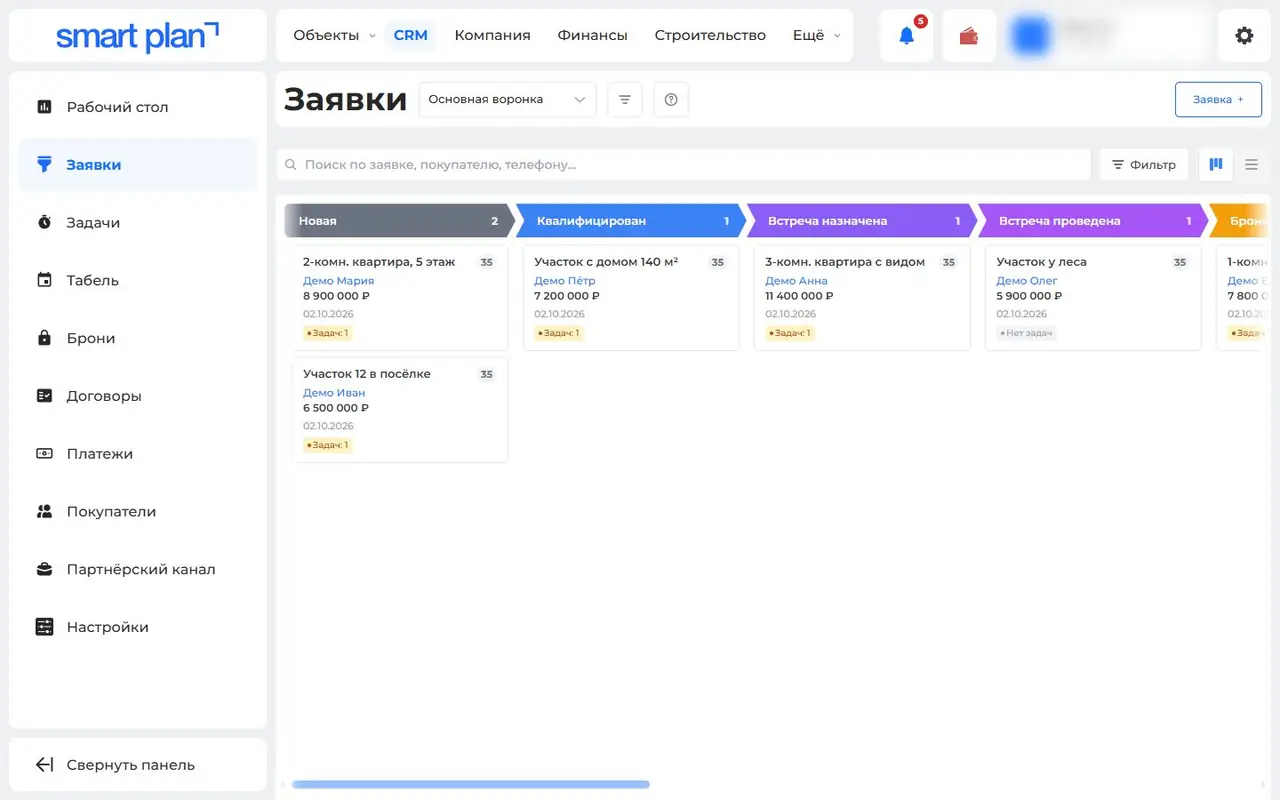
CRM for developers: from lead to sale
Website leads, sales stages and bookings in one CRM next to your stock and prices. No buyer is entered twice, and you see every deal’s stage.
What it gives you: All the work with a buyer is in one place. The manager sees what stage every deal is at.
-
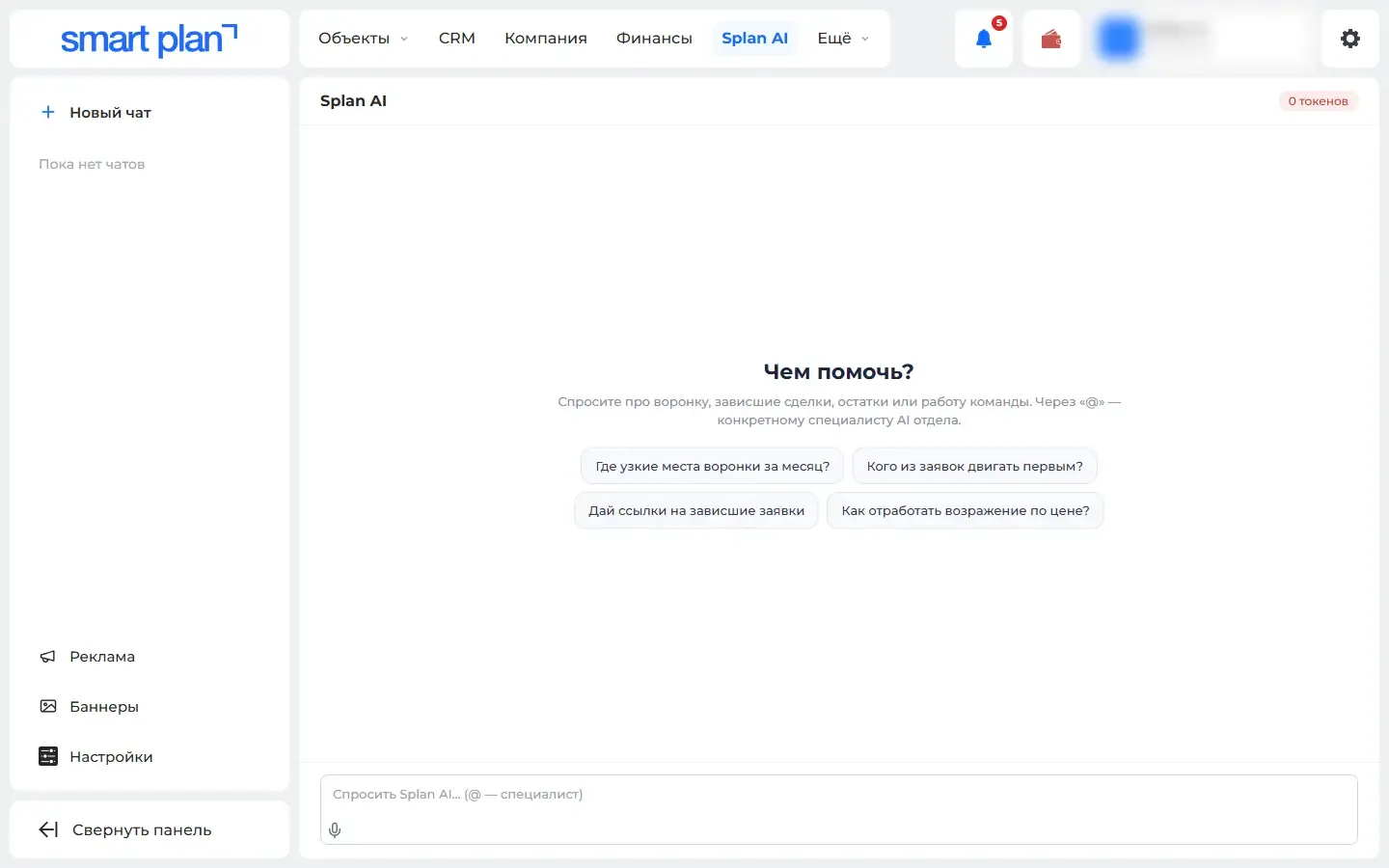
Splan AI: a manager’s assistant and ad images
A Splan AI assistant in lead, booking and buyer cards, plus ad banners, high-quality house images and presentations in minutes — built on your data.
What it gives you: Text, ad images and tips on a deal are ready in minutes — built on your own data.
-
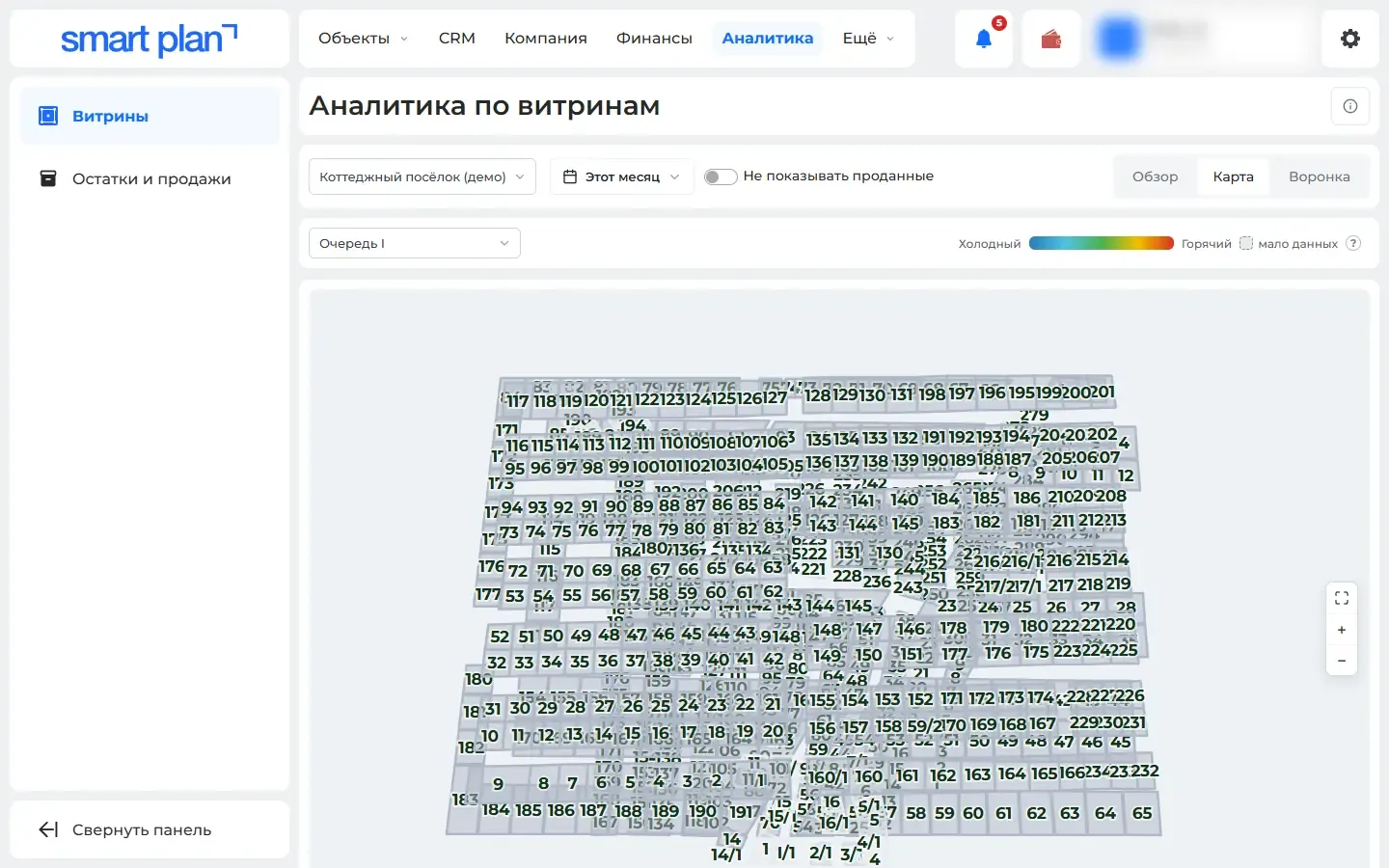
Heat map: which lots buyers want
The master plan and unit chart get colored by buyer interest: views, favorites, leads and showings. Change prices and ads based on facts, not guesswork.
What it gives you: You can change prices and ads based on facts, not guesswork.
-
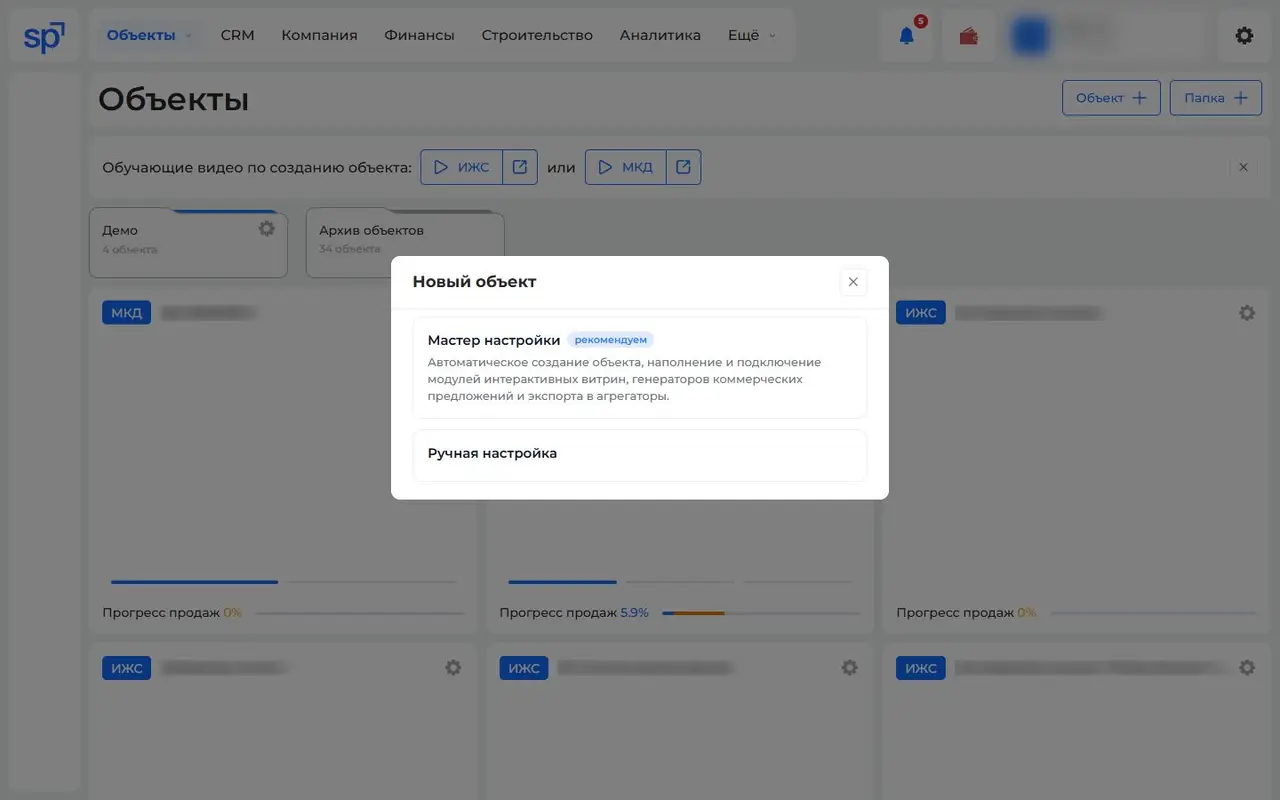
Setup wizard: a new property on the website in one pass
Six steps, and the property has a website master plan, an offer and a price list in your brand colors. Community plots are picked right on the cadastral map.
What it gives you: A new property starts collecting leads the same day, without a long manual setup.
-
A community master plan on a map with a "you are here" marker
The community master plan shows on a map or satellite image with layers for buildings, plots and utilities, and the buyer sees where they are standing.
What it gives you: Walking around the community, the buyer finds their plot using their phone, without a manager’s help.
-
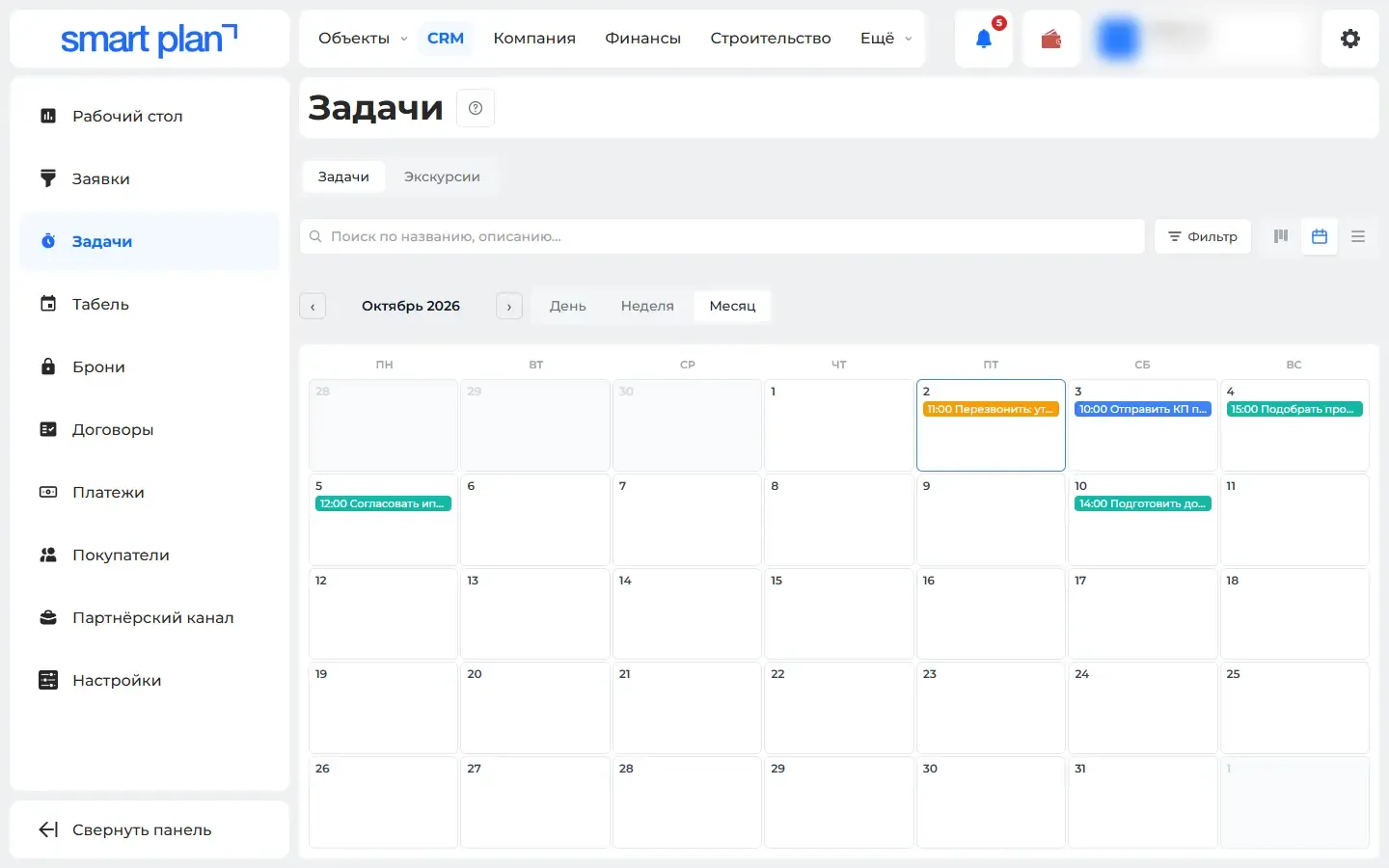
Tasks and property showings in a calendar
Calls and showings are planned straight from a lead and shown as a board, a calendar or a table, and the system reminds you ahead of time.
What it gives you: No call or showing gets lost. The manager sees how busy the team is.
-
Sales contracts from your own template
A contract is built from the deal using your Word template, saved as PDF, then goes through approval and signing — every contract’s status in one list.
What it gives you: The lawyer does not assemble the contract by hand. One list shows where every contract currently stands.
-
Sales through agencies, all in one place
Agents see your terms and claim buyers in the dashboard or via a Telegram or MAX bot, while commissions and documents are tracked in one place.
What it gives you: You see which agency brought the buyer and how much it is owed. Fewer disputes over whose client it was.
-
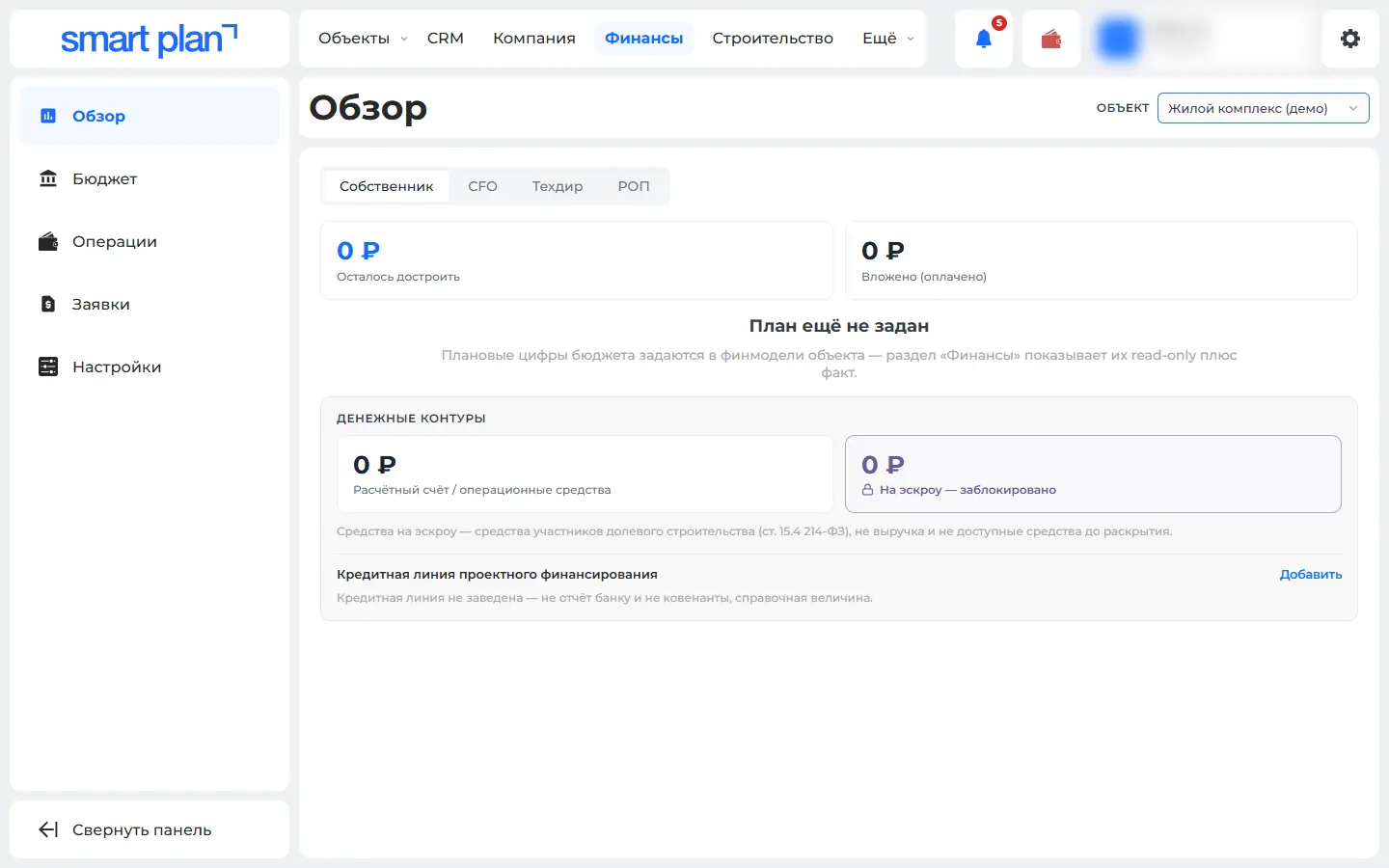
Finance: budget, actuals and a payment calendar
A budget by property, planned vs actual, and your bank statement sorts itself into categories. Payment requests are collected into a payment calendar.
What it gives you: You see how much was spent on each property and which payments are coming up — without a separate spreadsheet.
Nothing matches these filters
Remove some filters or ask us — we’ll help.
Demo
In a 30-minute demo we’ll set up the master plan and show you how to use it
We’ll set up at the meeting
- Master plan and unit chart
- Installation on your site
- Quote generator
- Price lists
- Feeds to listing portals
- Training